



LEGO Marvel’s Avengers Steam Account
د.ت 41,756
Rupture de stock
Rupture de stock
- Livraison instantanée (la clé est instantanément envoyée à votre adresse e-mail)
- Paiement sécurisé (Le paiement est sûr et sécurisé)
- Support (Nous sommes là pour vous aider en cas de besoin)
Description
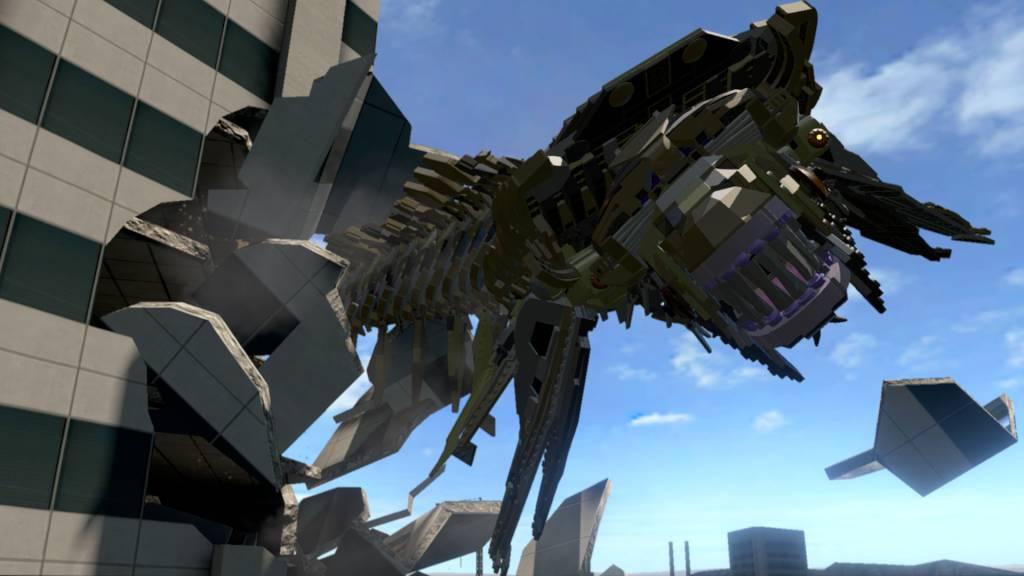
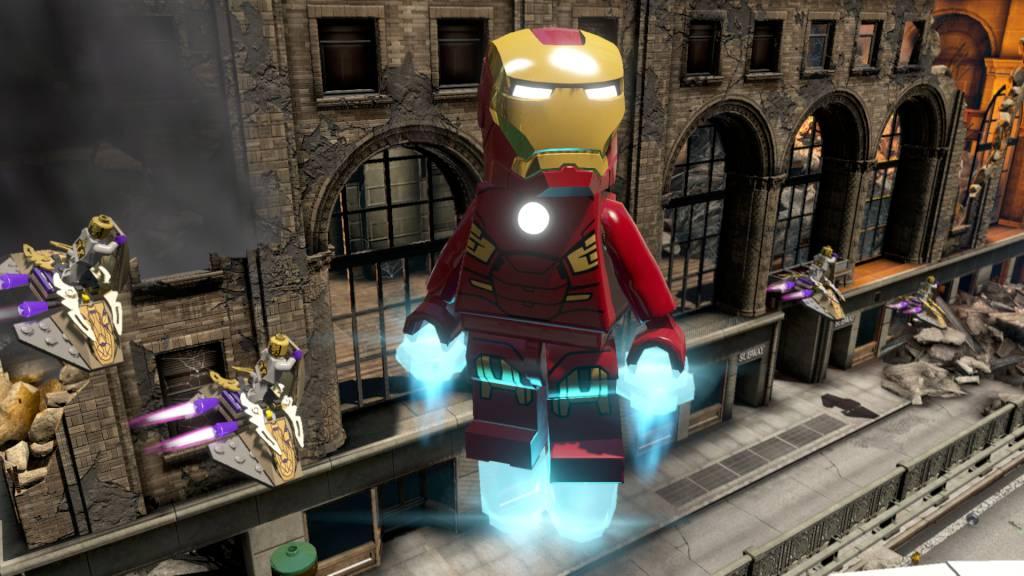
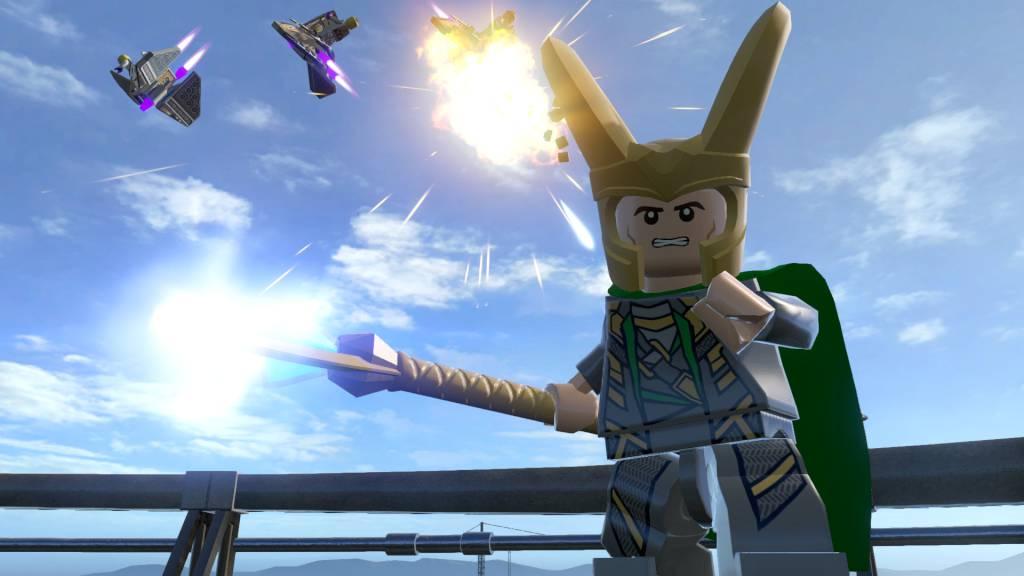
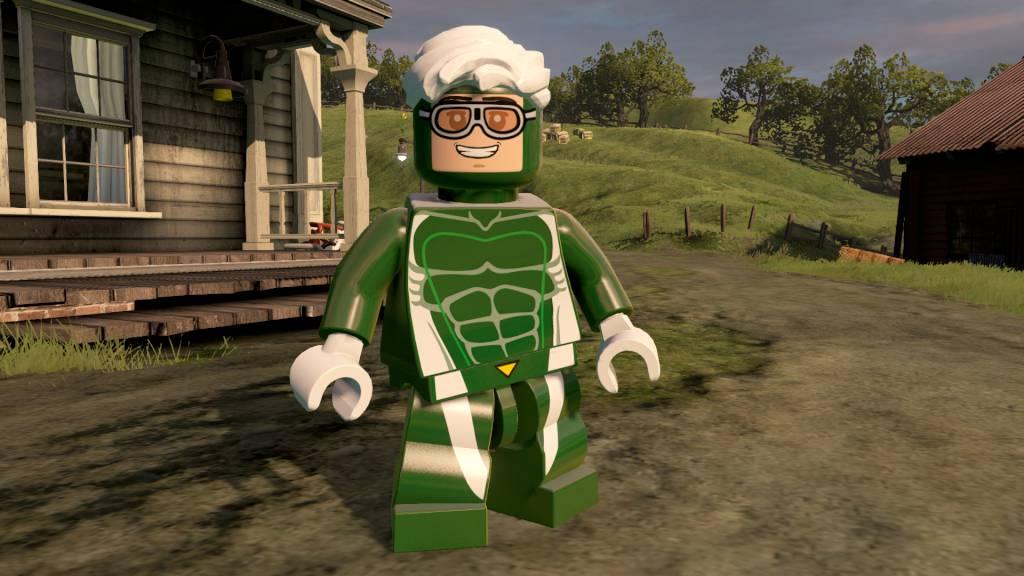
Avengers Assemble! The best-selling LEGO Marvel videogame franchise returns with a new action-packed, Super Hero adventure. Join the LEGO Marvel’s Avengers team and experience the first console videogame featuring characters and storylines from the critically-acclaimed film Marvel’s The Avengers, the blockbuster sequel Marvel’s Avengers: Age of Ultron, and more. Play as the most powerful Super Heroes in their quest to save the world.
Informations complémentaires
| Developers | Traveller's Tales, TT Fusion, TT Games |
|---|---|
| Publishers | Feral Interactive, Warner Bros. Entertainment Inc., WB Games |
| Genres | Action, Adventure |
| Platform | Steam |
| Languages | English |
| Date de sortie | 2016-01-26 |
| Steam | Oui |
| Classification par âge | PEGI 7 |
| Note métacritique | 64 |
| Limites régionales | 3 |
Windows
OS: Windows XP/Vista/7/8/10
Processor: Intel Core 2 Quad Q6600 (2.4 GHz) / AMD Phenom x4 9850 (2.5 GHz)
Memory: 4 GB RAM
Graphics: GeForce GT 430 (1024 MB)/ Radeon HD 6850 (1024 MB)
DirectX: Version 9.0c
Network: Broadband Internet connection
Storage: 14 GB available space
Sound Card: DirectX compatible
Additional Notes: Windows XP and DirectX® 9.0b and below not supported
Mac
OS: 10.10.5
Processor: 1.8 GHz
Memory: 4 GB RAM
Graphics: The following graphics cards are not supported: ATI X1xxx series, ATI HD2xxx series, Intel GMA series, NVIDIA 7xxx series and NVIDIA 8xxx series.
Storage: 15 GB available space
Additional Notes: This game is not currently supported on volumes formatted as Case-sensitive.
Go to: http://store.steampowered.com/ and download STEAM client
Click "Install Steam" (from the upper right corner)
Install and start application, login with your Account name and Password (create one if you don't have).
Please follow these instructions to activate a new retail purchase on Steam:
Launch Steam and log into your Steam account.
Click the Games Menu.
Choose Activate a Product on Steam...
Follow the onscreen instructions to complete the process.
After successful code verification go to the "MY GAMES" tab and start downloading.
Click "Install Steam" (from the upper right corner)
Install and start application, login with your Account name and Password (create one if you don't have).
Please follow these instructions to activate a new retail purchase on Steam:
Launch Steam and log into your Steam account.
Click the Games Menu.
Choose Activate a Product on Steam...
Follow the onscreen instructions to complete the process.
After successful code verification go to the "MY GAMES" tab and start downloading.
Jeux similaires




Avis
Il n'y a pas encore d'avis.