
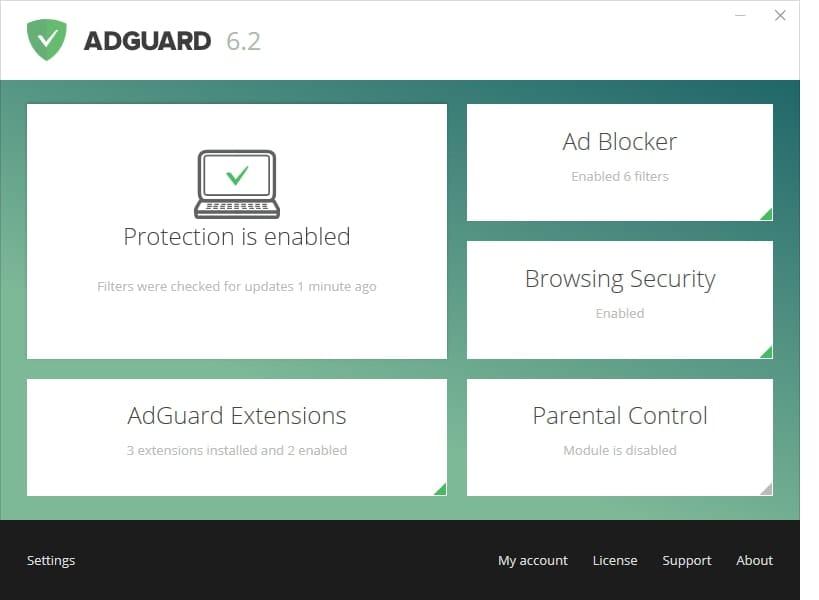
AdGuard Standard protection Key (5 Years / 3 Devices)
د.ت 31,584
Rupture de stock
AdGuard Standard protection Key (5 Years / 3 Devices), un produit numérique de qualité.
Livraison instantanée et support client dédié sur TuniGamers !
Rupture de stock
- Livraison instantanée (la clé est instantanément envoyée à votre adresse e-mail)
- Paiement sécurisé (Le paiement est sûr et sécurisé)
- Support (Nous sommes là pour vous aider en cas de besoin)
Description
AdGuard Standard protection Key (5 Years / 3 Devices) est un produit de qualité disponible sur TuniGamers.
Profitez d’une livraison rapide et d’un support client exceptionnel pour tous vos besoins numériques.
Pourquoi choisir TuniGamers ?
- Prix imbattables : Des produits numériques aux meilleurs tarifs en Tunisie.
- Livraison instantanée : Recevez vos clés ou produits immédiatement après achat.
- 100% sécurisé : Profitez de produits authentiques pour toutes les plateformes.
- Support client exceptionnel : Une équipe disponible pour répondre à vos besoins.
Informations complémentaires
| Genres | Software |
|---|---|
| Platform | Other |
| Languages | English |
| Limites régionales | 3 |
Windows
Operating system: Microsoft Windows 10, 8.1, 8, 7, Vista, XP SP3.
RAM: at least 512 MB.
Free disk space: 60 Mbytes.
Browsers: Microsoft Edge, Microsoft Internet Explorer (all versions), Opera, Google Chrome, Yandex.Browser, Mozilla Firefox, and other browsers.
Mac
Operating system version: OS X 10.7 (64 bit) or higher
RAM: at least 2 GB
Browsers: Safari, Google Chrome, Opera, Yandex.Browser, Mozilla Firefox, any other macOS compatible browser
Free disk space: 60 Mbytes
To use AdGuard on a PC or tablet under Microsoft Windows, you should download the installation package and launch the installation program. actions:
Open your browser and proceed to the AdGuard website by typing AdGuard.com in the address bar, and then click DOWNLOAD.
Activating AdGuard for Windows
Open the program
Choose 'License' inset in program's menu
Enter your license key and click on 'Activate license' button
Activating AdGuard for Mac
Open AdGuard menu
To do it, click on the AdGuard icon in the menu bar:
Open options menu by clicking on gear icon and choose 'License...'
In the opened window enter your license key and press 'Activate license key'.
Open your browser and proceed to the AdGuard website by typing AdGuard.com in the address bar, and then click DOWNLOAD.
Activating AdGuard for Windows
Open the program
Choose 'License' inset in program's menu
Enter your license key and click on 'Activate license' button
Activating AdGuard for Mac
Open AdGuard menu
To do it, click on the AdGuard icon in the menu bar:
Open options menu by clicking on gear icon and choose 'License...'
In the opened window enter your license key and press 'Activate license key'.
Jeux similaires



Articles récemment consultés




Avis
Il n'y a pas encore d'avis.