

Coffee Talk Steam Altergift
د.ت 66,065
Rupture de stock
Rupture de stock
- Livraison instantanée (la clé est instantanément envoyée à votre adresse e-mail)
- Paiement sécurisé (Le paiement est sûr et sécurisé)
- Support (Nous sommes là pour vous aider en cas de besoin)
Description
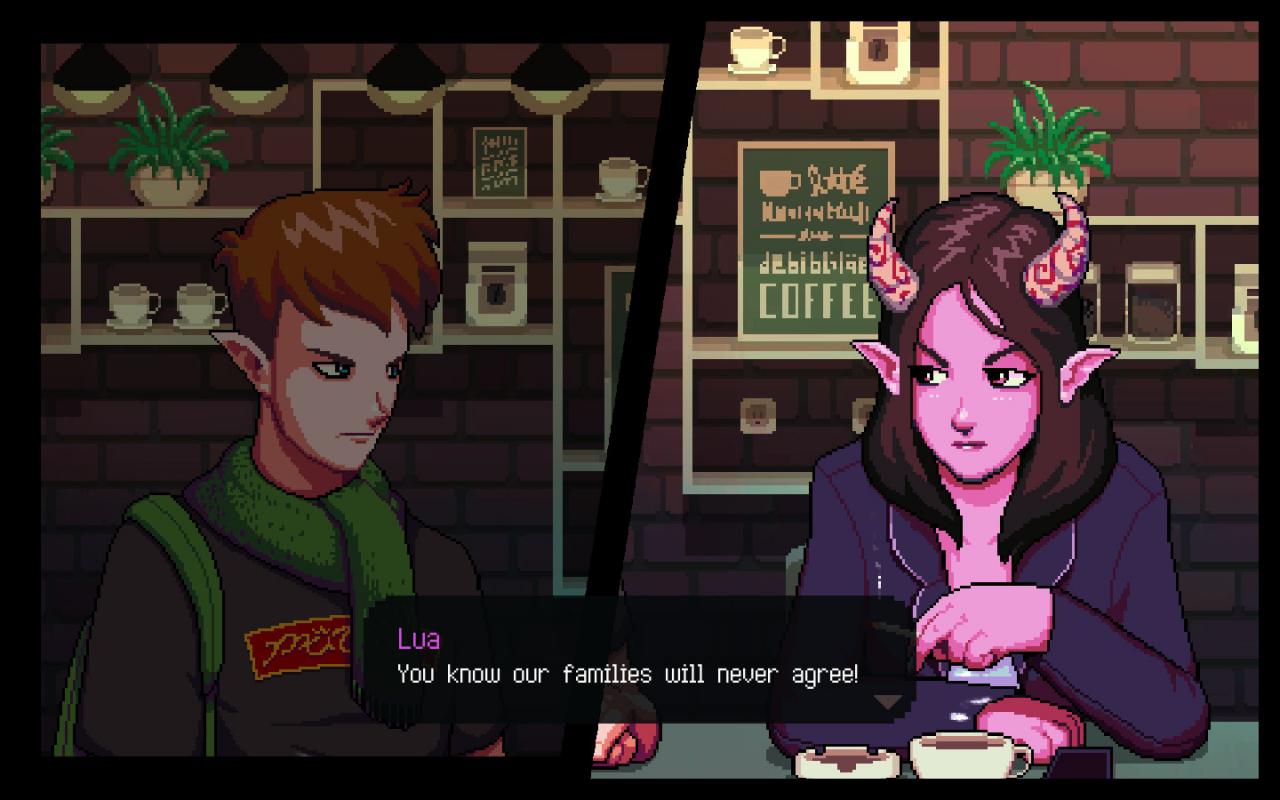
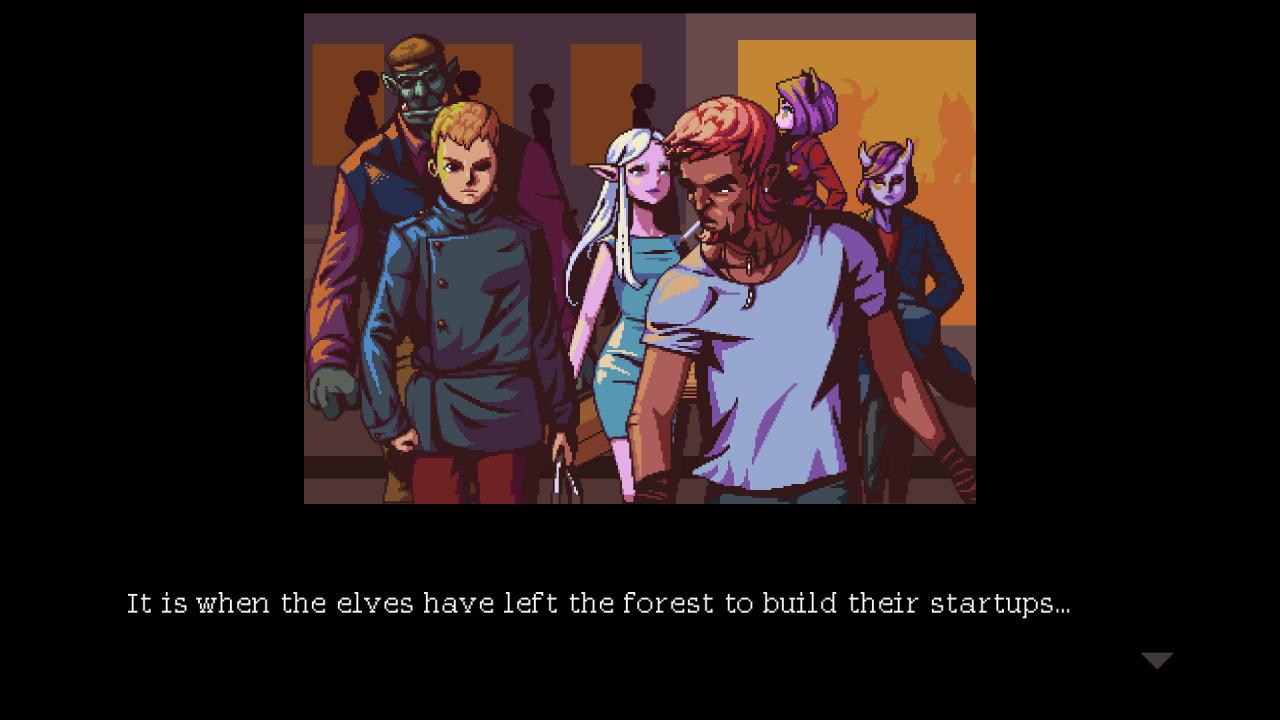
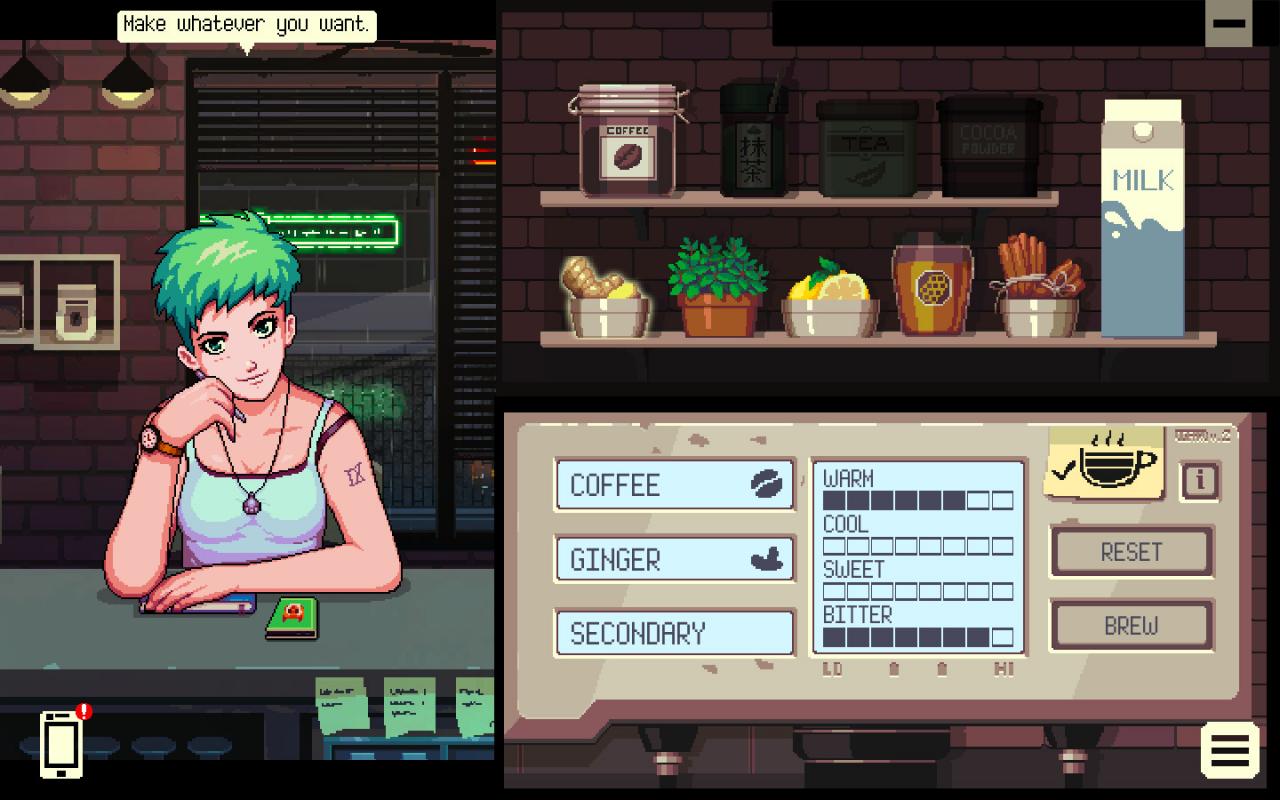
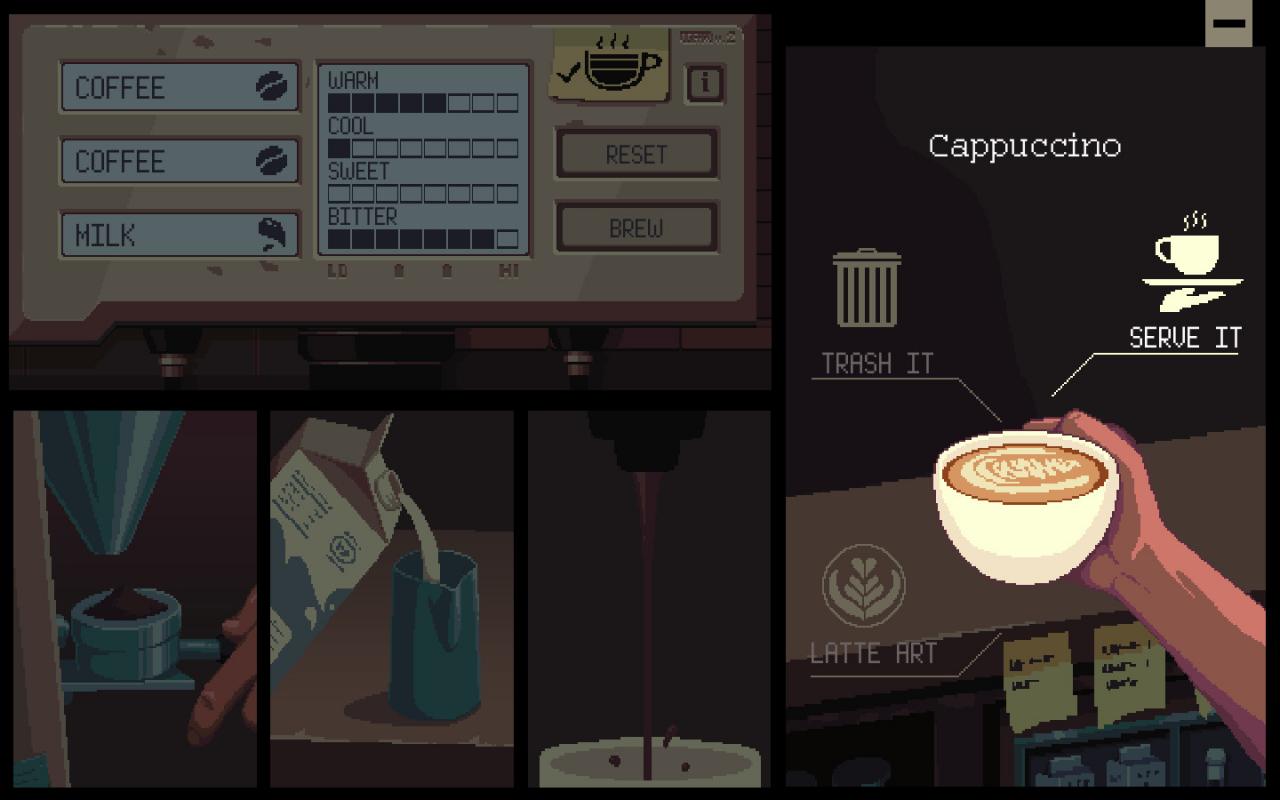
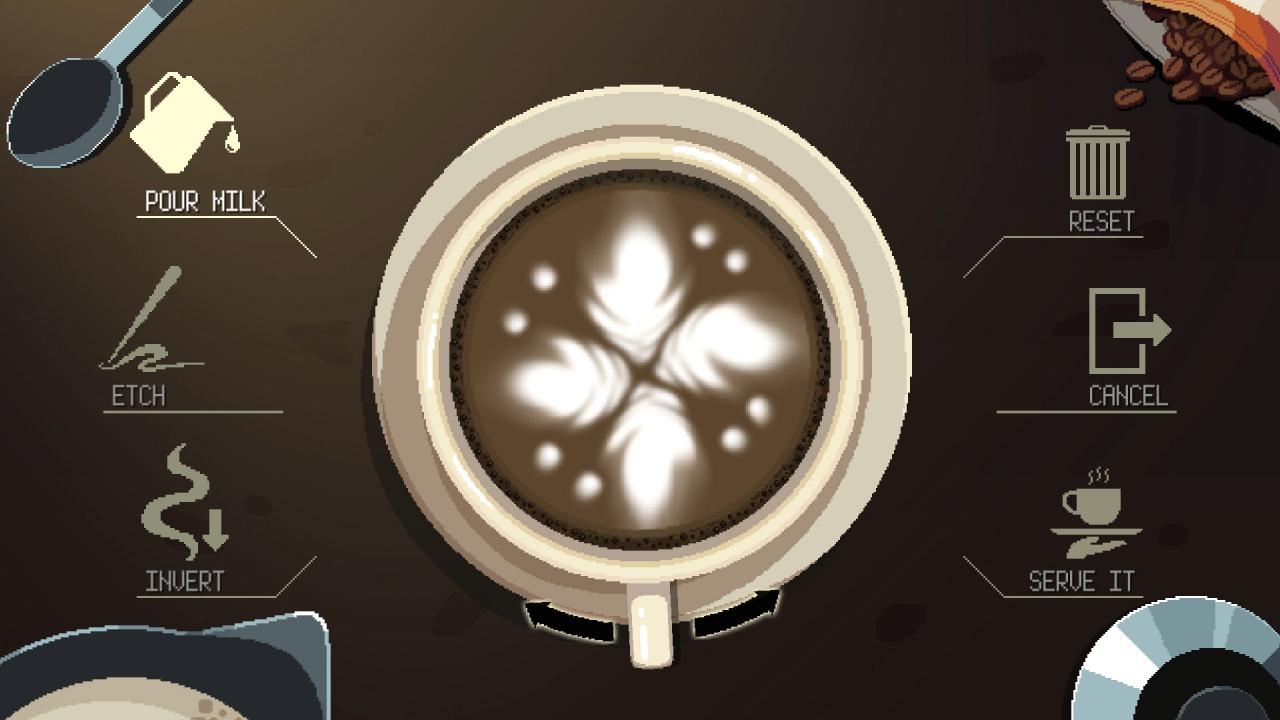
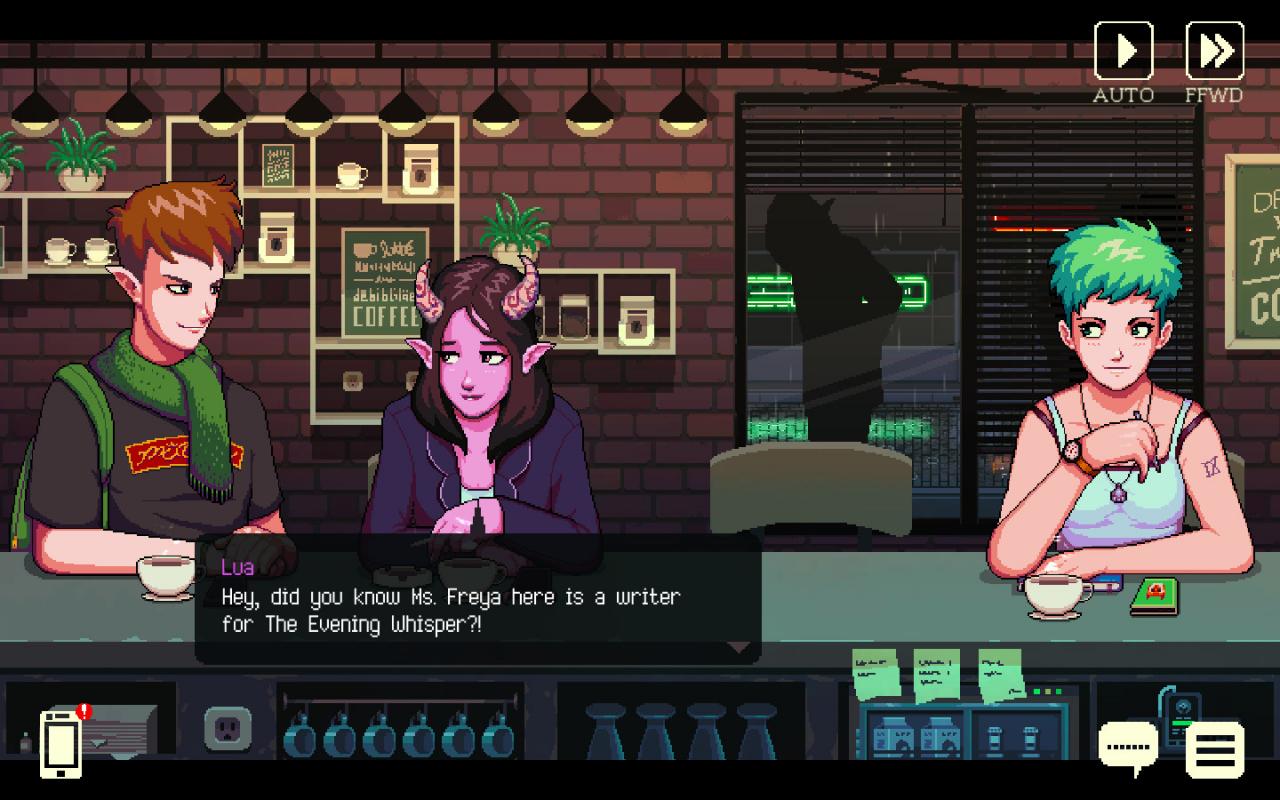
Coffee Talk is a coffee brewing and heart-to-heart talking simulator about listening to fantasy-inspired modern peoples’ problems, and helping them by serving up a warm drink or two.
Informations complémentaires
| Developers | Toge Productions |
|---|---|
| Publishers | Chorus Worldwide Games Limited, Toge Productions |
| Genres | Adventure, Casual, Indie, Visual Novel |
| Platform | Steam |
| Languages | Chinese, English, French, German, Japanese, Korean |
| Date de sortie | 2020-01-29 |
| Steam | Oui |
| Classification par âge | PEGI 3 |
| Note métacritique | 70 |
| Limites régionales | 3 |
Windows
OS: Windows 7 SP1+
Processor: 2.4 GHz or faster processor
Memory: 2 GB RAM
Graphics: 512 MB display memory
DirectX: Version 9.0c
Storage: 600 MB available space
Sound Card: Stereo
Mac
OS: Mac OS X 10.5
Processor: 2.33 GHz or faster processor
Memory: 2 GB RAM
Graphics: 512 MB display memory
Storage: 600 MB available space
Sound Card: Stereo
Go to: http://store.steampowered.com/ and download STEAM client
Click "Install Steam" (from the upper right corner)
Install and start application, login with your Account name and Password (create one if you don't have).
Please follow these instructions to activate a new retail purchase on Steam:
Launch Steam and log into your Steam account.
Click the Games Menu.
Choose Activate a Product on Steam...
Follow the onscreen instructions to complete the process.
After successful code verification go to the "MY GAMES" tab and start downloading.
Click "Install Steam" (from the upper right corner)
Install and start application, login with your Account name and Password (create one if you don't have).
Please follow these instructions to activate a new retail purchase on Steam:
Launch Steam and log into your Steam account.
Click the Games Menu.
Choose Activate a Product on Steam...
Follow the onscreen instructions to complete the process.
After successful code verification go to the "MY GAMES" tab and start downloading.
Jeux similaires






Avis
Il n'y a pas encore d'avis.