
Diminutive Steam CD Key
- Livraison instantanée (la clé est instantanément envoyée à votre adresse e-mail)
- Paiement sécurisé (Le paiement est sûr et sécurisé)
- Support (Nous sommes là pour vous aider en cas de besoin)
Description
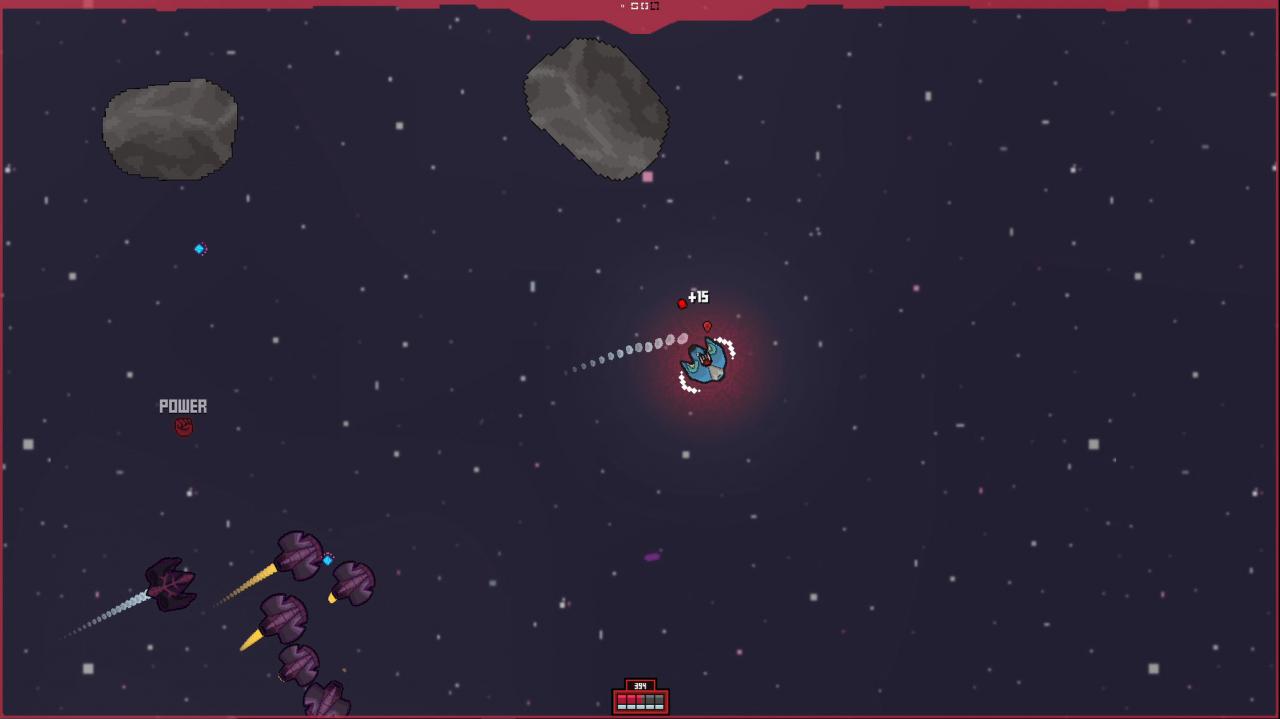
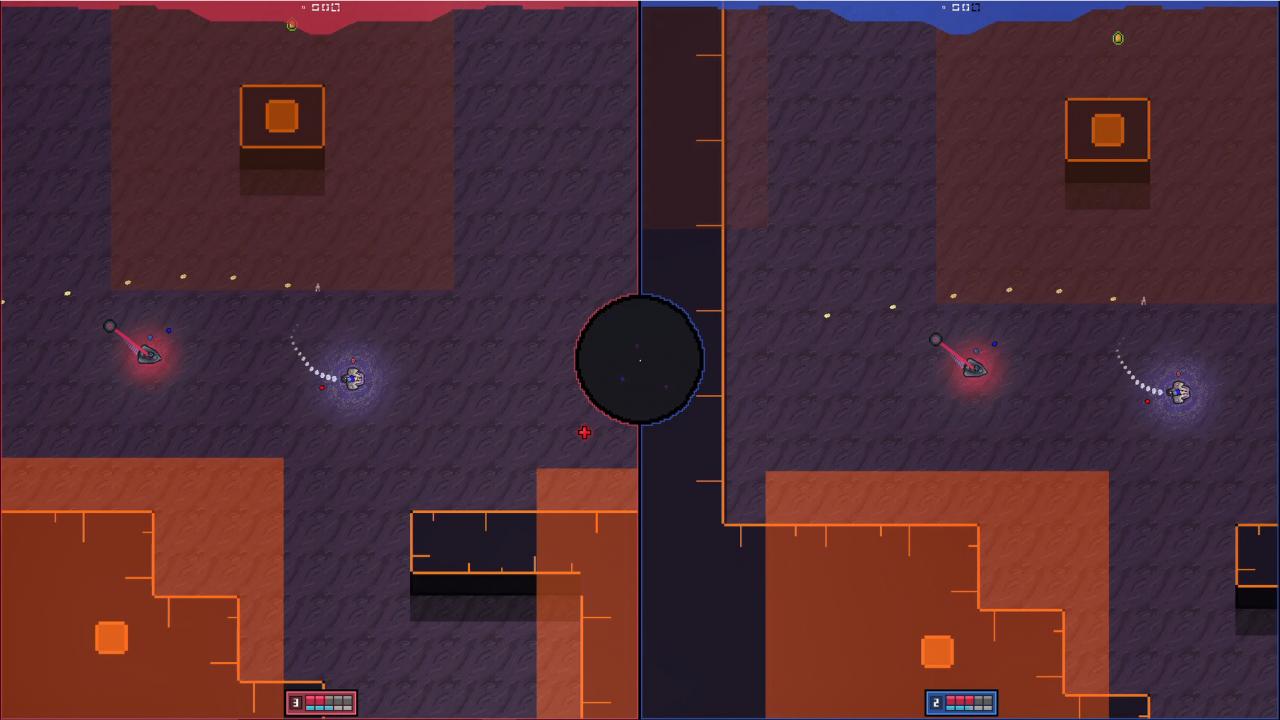
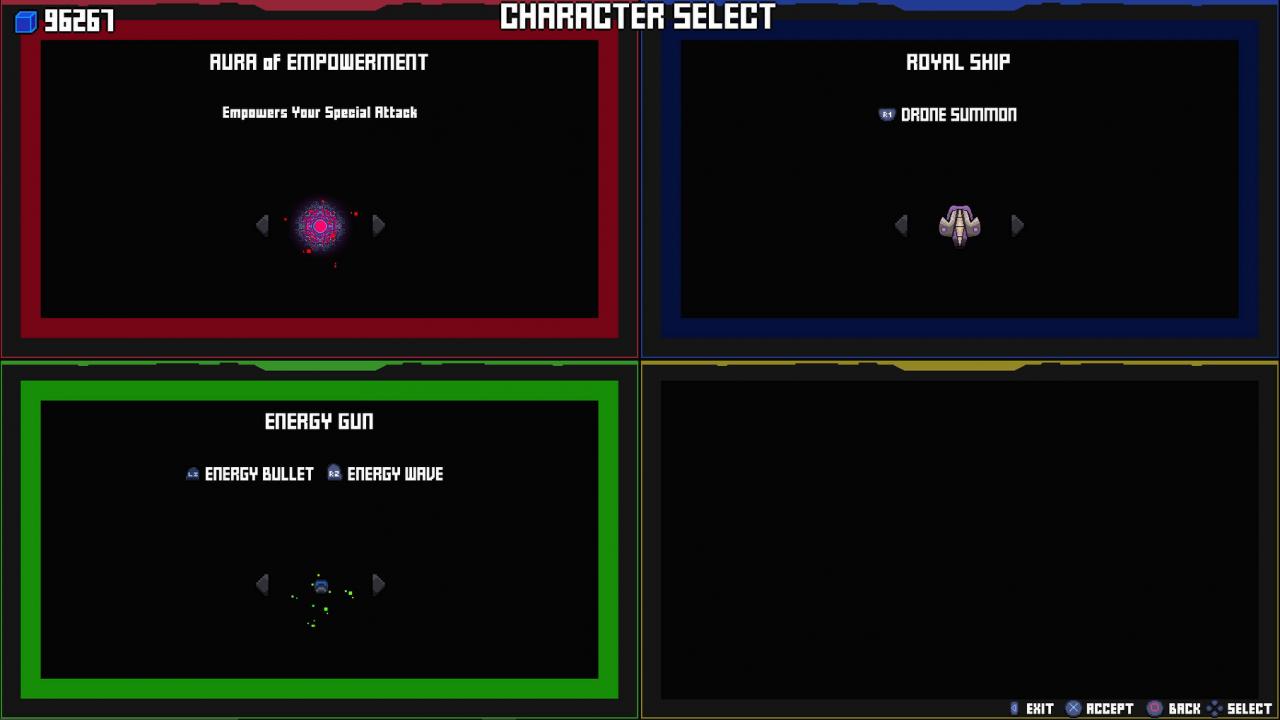
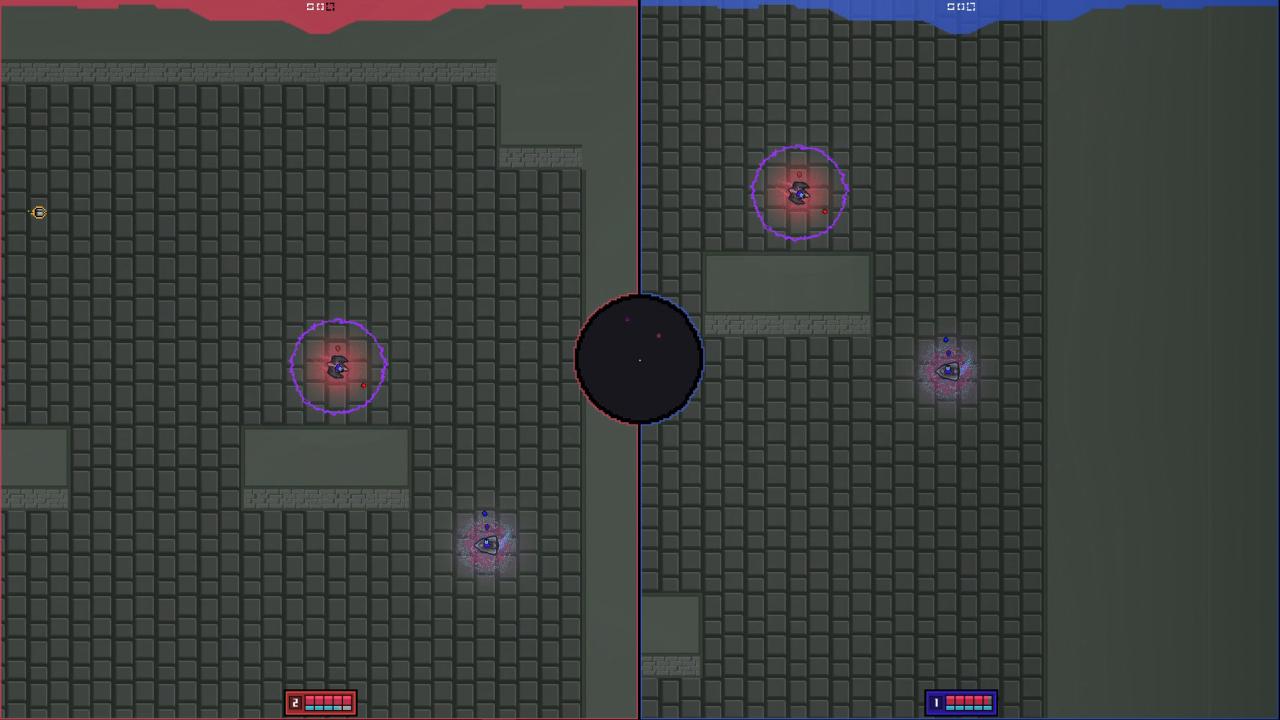
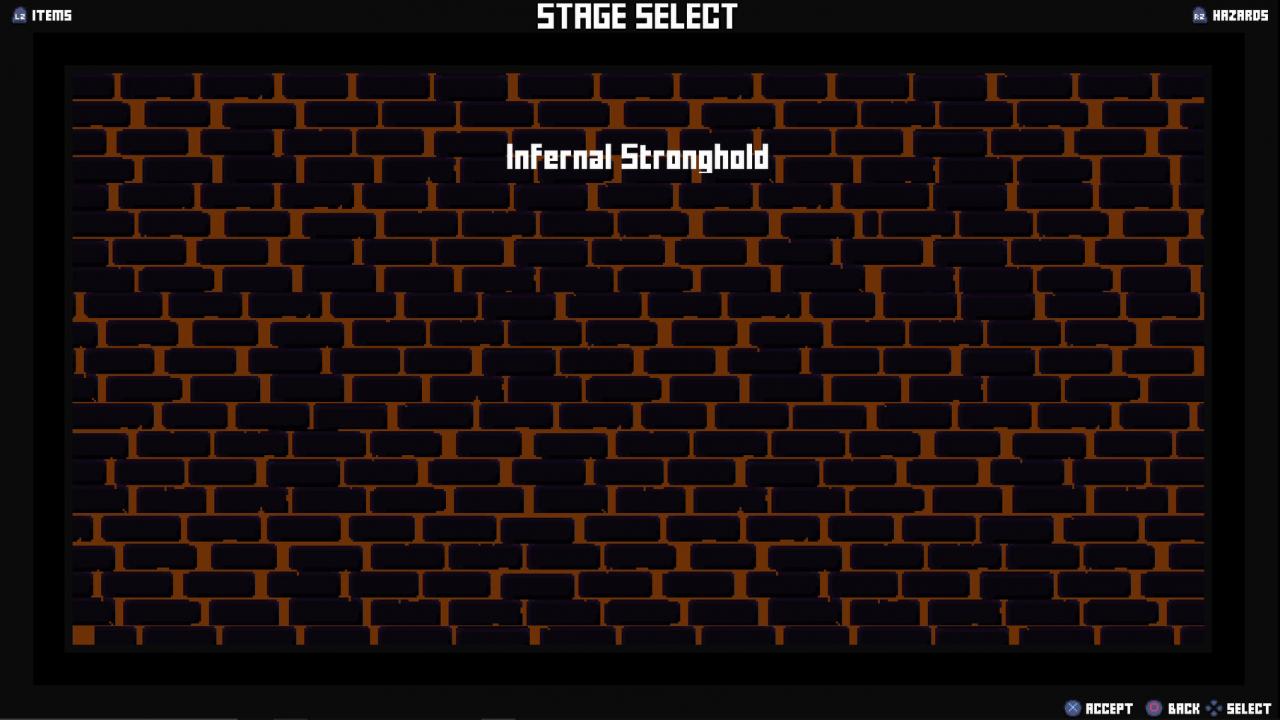
Diminutive is currently being tested in the Multiplayer Edition of the game, allowing players to fight against one another in vs mode battles, customizing their races, ships, guns and special auras to create a play-style that works for them. We are also allowing players to access Invasion Mode, becoming a cooperative combat unit, fighting off the hoards of cursed ships, trying to take over the galaxies. The Multiplayer Edition of the game will offer modes to play ranging from 1 – 4 Players. Vs Mode (2-4 Players): In this mode you will go through the regular multiplayer customization screen listed above, followed by selecting between multiple game modes, such as Deathmatch, Stock Mode and more. You will also have various options of maps and rules to choose from,such as time limits, score points, team battling, etc. Invasion Mode (1-4 Players): For the "invasion" you will once again be able to customize your load-out how you desire and will then have to fight alongside your companions in various locations to find success through defeating waves of enemy/taken over ships. Collect points, upgrade your stats and DON'T DIE!
Informations complémentaires
| Developers | Boundless Studios |
|---|---|
| Genres | Action, Adventure, Casual, Indie, RPG |
| Platform | Steam |
| Languages | English |
| Date de sortie | 2019-06-25 |
| Steam | Oui |
| Limites régionales | 3 |
- OS
- Microsoft® Windows® XP / Vista / 7
- Processor
- 1.2GHz
- Memory
- 1 GB RAM
- Graphics
- DirectX 8-compatible graphics card with at least 32MB of video memory
- DirectX
- Version 9.0
- Storage
- 250 MB available space
Click "Install Steam" (from the upper right corner)
Install and start application, login with your Account name and Password (create one if you don't have).
Please follow these instructions to activate a new retail purchase on Steam:
Launch Steam and log into your Steam account.
Click the Games Menu.
Choose Activate a Product on Steam...
Follow the onscreen instructions to complete the process.
After successful code verification go to the "MY GAMES" tab and start downloading.
Jeux similaires




Articles récemment consultés

Avis
Il n'y a pas encore d'avis.