
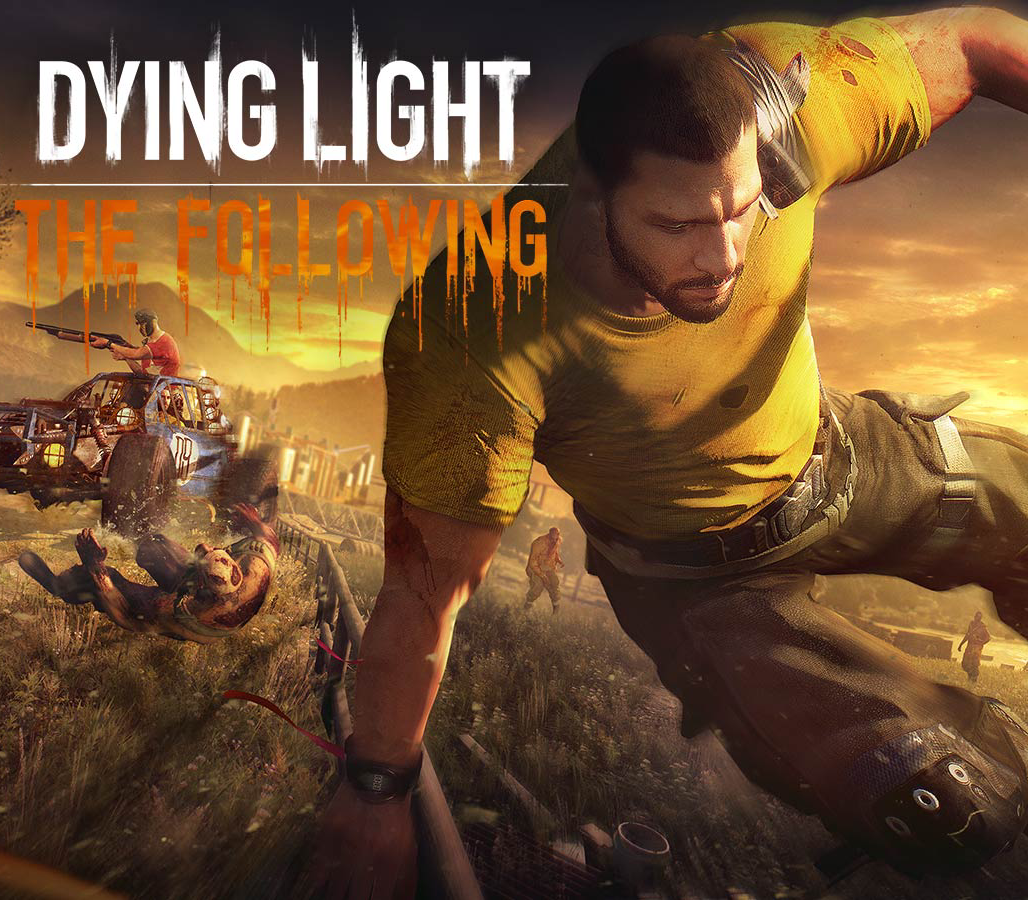

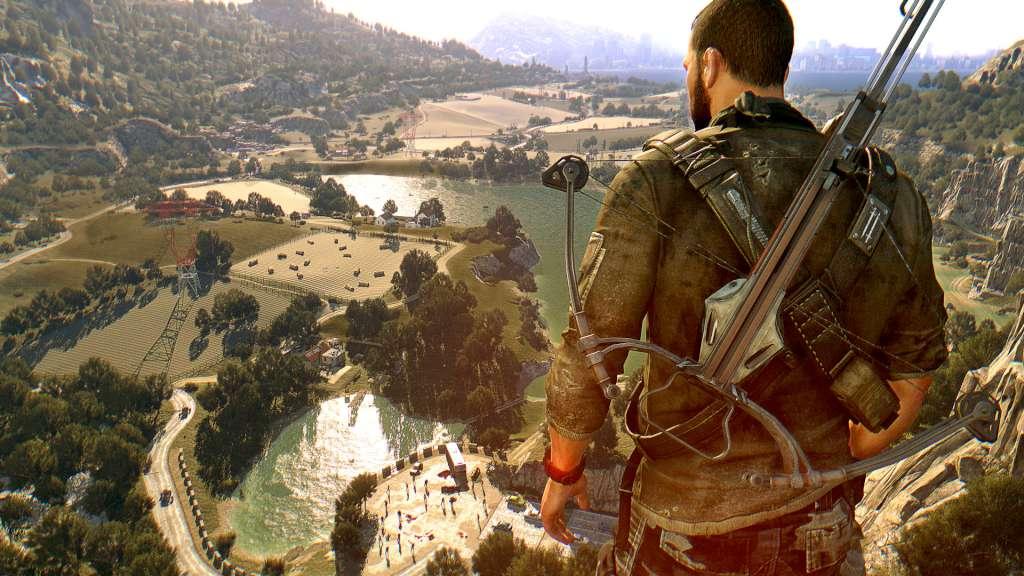
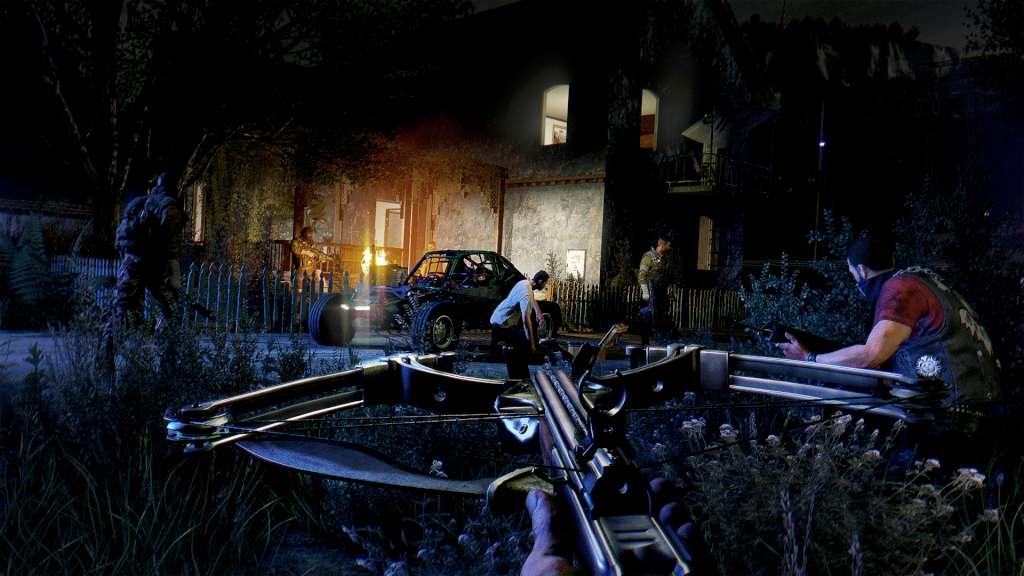

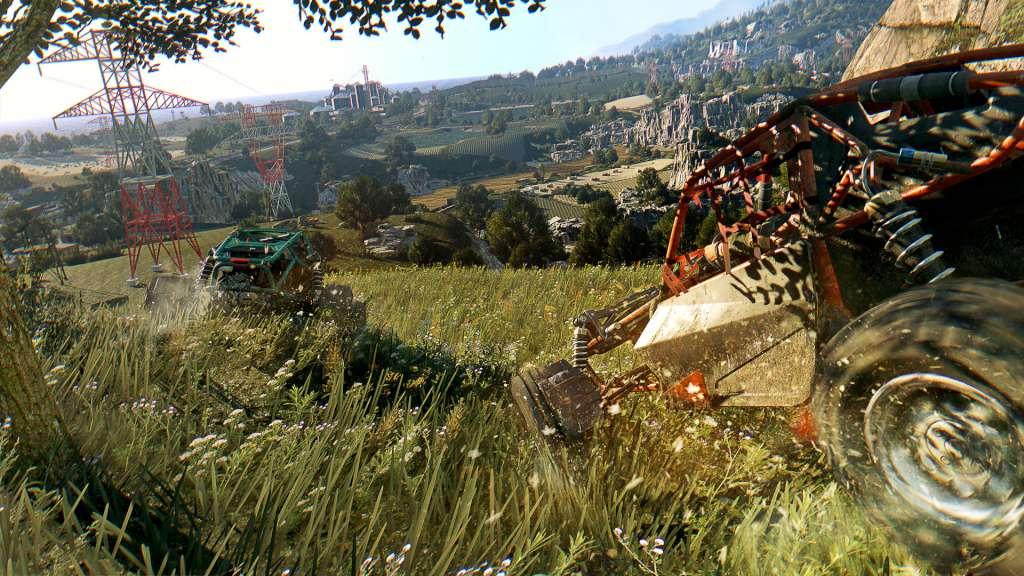
Dying Light – The Following Expansion Pack DLC Uncut EN Language Only Steam CD Key
د.ت 10,530
Rupture de stock
Rupture de stock
- Livraison instantanée (la clé est instantanément envoyée à votre adresse e-mail)
- Paiement sécurisé (Le paiement est sûr et sécurisé)
- Support (Nous sommes là pour vous aider en cas de besoin)
Informations complémentaires
| Genres | Action, FPS, Horror, RPG, Survival |
|---|---|
| Platform | Steam |
| Languages | English |
| Date de sortie | 2016-02-09 |
| Steam | Oui |
| Classification par âge | PEGI 18 |
| Note métacritique | 79 |
| Limites régionales | 10 |
Linux
OS: Ubuntu 14.04 64-bit and newer recommended
Processor: Intel® Core™ i5-2500 @3.3 GHz / AMD FX-8320 @3.5 GHz
Memory: 8 GB RAM DDR3
Hard Drive: 40 GB free space
Graphics: NVIDIA® GeForce® GTX 560 / AMD Radeon™ HD 6870 (1GB VRAM)
Additional Notes: JFS and XFS file systems are not supported
Mac
OS: macOS Sierra 10.12.1
Processor: Intel® Core™ i5 @3.20GHz
Memory: 4 GB RAM DDR3
Hard Drive: 40 GB free space
Graphics: AMD Radeon™ R9 M370X (2GB VRAM)
Additional Notes: Only AMD Radeon™ graphics cards are officially supported.
Windows
OS: Windows® 7 64-bit / Windows® 8 64-bit / Windows® 8.1 64-bit
Processor: Intel® Core™ i5-2500 @3.3 GHz / AMD FX-8320 @3.5 GHz
Memory: 8 GB RAM DDR3
Hard Drive: 40 GB free space
Graphics: NVIDIA® GeForce® GTX 560 / AMD Radeon™ HD 6870 (1GB VRAM)
DirectX®: Version 11
Sound: DirectX® compatible
Additional Notes: Laptop versions of graphics cards may work but are NOT officially supported.Windows-compatible keyboard, mouse, optional controller (Xbox 360 Controller for Windows recommended)
Go to: http://store.steampowered.com/ and download STEAM client
Click "Install Steam" (from the upper right corner)
Install and start application, login with your Account name and Password (create one if you don't have).
Please follow these instructions to activate a new retail purchase on Steam:
Launch Steam and log into your Steam account.
Click the Games Menu.
Choose Activate a Product on Steam...
Follow the onscreen instructions to complete the process.
After successful code verification go to the "MY GAMES" tab and start downloading.
Click "Install Steam" (from the upper right corner)
Install and start application, login with your Account name and Password (create one if you don't have).
Please follow these instructions to activate a new retail purchase on Steam:
Launch Steam and log into your Steam account.
Click the Games Menu.
Choose Activate a Product on Steam...
Follow the onscreen instructions to complete the process.
After successful code verification go to the "MY GAMES" tab and start downloading.
Jeux similaires





Articles récemment consultés
Il ne reste que 1 en stock
Fortnite – Metalcore Mina Pack US XBOX One / Xbox Series X|S CD Key
د.ت 357,225
Il ne reste que 1 en stock
Fortnite – Saint Academy Quest Pack AR XBOX One / Xbox Series X|S CD Key
د.ت 212,713
Il ne reste que 1 en stock
Warhammer 40,000: Rogue Trader – Deluxe Pack DLC US Xbox Series X|S CD Key
د.ت 41,776

Avis
Il n'y a pas encore d'avis.