


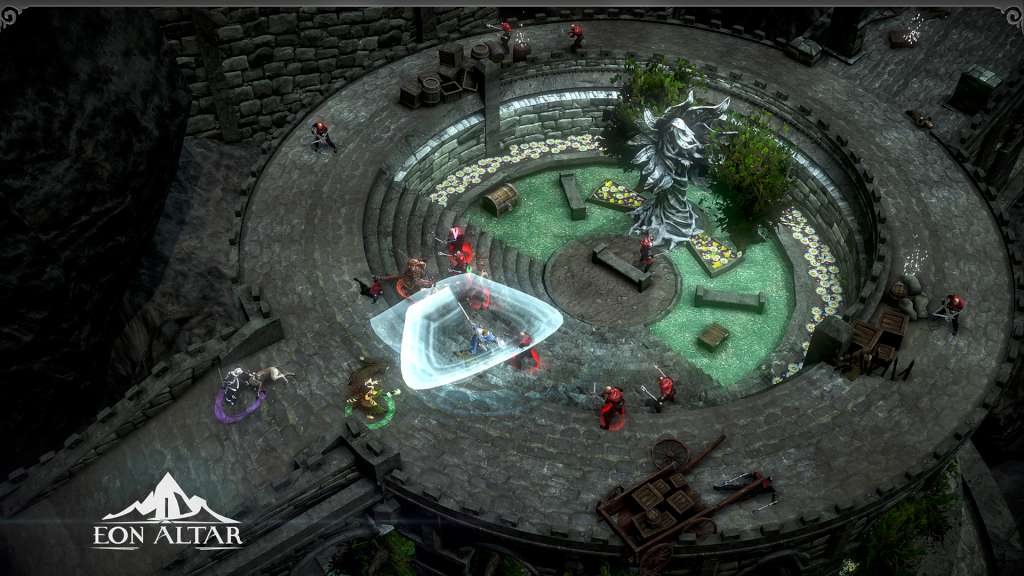
Eon Altar: Episode 2 – Whispers in the Catacombs DLC Steam CD Key
د.ت 20,025
En stock
En stock
- Livraison instantanée (la clé est instantanément envoyée à votre adresse e-mail)
- Paiement sécurisé (Le paiement est sûr et sécurisé)
- Support (Nous sommes là pour vous aider en cas de besoin)
Description
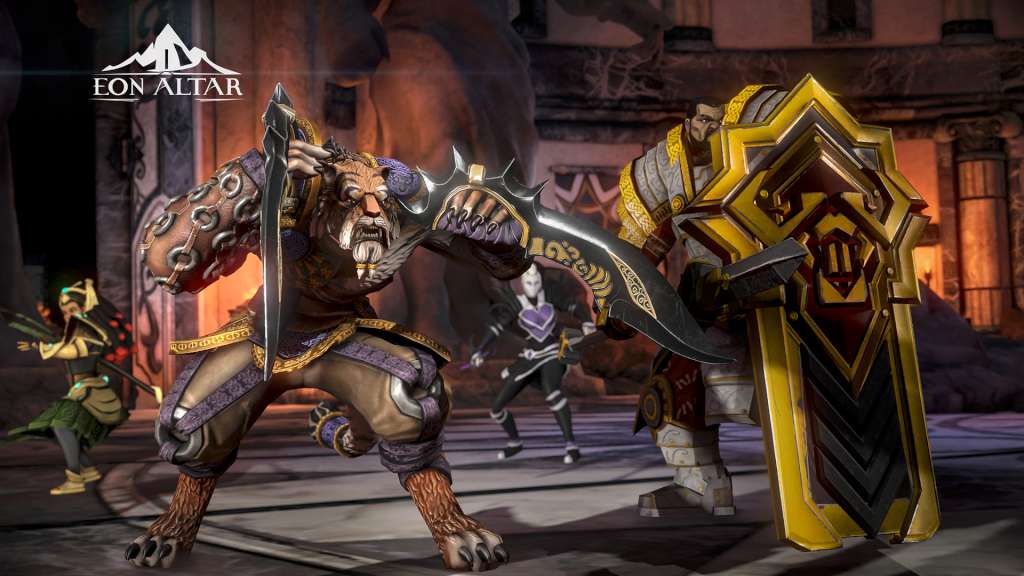
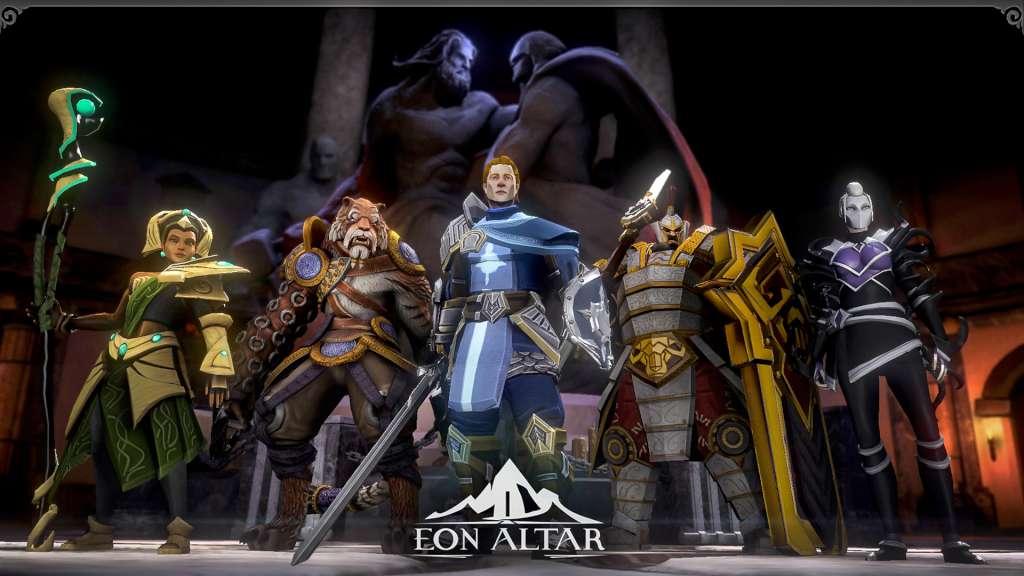
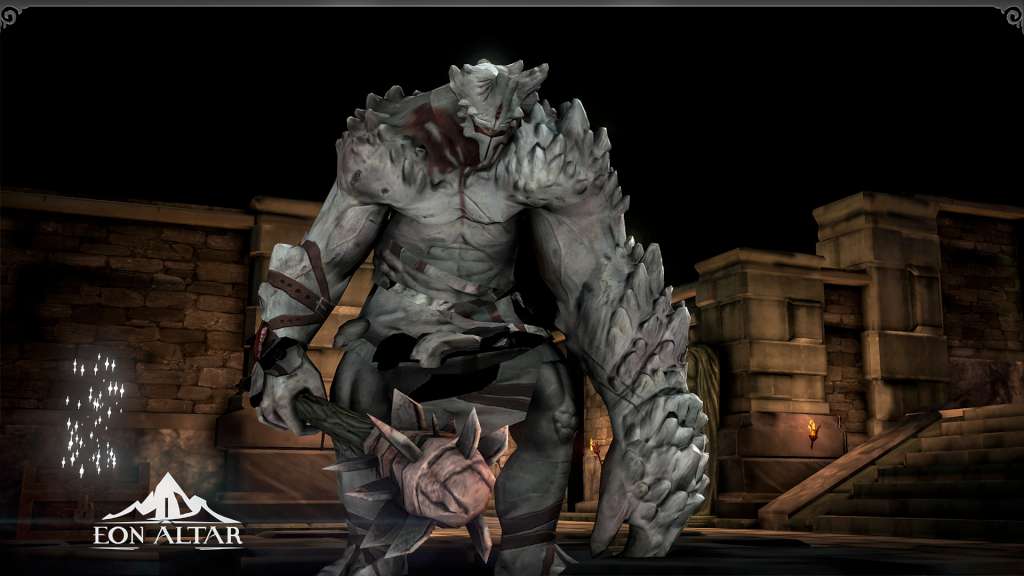
The Siege of Tarnum has been broken: the remaining sellsword forces are scattered and their commander defeated. Having dealt with the Wolf of Yriel, your commitment to the Brotherhood of Keepers has been fulfilled. However, your victory is short lived. Cultists wielding the chaotic forces of their shattered god are waking the dead beneath Tarnum, twisting their forms and warping their minds into madness.
Informations complémentaires
| Genres | Action, Adventure, Indie, RPG |
|---|---|
| Platform | Steam |
| Languages | English |
| Date de sortie | 2016-10-06 |
| Steam | Oui |
| Limites régionales | 3 |
Windows
- OS
- Windows Vista / Windows 7
- Processor
- 2.4 GHz Dual Core
- Memory
- 4 GB RAM
- Graphics
- 512 MB NVIDIA GeForce 9800 / ATI Radeon HD 2600 XT
- DirectX
- Version 9.0
- Storage
- 4 GB available space
- Sound Card
- Direct X compatible
- Additional Notes
- Local WiFi Connection
Mac
- OS
- OS X 10.8.5
- Processor
- Intel Core i5 @ 2.5Ghz
- Memory
- 4 GB RAM
- Graphics
- Intel Iris 1536 MB
- Storage
- 4 GB available space
- Additional Notes
- Local WiFi Connection
iOS
- iOS
- iPhone 4s or later, iPad Mini, iPad 2 or later. Requires iOS8 or later.
Android
- Android
- 512mb of RAM and Jellybean 4.1 or later.
Go to: http://store.steampowered.com/ and download STEAM client
Click "Install Steam" (from the upper right corner)
Install and start application, login with your Account name and Password (create one if you don't have).
Please follow these instructions to activate a new retail purchase on Steam:
Launch Steam and log into your Steam account.
Click the Games Menu.
Choose Activate a Product on Steam...
Follow the onscreen instructions to complete the process.
After successful code verification go to the "MY GAMES" tab and start downloading.
Click "Install Steam" (from the upper right corner)
Install and start application, login with your Account name and Password (create one if you don't have).
Please follow these instructions to activate a new retail purchase on Steam:
Launch Steam and log into your Steam account.
Click the Games Menu.
Choose Activate a Product on Steam...
Follow the onscreen instructions to complete the process.
After successful code verification go to the "MY GAMES" tab and start downloading.
Jeux similaires





Avis
Il n'y a pas encore d'avis.