
Kaspersky VPN Secure Connection 2023 Key (1 Year / 5 PCs)
د.ت 84,138
En stock
Kaspersky VPN Secure Connection 2023 Key (1 Year / 5 PCs), un produit numérique de qualité.
Livraison instantanée et support client dédié sur TuniGamers !
En stock
- Livraison instantanée (la clé est instantanément envoyée à votre adresse e-mail)
- Paiement sécurisé (Le paiement est sûr et sécurisé)
- Support (Nous sommes là pour vous aider en cas de besoin)
Description
Kaspersky VPN Secure Connection 2023 Key (1 Year / 5 PCs) est un produit de qualité disponible sur TuniGamers.
Profitez d’une livraison rapide et d’un support client exceptionnel pour tous vos besoins numériques.
Pourquoi choisir TuniGamers ?
- Prix imbattables : Des produits numériques aux meilleurs tarifs en Tunisie.
- Livraison instantanée : Recevez vos clés ou produits immédiatement après achat.
- 100% sécurisé : Profitez de produits authentiques pour toutes les plateformes.
- Support client exceptionnel : Une équipe disponible pour répondre à vos besoins.
Informations complémentaires
| Genres | Software |
|---|---|
| Platform | Other |
| Languages | English |
| Date de sortie | 2020-01-01 |
| Limites régionales | 80 |
Windows
150 MB free disk space on the hard drive
Internet connection
Microsoft Windows Installer 4.5 or later
Microsoft .NET Framework 4 or later
Processor with a clock speed of 1 GHz or higher
1 GB free RAM (for 32-bit operating systems); 2 GB free RAM (for 64-bit operating systems)
Download the Kaspersky Secure Connection application from the official website.
To enter the activation code in the application:
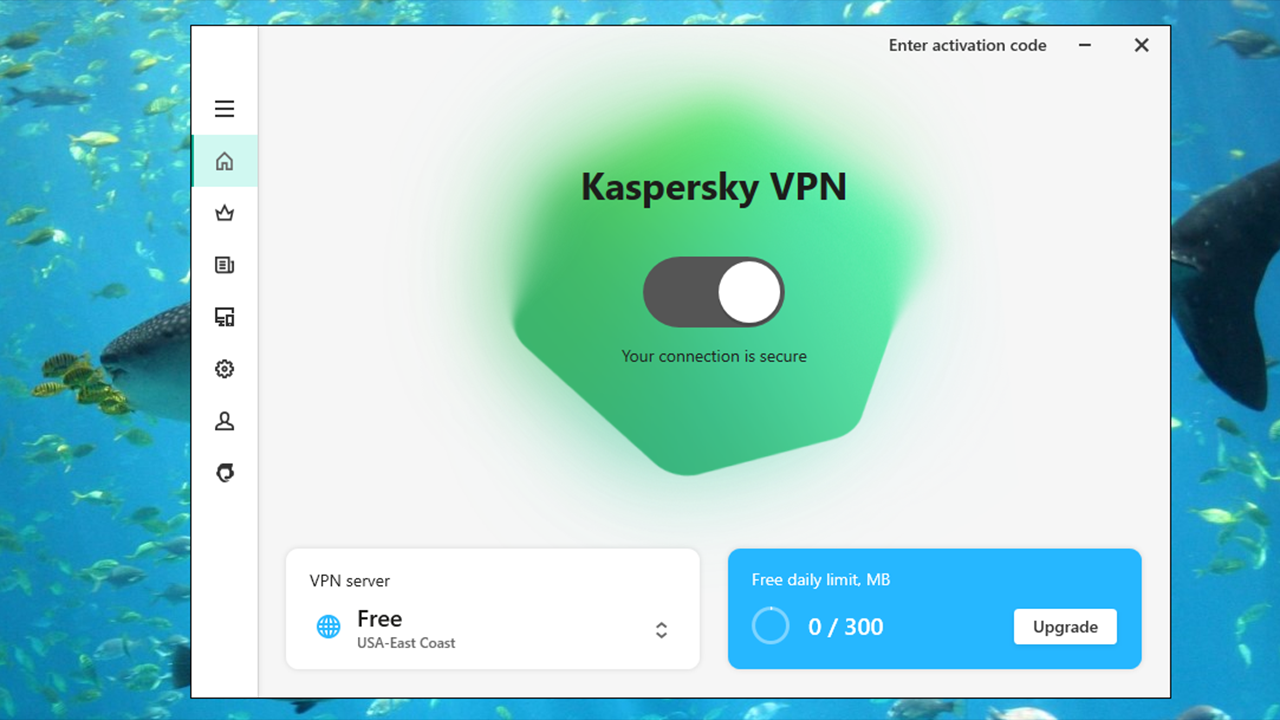
Open the main application window and click the Enter activation code link to proceed to the activation code entry window.
In the entry field, enter the activation code and click the Activate button.
The application activation attempt will be made:
If activation succeeded, the message is displayed informing that the application is activated and all restrictions are eliminated. Click OK.
If an error occurred during activation of the application, do the following:Disconnect your device from My Kaspersky and reconnect it. Enter the activation code again.
To enter the activation code in the application:
Open the main application window and click the Enter activation code link to proceed to the activation code entry window.
In the entry field, enter the activation code and click the Activate button.
The application activation attempt will be made:
If activation succeeded, the message is displayed informing that the application is activated and all restrictions are eliminated. Click OK.
If an error occurred during activation of the application, do the following:Disconnect your device from My Kaspersky and reconnect it. Enter the activation code again.
Jeux similaires


Articles récemment consultés


Avis
Il n'y a pas encore d'avis.