
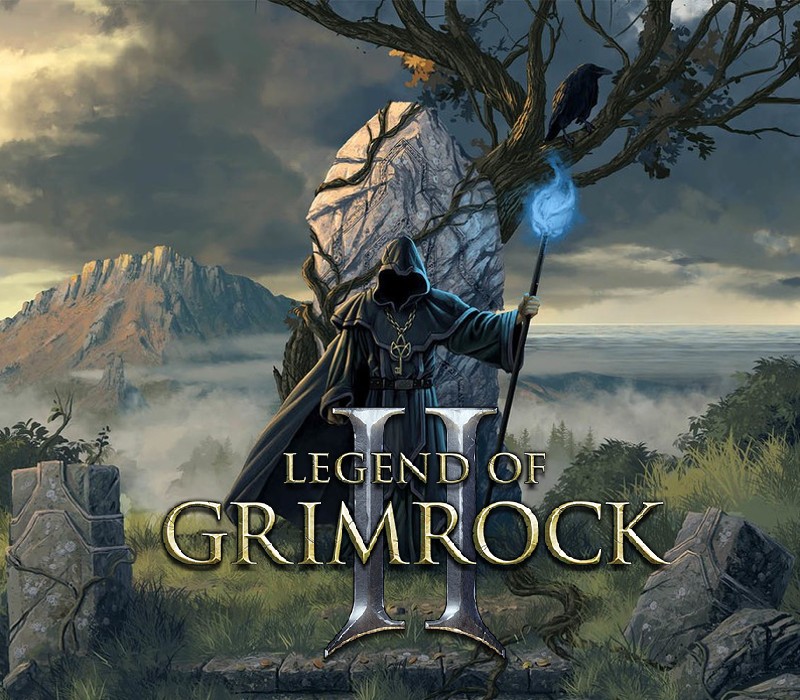
Legend of Grimrock 2 EU Steam CD Key
- Livraison instantanée (la clé est instantanément envoyée à votre adresse e-mail)
- Paiement sécurisé (Le paiement est sûr et sécurisé)
- Support (Nous sommes là pour vous aider en cas de besoin)
Description
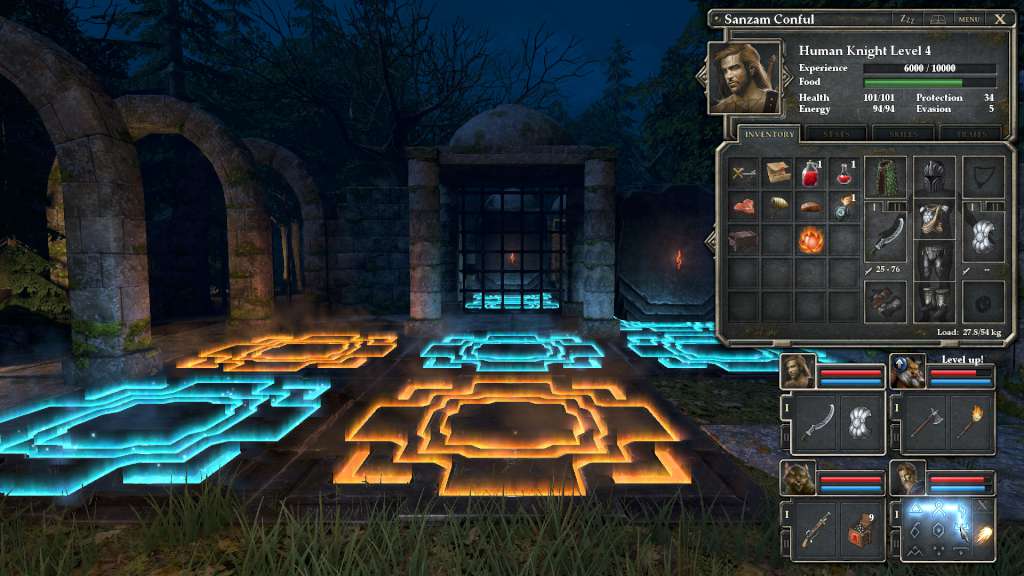
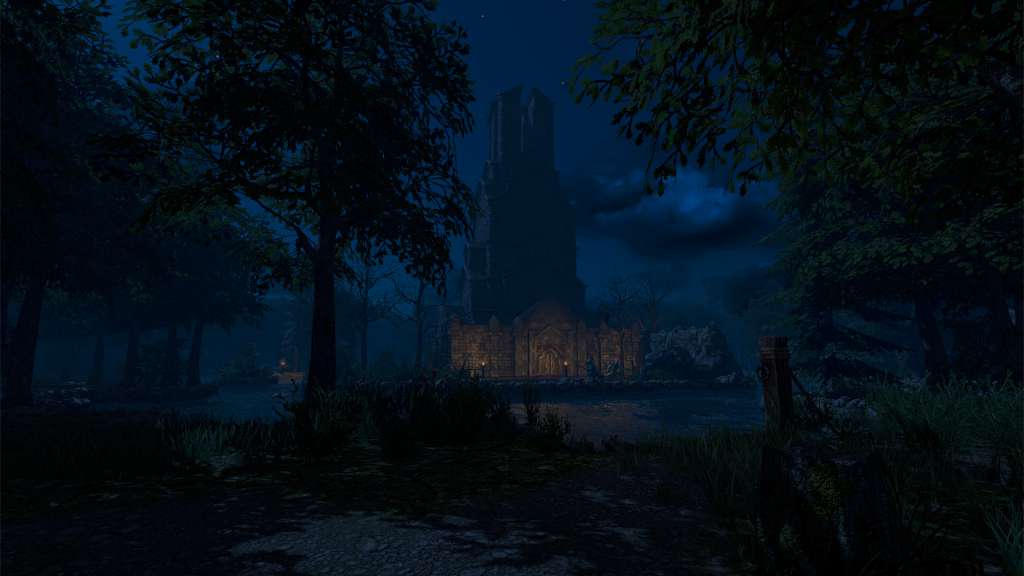
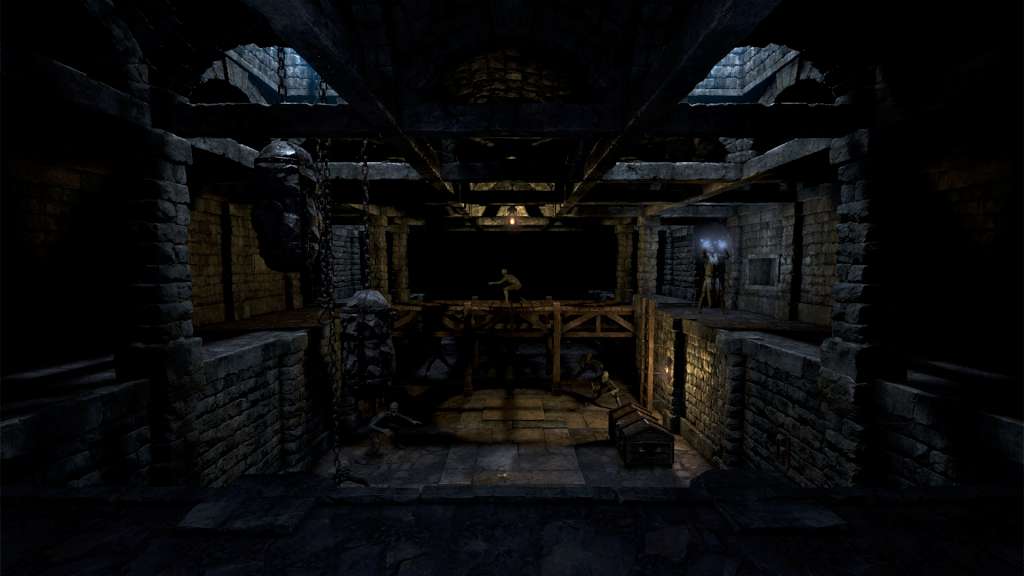
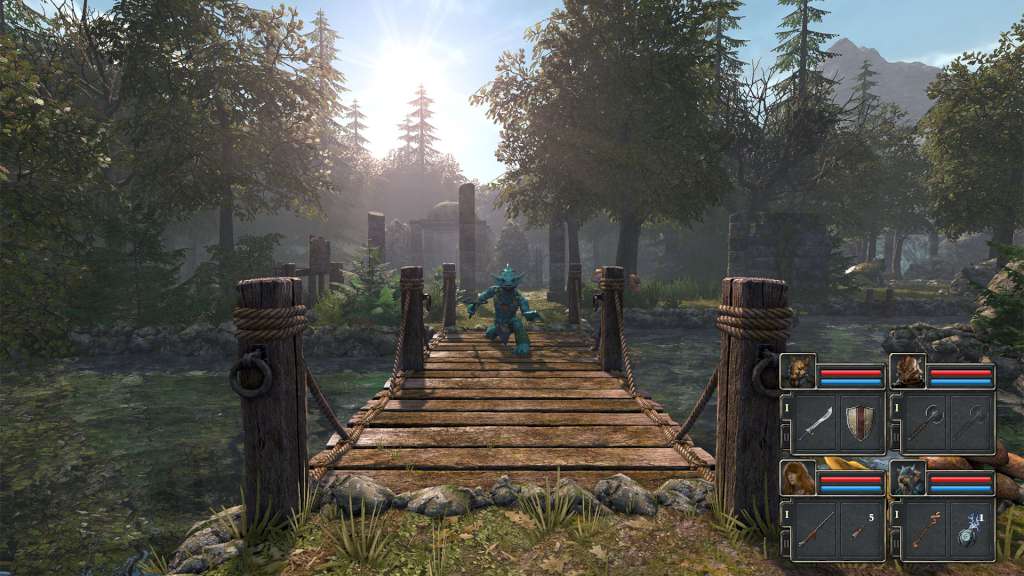
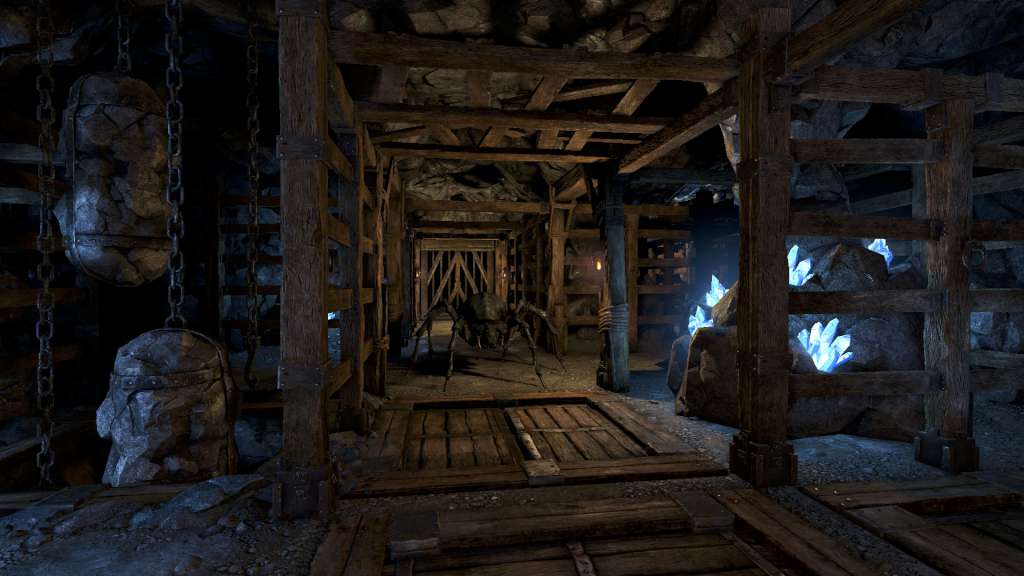
Legend of Grimrock 2 is a dungeon crawling role playing game with a modern execution but an oldschool heart.Powers of perception and logic are more important than sheer force is, since Legend of Grimrock 2 puts a heavy emphasis on exploration, survival and challenging puzzles. Discover powerful ancient artifacts from hidden secret chambers and buried treasures. Arm your champions, cast spells and craft enchanted potions and bombs to aid you in fighting the dreadful monsters in highly tactical real-time combat.Design, share and play custom scenarios with the included Dungeon Editor! Create your own adventures and fill them with puzzles, traps, or even totally new items, monsters and environments with custom graphics and audio!Get ready to venture forth and uncover the secrets of Nex!
Informations complémentaires
| Developers | Almost Human Ltd. |
|---|---|
| Publishers | Almost Human Ltd. |
| Genres | Adventure, Indie, RPG |
| Platform | Steam |
| Languages | English |
| Date de sortie | 2014-10-15 |
| Steam | Oui |
| Note métacritique | 85 |
| Limites régionales | 1 |
- OS
- Windows XP
- Processor
- Dual Core 2.33 GHz Intel or 3.0 GHz AMD
- Memory
- 2 GB RAM
- Graphics
- Geforce GTX 8800, AMD Radeon 4850 or Intel HD Graphics 5200 or better (1GB graphics memory or more. Shader Model 3.0 needs to be supported). Minimum supported resolutions 1280×720 and 1024×768.
- DirectX
- Version 9.0c
- Storage
- 2 GB available space
- OS
- Mac OS X 10.7.5 or later
- Processor
- 1.4 GHz dual-core Intel Core i5 processor
- Memory
- 2 GB RAM
- Graphics
- OpenGL 3.2 capable graphics card, Intel HD Graphics 5000 minimum
- Storage
- 2 GB available space
- Additional Notes
- Low Rendering Quality setting is recommended on Mac models without dedicated graphics cards such as the Macbook Air
Click "Install Steam" (from the upper right corner)
Install and start application, login with your Account name and Password (create one if you don't have).
Please follow these instructions to activate a new retail purchase on Steam:
Launch Steam and log into your Steam account.
Click the Games Menu.
Choose Activate a Product on Steam...
Follow the onscreen instructions to complete the process.
After successful code verification go to the "MY GAMES" tab and start downloading.
Jeux similaires




Avis
Il n'y a pas encore d'avis.