




Mouse in Lab Steam CD Key
Mouse in Lab Steam CD Key, un produit numérique de qualité.
Livraison instantanée et support client dédié sur TuniGamers !
- Livraison instantanée (la clé est instantanément envoyée à votre adresse e-mail)
- Paiement sécurisé (Le paiement est sûr et sécurisé)
- Support (Nous sommes là pour vous aider en cas de besoin)
Description
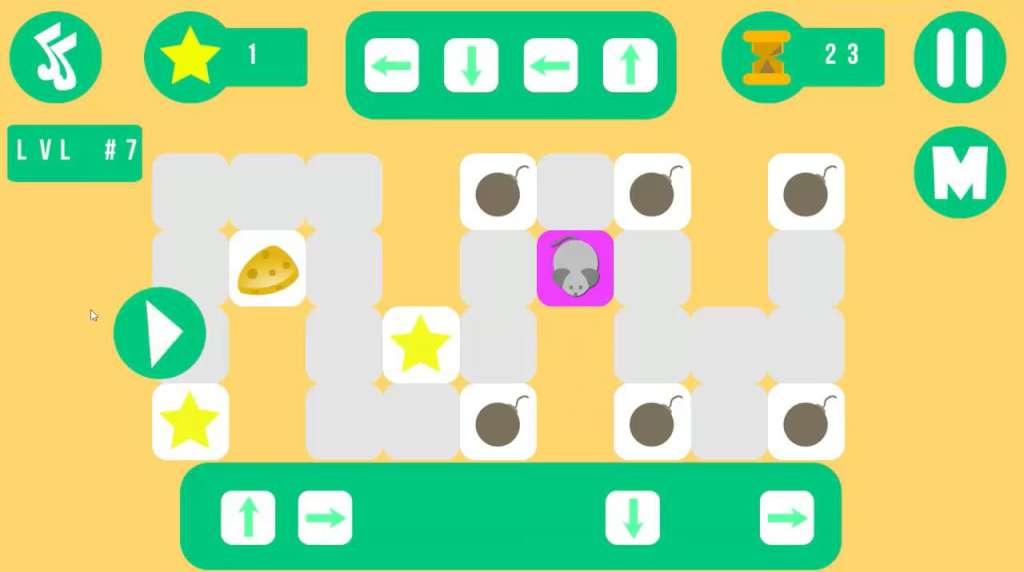
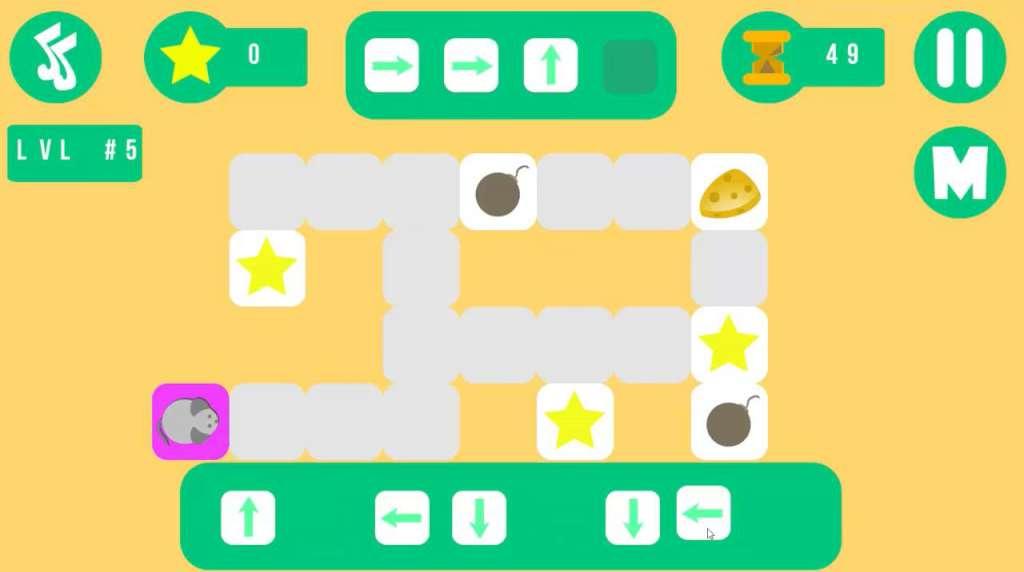
Mouse in Lab Steam CD Key Platform: Steam Release Date: 02/02/2017 Product Description Your mouse in the laboratory, it is hungry, what to eat, it is necessary to solve logic puzzles. Flat style graphics, a lot of logic puzzles, points the way, spend the mouse, collect all the stars and cheese. Be careful and do not perish. Family fun game. System Requirements OS: Windows 7 / 8 / 10 Processor: Core 2 Duo or higher Memory: 512 MB RAM Graphics: 256 mb Storage: 300 MB available space Sound Card: DirectX compatible sound card
Mouse in Lab Steam CD Key est un produit de qualité disponible sur TuniGamers.
Profitez d’une livraison rapide et d’un support client exceptionnel pour tous vos besoins numériques.
Pourquoi choisir TuniGamers ?
- Prix imbattables : Des produits numériques aux meilleurs tarifs en Tunisie.
- Livraison instantanée : Recevez vos clés ou produits immédiatement après achat.
- 100% sécurisé : Profitez de produits authentiques pour toutes les plateformes.
- Support client exceptionnel : Une équipe disponible pour répondre à vos besoins.
Informations complémentaires
| Developers | Pokshevanov Pavel |
|---|---|
| Publishers | Pokshevanov Pavel |
| Genres | Indie, Puzzle, Strategy |
| Platform | Steam |
| Languages | English |
| Steam | Oui |
| Limites régionales | 3 |
Jeux similaires





Articles récemment consultés
Avis
Il n'y a pas encore d'avis.