

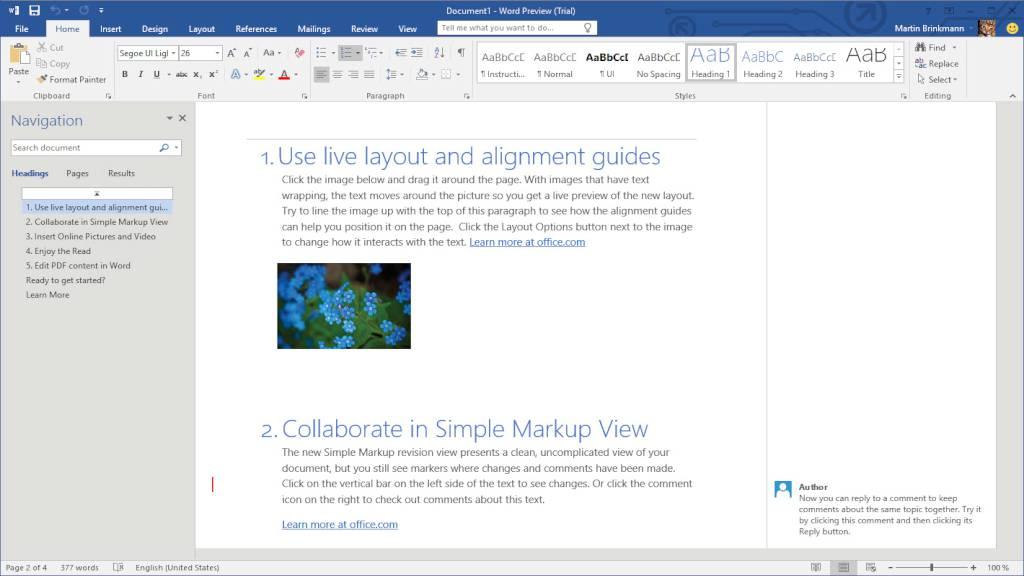
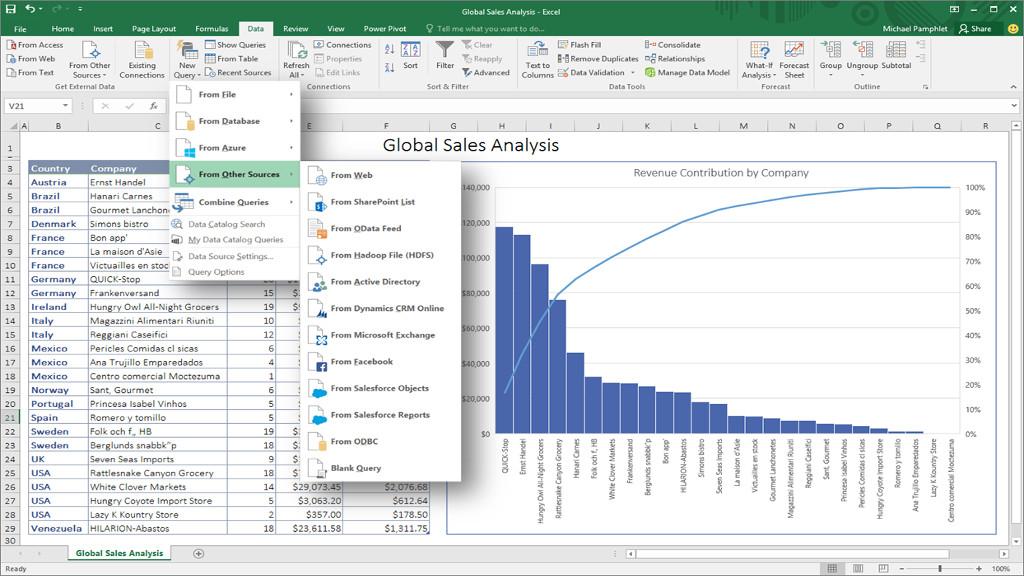
MS Office 2019 Home and Business for Mac Bind Key
د.ت 287,713
En stock
MS Office 2019 Home and Business for Mac Bind Key, un produit numérique de qualité.
Livraison instantanée et support client dédié sur TuniGamers !
En stock
- Livraison instantanée (la clé est instantanément envoyée à votre adresse e-mail)
- Paiement sécurisé (Le paiement est sûr et sécurisé)
- Support (Nous sommes là pour vous aider en cas de besoin)
Description
MS Office 2019 Home and Business for Mac Bind Key est un produit de qualité disponible sur TuniGamers.
Profitez d’une livraison rapide et d’un support client exceptionnel pour tous vos besoins numériques.
Pourquoi choisir TuniGamers ?
- Prix imbattables : Des produits numériques aux meilleurs tarifs en Tunisie.
- Livraison instantanée : Recevez vos clés ou produits immédiatement après achat.
- 100% sécurisé : Profitez de produits authentiques pour toutes les plateformes.
- Support client exceptionnel : Une équipe disponible pour répondre à vos besoins.
Informations complémentaires
| Genres | Software |
|---|---|
| Platform | Other |
| Languages | English, French, German, Italian, Polish, Spanish |
| Limites régionales | 3 |
Mac
Operating System: macOS 10.12 (Sierra) or greater. Note: Office for Mac is supported on the three most recent version of macOS.
Processor: Intel processor.
Memory: 4 GB RAM.
Storage: 10 GB of available disk space.
Display: 1280x800 screen resolution.
Non-commercial use. Internet functionality requires an Internet connection. Microsoft account required.
Log-in to or create an account HERE.
After you created the account follow this LINK (you might have to login with your just created account first).
Enjoy your newly acquired Office suite!
ALTERNATIVELY you can use THIS website. In order to download your file, select type: MS Office, then the correct version (2013, 2016, 2019), edition (Home and Student, Professional etc.), your language and download the file.
______________________________________________________________________________________________________
In case of a problem with activating the product with your key, please use the automated phone system* to activate:
In the Activation Wizard, select I want to activate the software by telephone, and then select Next. If nothing happens when you select Next, use the Enter key on your keyboard.
Under Step 1 in the Activation Wizard, select your country/region, and then call the Product Activation Center phone number that’s listed under the country/region you selected.
When prompted by the Product Activation Center, provide the Installation ID that's shown in the Activation Wizard under Step 2.
The Product Activation Center will provide a Confirmation ID that you enter in the Activation Wizard under Step 3.
Select Next and follow the prompts to complete the activation process. If nothing happens when you select Next, use the Enter key on your keyboard.
*If you see the message Telephone activation is no longer supported for your product, you can ignore this error and call the numbers for your specific country/region listed in THIS article.
After you created the account follow this LINK (you might have to login with your just created account first).
Enjoy your newly acquired Office suite!
ALTERNATIVELY you can use THIS website. In order to download your file, select type: MS Office, then the correct version (2013, 2016, 2019), edition (Home and Student, Professional etc.), your language and download the file.
______________________________________________________________________________________________________
In case of a problem with activating the product with your key, please use the automated phone system* to activate:
In the Activation Wizard, select I want to activate the software by telephone, and then select Next. If nothing happens when you select Next, use the Enter key on your keyboard.
Under Step 1 in the Activation Wizard, select your country/region, and then call the Product Activation Center phone number that’s listed under the country/region you selected.
When prompted by the Product Activation Center, provide the Installation ID that's shown in the Activation Wizard under Step 2.
The Product Activation Center will provide a Confirmation ID that you enter in the Activation Wizard under Step 3.
Select Next and follow the prompts to complete the activation process. If nothing happens when you select Next, use the Enter key on your keyboard.
*If you see the message Telephone activation is no longer supported for your product, you can ignore this error and call the numbers for your specific country/region listed in THIS article.
Jeux similaires



Avis
Il n'y a pas encore d'avis.