


Passage 4 Steam CD Key
Passage 4 Steam CD Key, un produit numérique de qualité.
Livraison instantanée et support client dédié sur TuniGamers !
- Livraison instantanée (la clé est instantanément envoyée à votre adresse e-mail)
- Paiement sécurisé (Le paiement est sûr et sécurisé)
- Support (Nous sommes là pour vous aider en cas de besoin)
Description
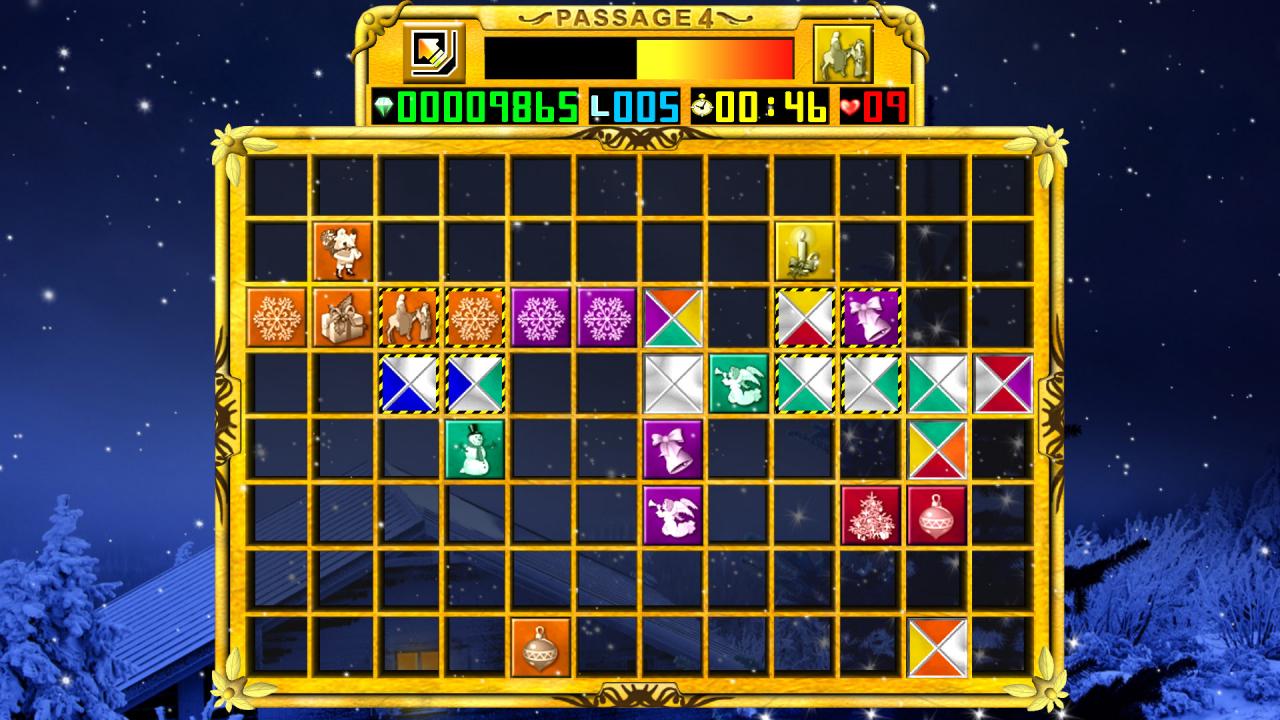
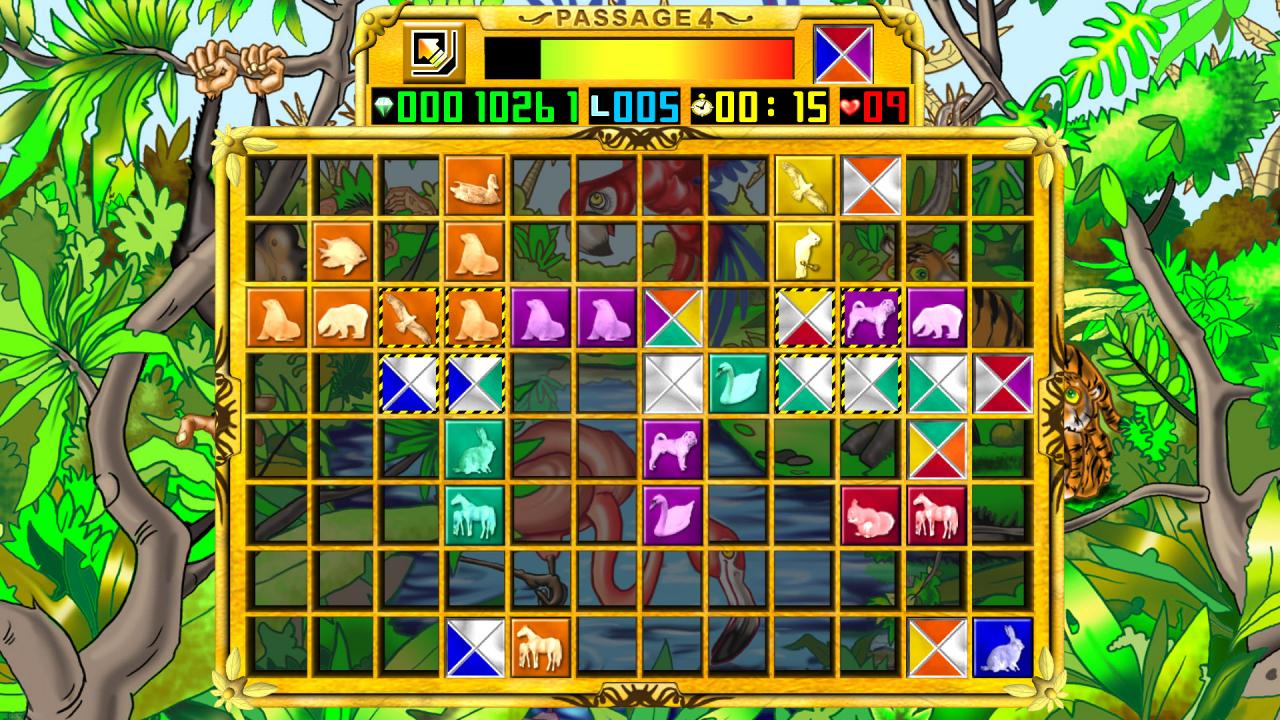
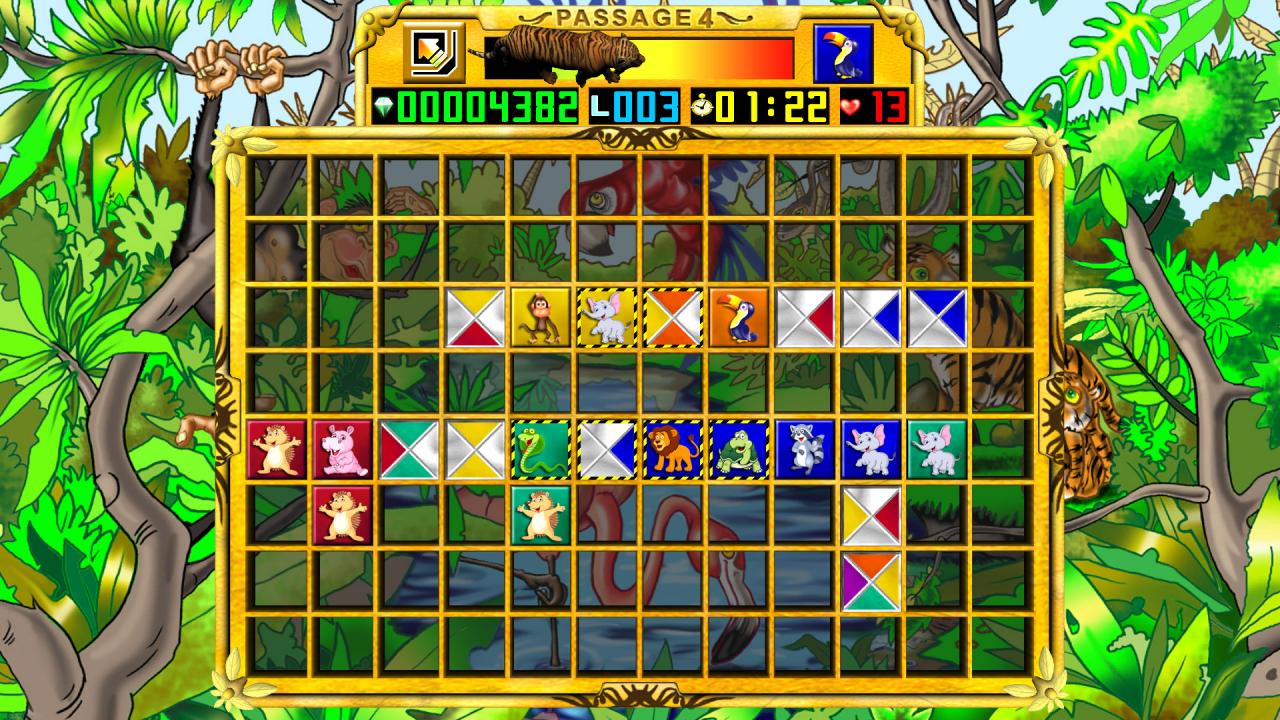
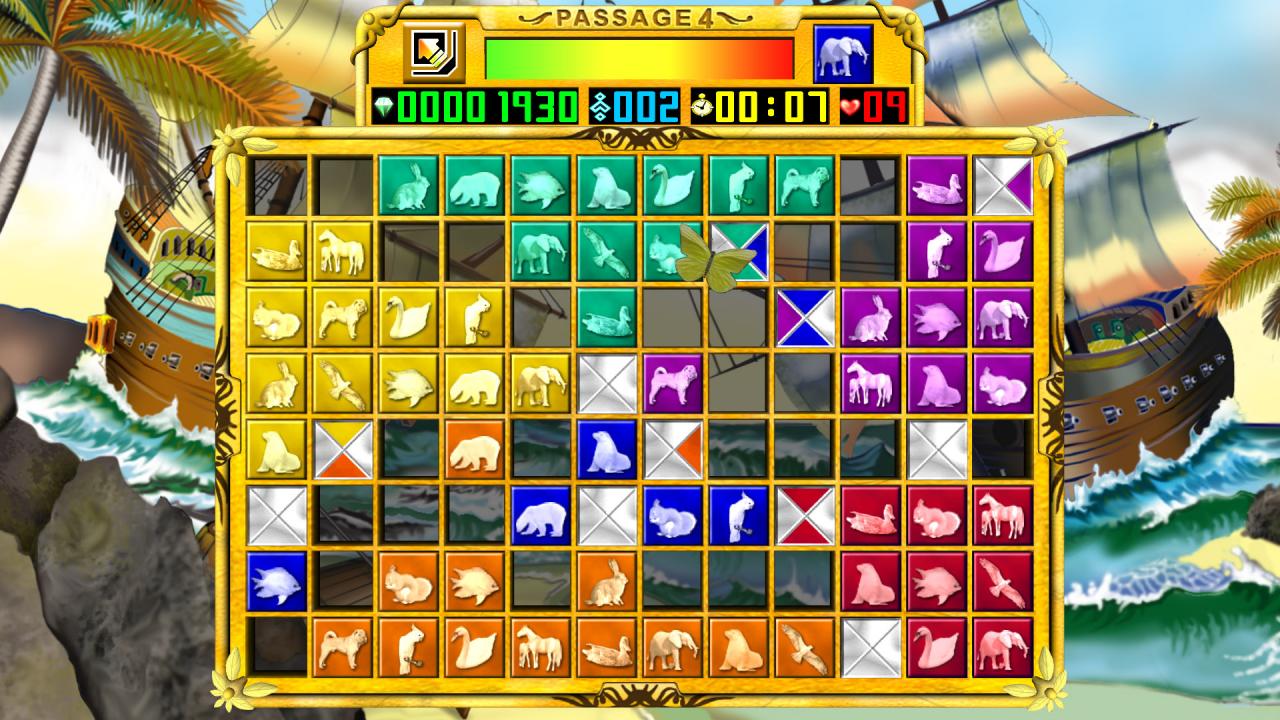
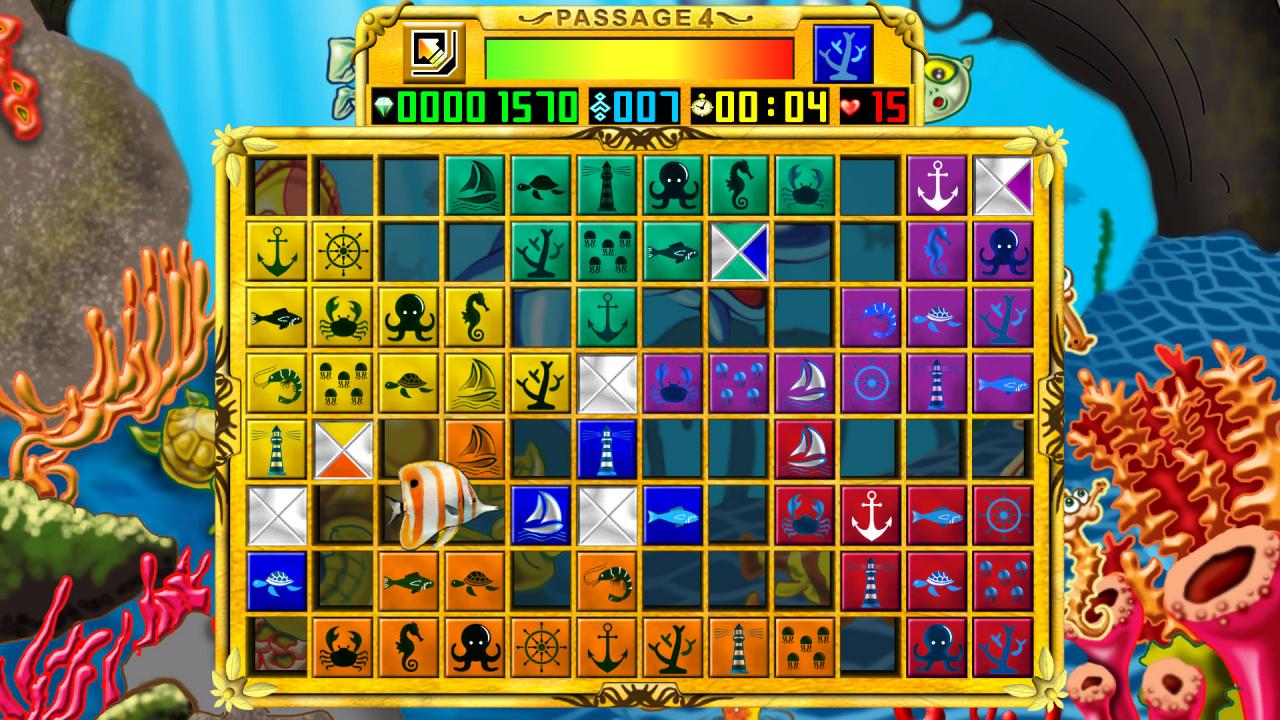
Place tiles on the board to match the color or symbol of adjacent tiles to create ‘passages’ from edge to edge. Completed rows and columns (‘passages’) disappear from the board. Passage 4 is an easy to learn but challenging game that incorporates the best elements of several classic games. It will keep you fascinated for hours. Give it a try! Features More than 220 levels 3 game modes with 3 levels of difficulty 6 different graphic themes Spoken tutorial Great sound effects and background music
Passage 4 Steam CD Key est un produit de qualité disponible sur TuniGamers.
Profitez d’une livraison rapide et d’un support client exceptionnel pour tous vos besoins numériques.
Pourquoi choisir TuniGamers ?
- Prix imbattables : Des produits numériques aux meilleurs tarifs en Tunisie.
- Livraison instantanée : Recevez vos clés ou produits immédiatement après achat.
- 100% sécurisé : Profitez de produits authentiques pour toutes les plateformes.
- Support client exceptionnel : Une équipe disponible pour répondre à vos besoins.
Informations complémentaires
| Developers | Netmin Games |
|---|---|
| Publishers | Libredia |
| Genres | Casual, Indie, Puzzle |
| Platform | Steam |
| Languages | Dutch, English, French, German, Italian, Spanish |
| Date de sortie | 2016-12-13 |
| Steam | Oui |
| Limites régionales | 3 |
Jeux similaires






Articles récemment consultés


LEGO Star Wars: The Skywalker Saga Galactic Edition EU Steam CD Key
د.ت 48,857


Avis
Il n'y a pas encore d'avis.