
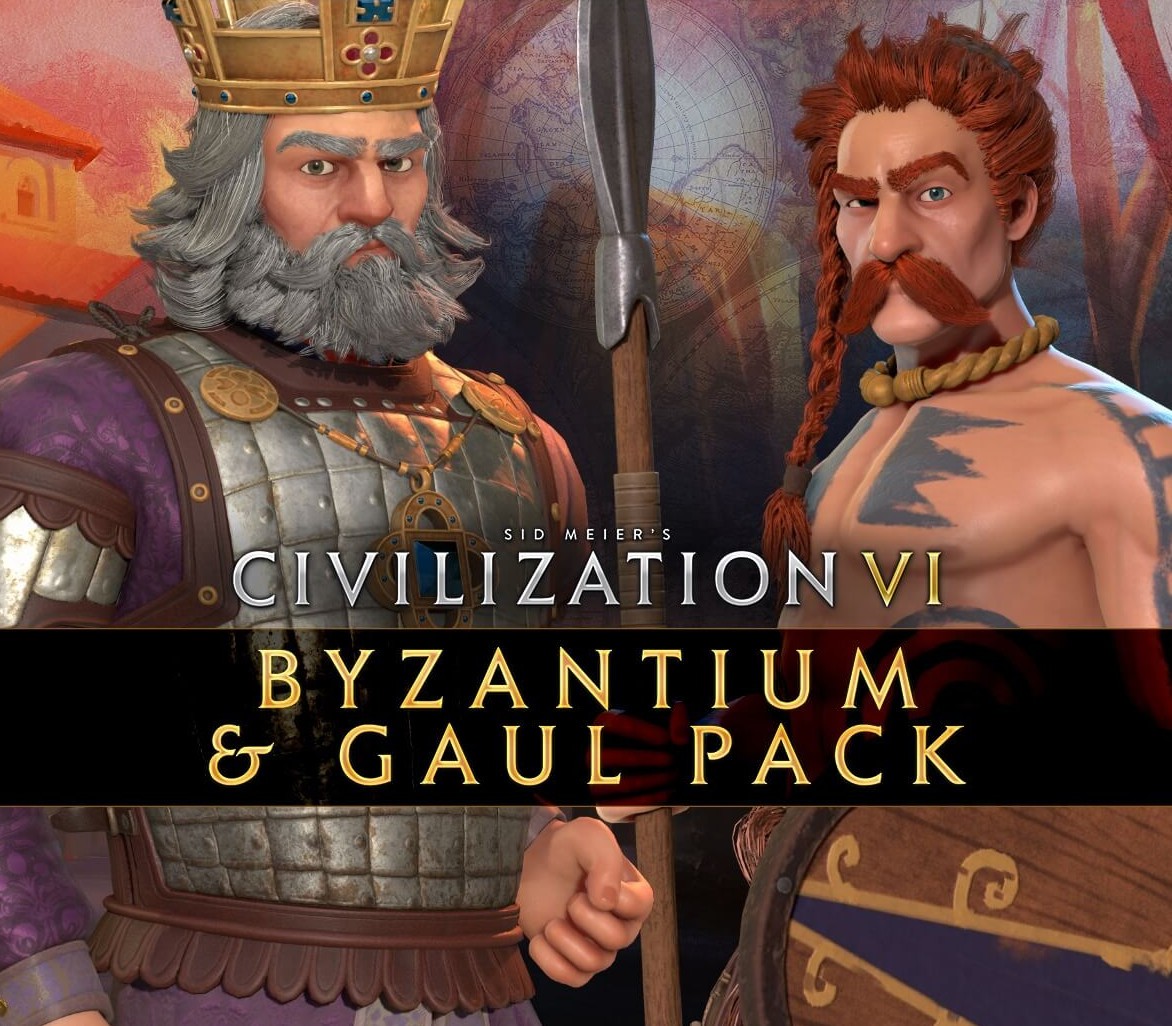
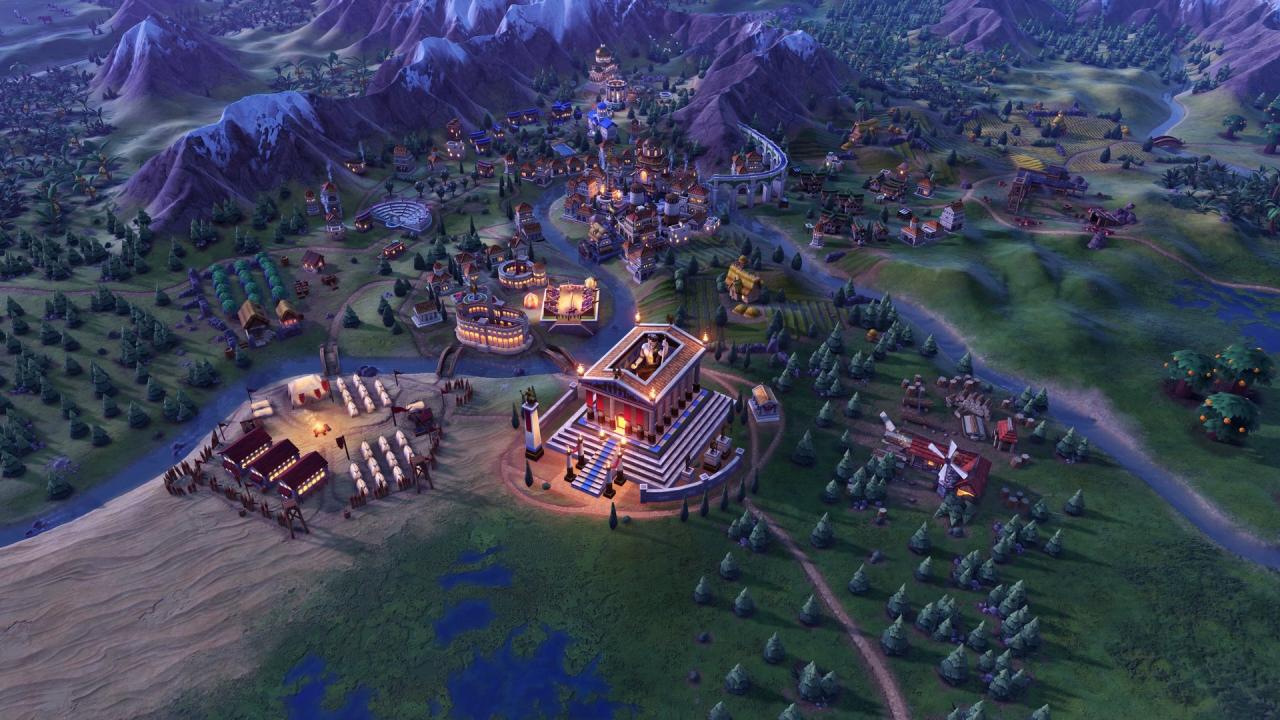
Sid Meier’s Civilization VI – Byzantium & Gaul Pack DLC Steam CD Key
Sid Meier’s Civilization VI – Byzantium & Gaul Pack DLC Steam CD Key, un produit numérique de qualité.
Livraison instantanée et support client dédié sur TuniGamers !
- Livraison instantanée (la clé est instantanément envoyée à votre adresse e-mail)
- Paiement sécurisé (Le paiement est sûr et sécurisé)
- Support (Nous sommes là pour vous aider en cas de besoin)
Description
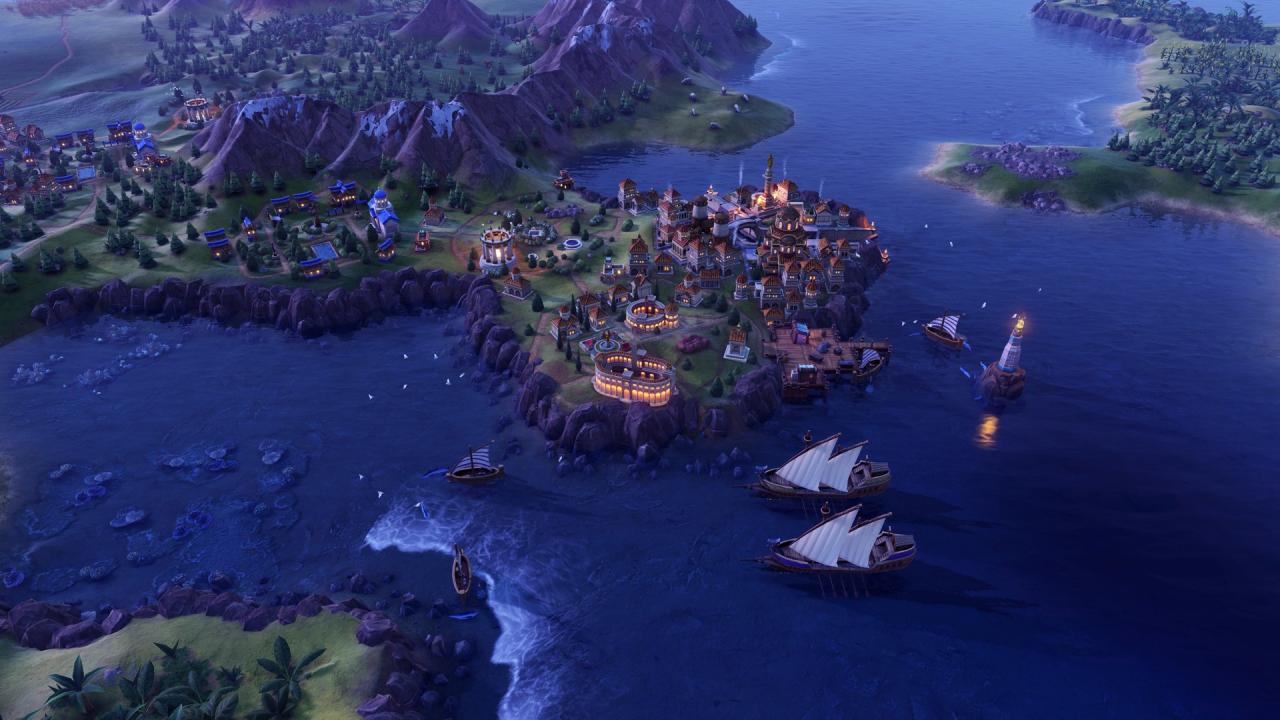
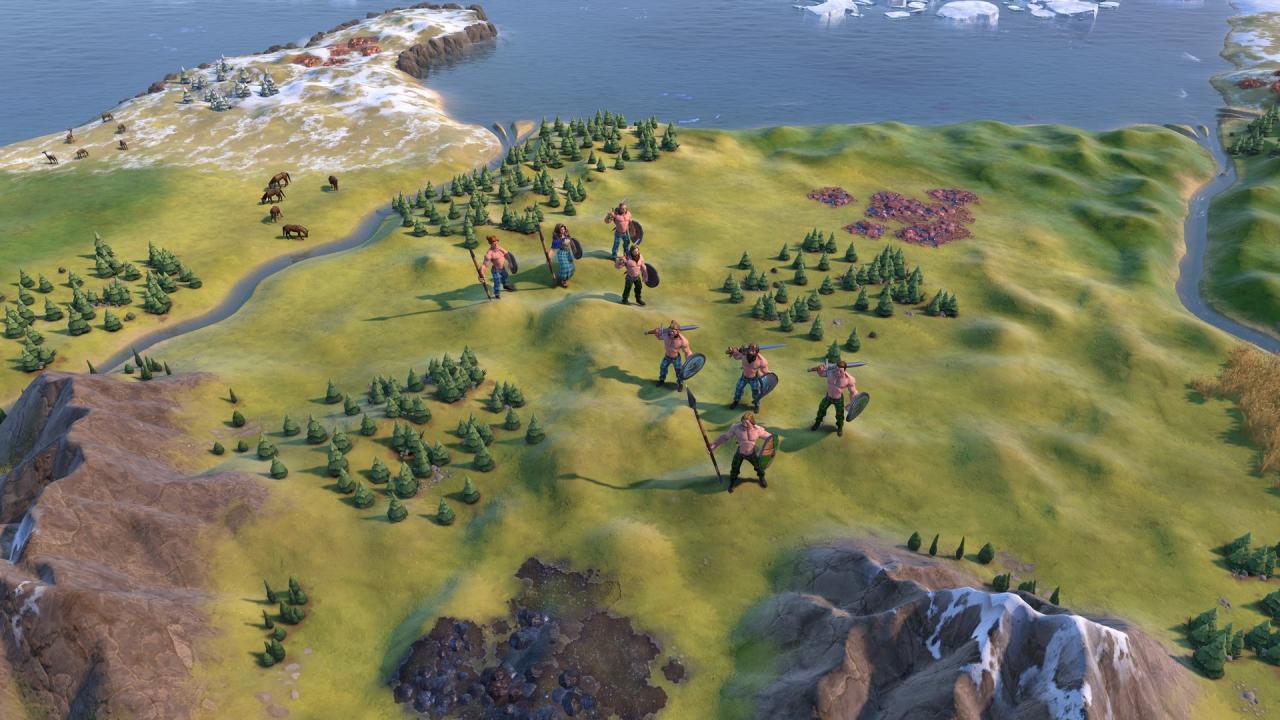
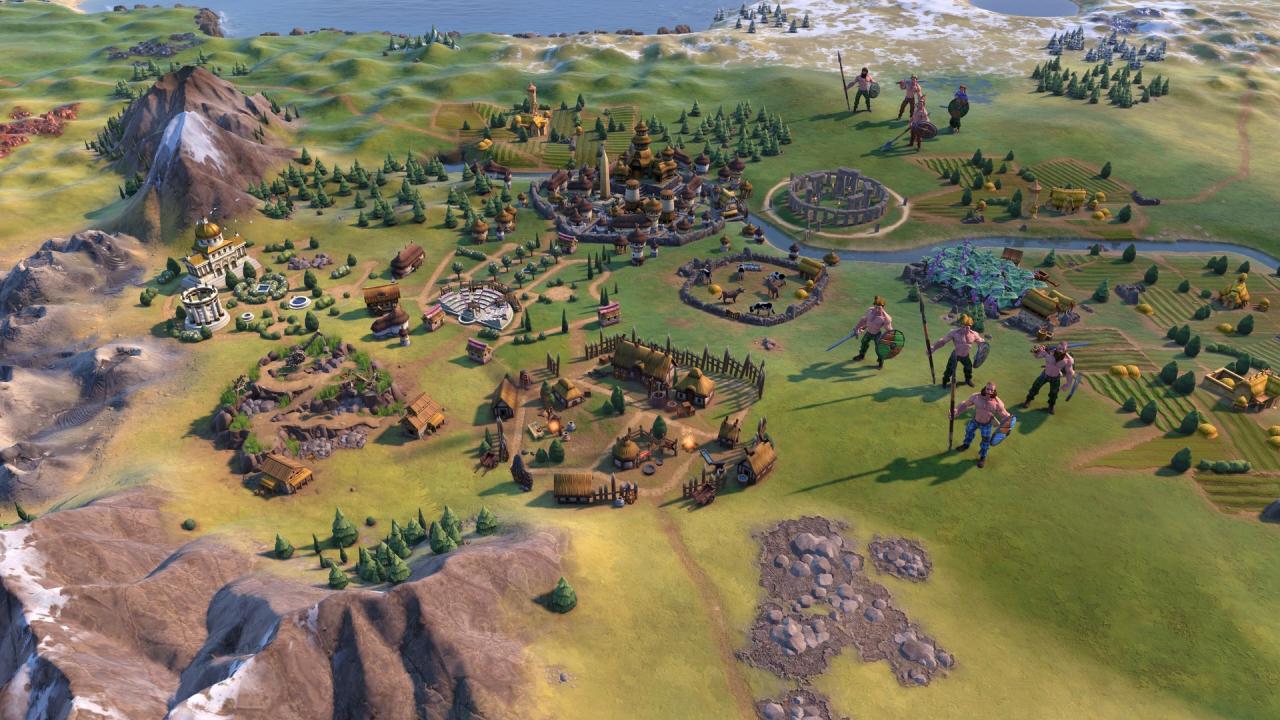
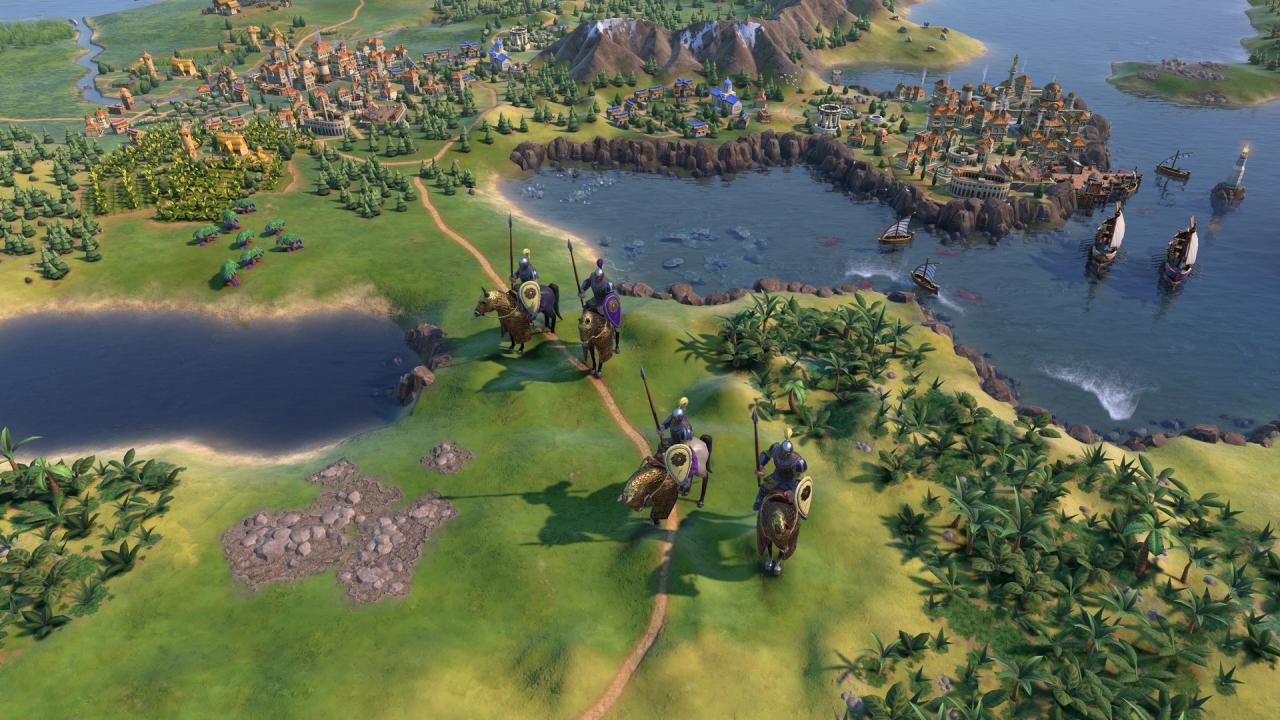
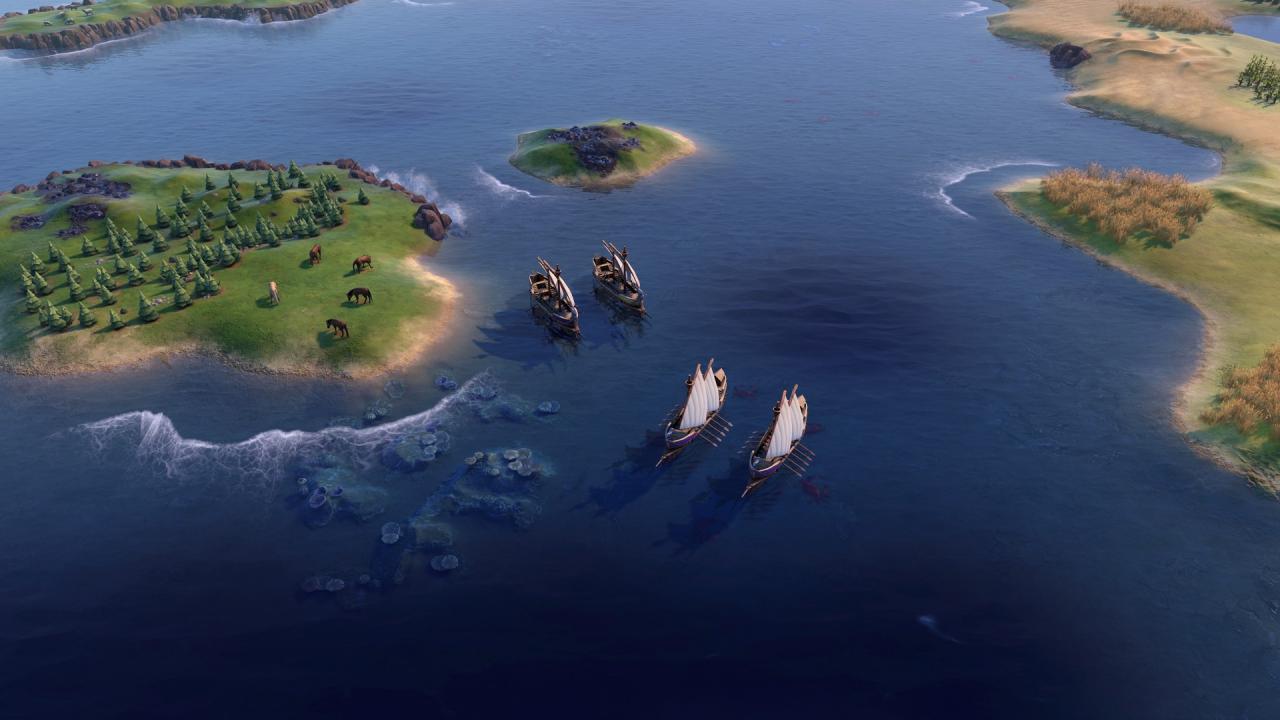
Ce nouveau pack de contenu présente Basil II comme leader de Byzance et Ambiorix comme leader de la Gaule. L’Empire byzantin peut subjuguer les ennemis avec la puissance religieuse et militaire, soutenue par leurs deux unités uniques, le navire dromon et le Tagma. La horde gauloise se concentre sur la flexibilité militaire stimulée par une colonne vertébrale de culture et de production avec son quartier unique Oppidum.
Sid Meier’s Civilization VI – Byzantium & Gaul Pack DLC Steam CD Key est un produit de qualité disponible sur TuniGamers.
Profitez d’une livraison rapide et d’un support client exceptionnel pour tous vos besoins numériques.
Pourquoi choisir TuniGamers ?
- Prix imbattables : Des produits numériques aux meilleurs tarifs en Tunisie.
- Livraison instantanée : Recevez vos clés ou produits immédiatement après achat.
- 100% sécurisé : Profitez de produits authentiques pour toutes les plateformes.
- Support client exceptionnel : Une équipe disponible pour répondre à vos besoins.
Informations complémentaires
| Developers | Firaxis Games |
|---|---|
| Publishers | 2K Games |
| Genres | Strategy |
| Platform | Steam |
| Languages | Chinese, English, French, German, Italian, Japanese, Korean, Polish, Portuguese – Brazil, Russian, Spanish |
| Date de sortie | 2020-09-24 |
| Steam | Oui |
| Classification par âge | PEGI 12 |
| Limites régionales | 3 |
- OS
- Windows 7x64 / Windows 8.1x64 / Windows 10x64
- Processor
- Intel Core i3 2.5 Ghz or AMD Phenom II 2.6 Ghz or greater
- Memory
- 4 GB RAM
- Graphics
- 1 GB & AMD 5570 or nVidia 450 or Intel Integrated Graphics 530
- DirectX
- Version 11
- Storage
- 12 MB available space
- Sound Card
- DirectX Compatible Sound Device
- Additional Notes
- Initial installation requires one-time Internet connection for Steam authentication; software installations required (included with the game) include Steam Client, Microsoft Visual C++ 2012 and 2015 Runtime Libraries, and Microsoft DirectX. Internet connection and acceptance of Steam™ Subscriber Agreement required for activation.
- OS
- 10.12.6 (Sierra)
- Processor
- Intel Core i5 2.7Ghz
- Memory
- 6 GB RAM
- Graphics
- 1 GB GPU Minimum - GeForce 775M | Radeon HD 6970 | Intel Iris Pro
- Storage
- 15 GB available space
- OS
- Ubuntu 16.04 (64bit)
- Processor
- Intel Core i3 530 or AMD A8-3870
- Memory
- 6 GB RAM
- Graphics
- 1 GB VRAM Minimum - NVIDIA GeForce 650
- Storage
- 15 GB available space
Click "Install Steam" (from the upper right corner)
Install and start application, login with your Account name and Password (create one if you don't have).
Please follow these instructions to activate a new retail purchase on Steam:
Launch Steam and log into your Steam account.
Click the Games Menu.
Choose Activate a Product on Steam...
Follow the onscreen instructions to complete the process.
After successful code verification go to the "MY GAMES" tab and start downloading.
Jeux similaires




Avis
Il n'y a pas encore d'avis.