

Star Wars Battlefront II (2005) RU VPN Required Steam CD Key
- Livraison instantanée (la clé est instantanément envoyée à votre adresse e-mail)
- Paiement sécurisé (Le paiement est sûr et sécurisé)
- Support (Nous sommes là pour vous aider en cas de besoin)
Description
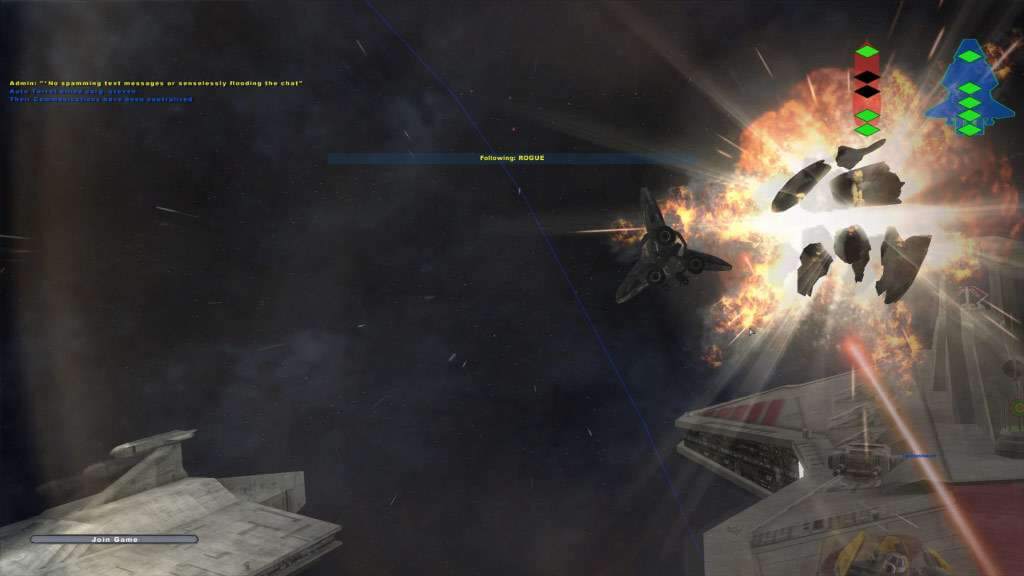
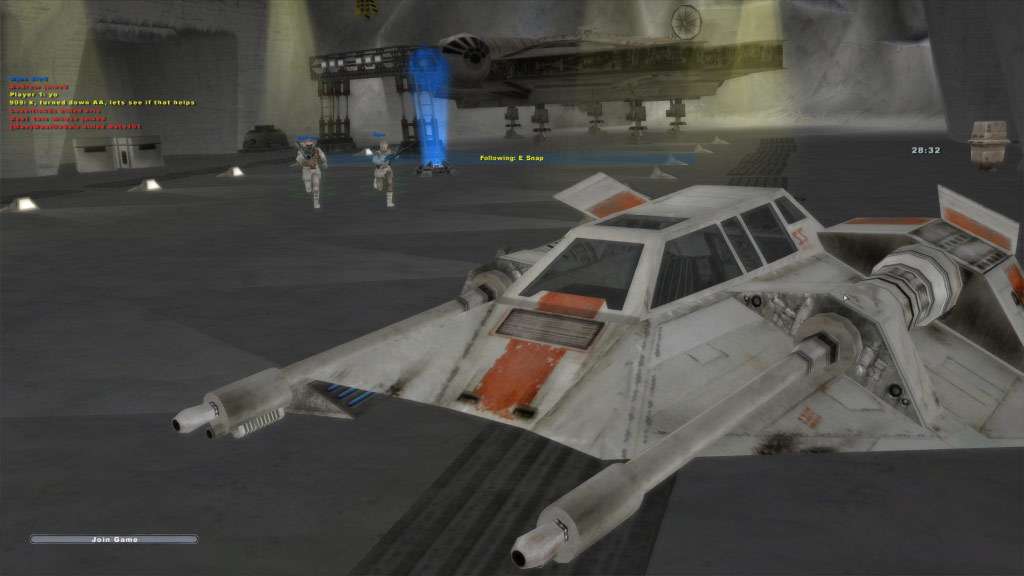
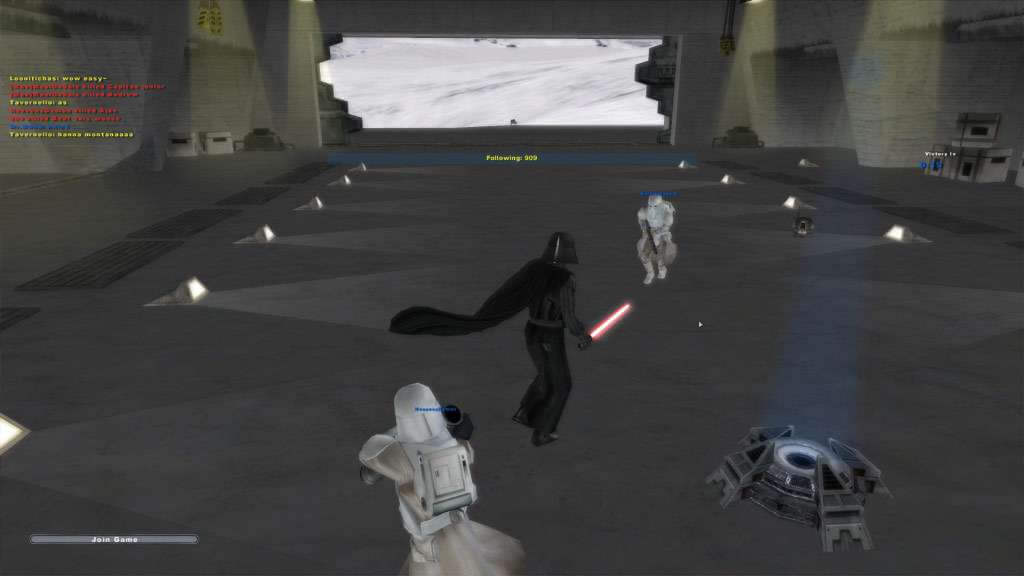
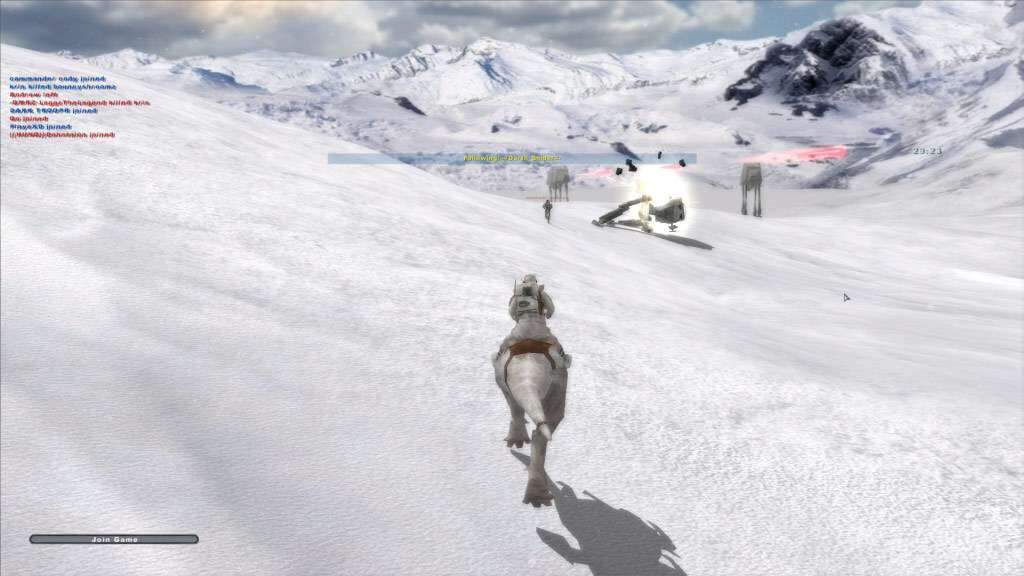
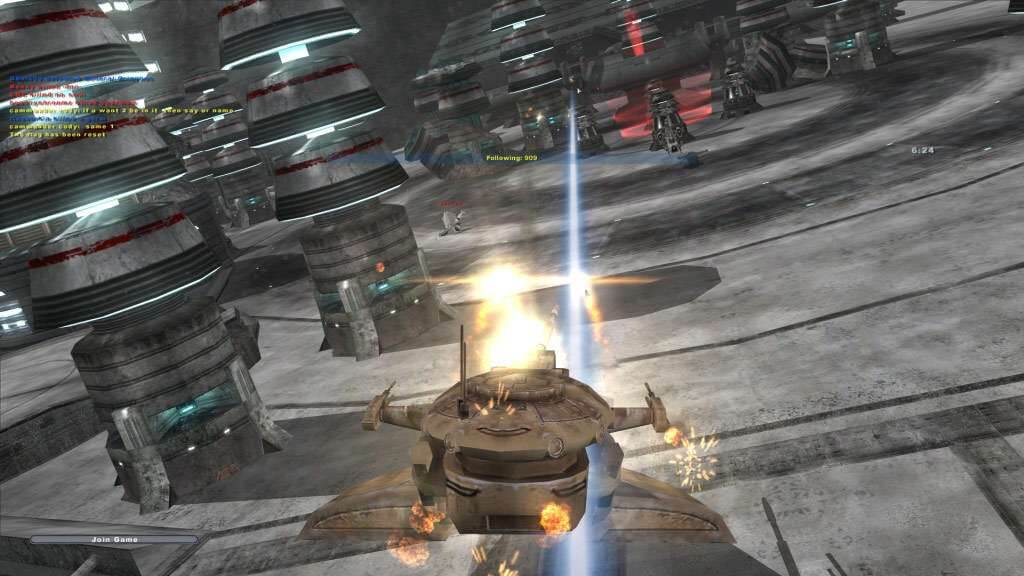
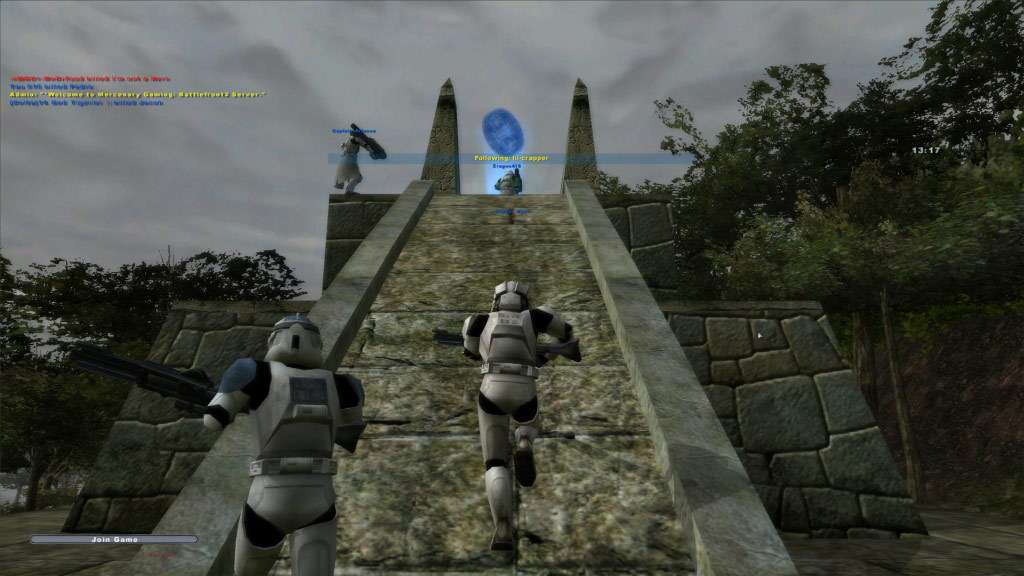
Star Wars: Battlefront II is the sequel to Star Wars: Battlefront. It is a high-selling Star Wars video game following the many adventures of several characters. The two games are very similar, as both revolve around troopers from various factions fighting in different locales. Battlefront II, however, includes elements and missions from Star Wars: Episode III Revenge of the Sith, as well as enhanced aspects of gameplay including space combat and the ability to play as Jedi characters or other heroes.With brand new space combat, playable Jedi characters, and over 16 all new battlefronts, Star Wars Battlefront II gives you more ways than ever before to play the classic Star Wars battles any way you want.
Informations complémentaires
| Developers | Pandemic Studios, Savage Entertainment |
|---|---|
| Publishers | Activision, Electronic Arts, LucasArts |
| Genres | Action, Adventure |
| Platform | Steam |
| Languages | English, French, German, Italian, Spanish |
| Date de sortie | 2005-11-01 |
| Steam | Oui |
| Classification par âge | PEGI 12 |
| Note métacritique | 78 |
| Limites régionales | 6 |
- OS
- Windows 2000, XP or Vista
- Processor
- Intel Pentium 4 1.5 GHz or Athlon XP 1500+
- Memory
- 256 MB
- Graphics
- 64MB 3d Graphics card with Vertex Shader and Pixel Shader (VS/PS) Capability
- DirectX®
- 9.0c
- Hard Drive
- 4.3 GB
- Sound
- 100% DirectX 9.0c compatible Sound Card
- Multiplayer
- GameSpy account required
Russian IP address is required to activate the key on Steam!Use a Russian VPN to do so. (Quick & Easy Instructions here)
If you experience any issues redeeming the key, follow these instructions:
Open your Steam client, and log in to your account,
in the Steam settings, choose Account tab, then Manage Steam Guard Account Security and deauthorize all other devices,
close Steam client, and then start your VPN app,
open Steam client and login to your account. In your account details, update your store country to match your VPN location,
redeem the key in Steam.
Jeux similaires






Avis
Il n'y a pas encore d'avis.