
Tabletop Simulator EU Steam CD Key
د.ت 62,790
Rupture de stock
Rupture de stock
- Livraison instantanée (la clé est instantanément envoyée à votre adresse e-mail)
- Paiement sécurisé (Le paiement est sûr et sécurisé)
- Support (Nous sommes là pour vous aider en cas de besoin)
Description
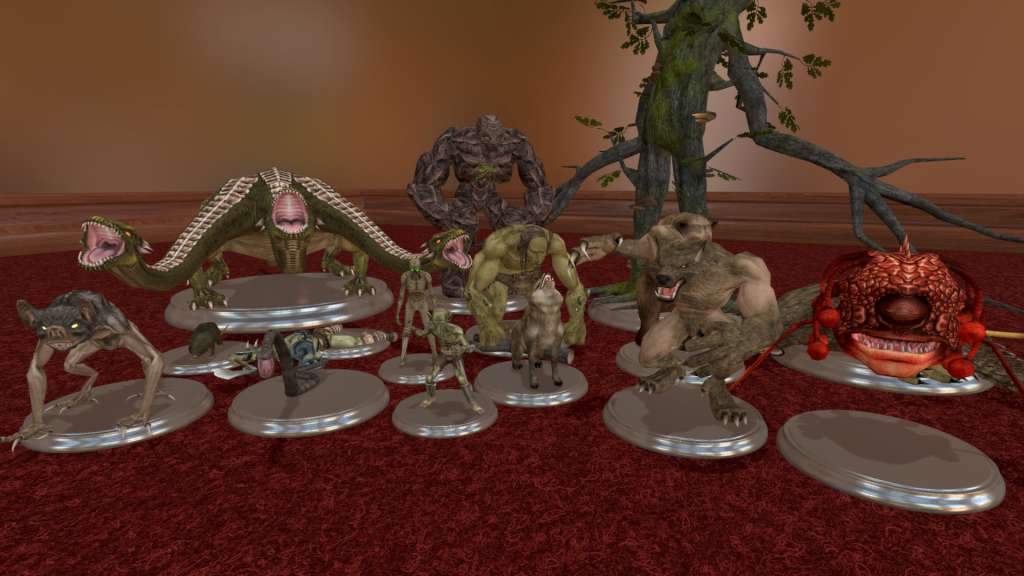
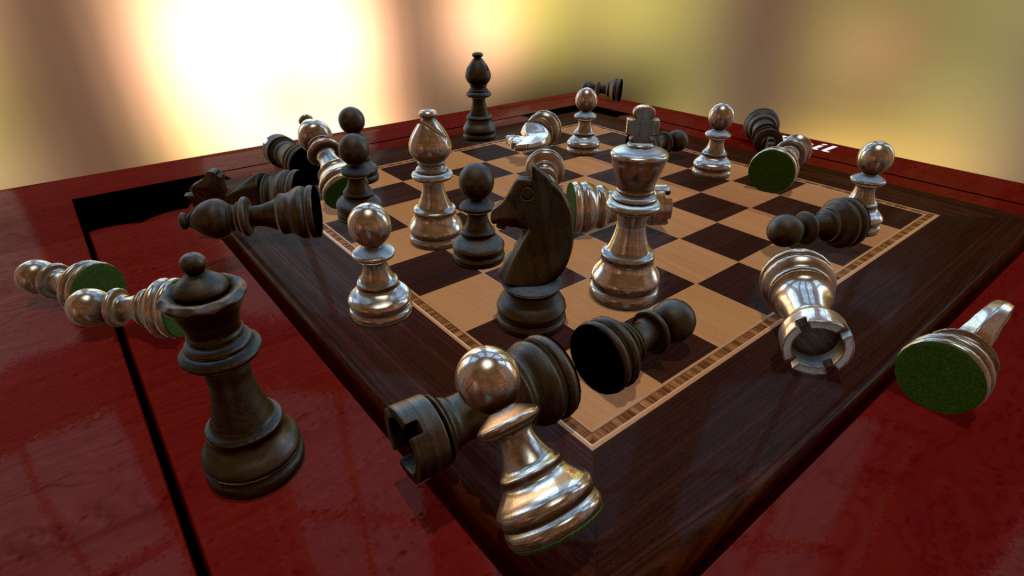
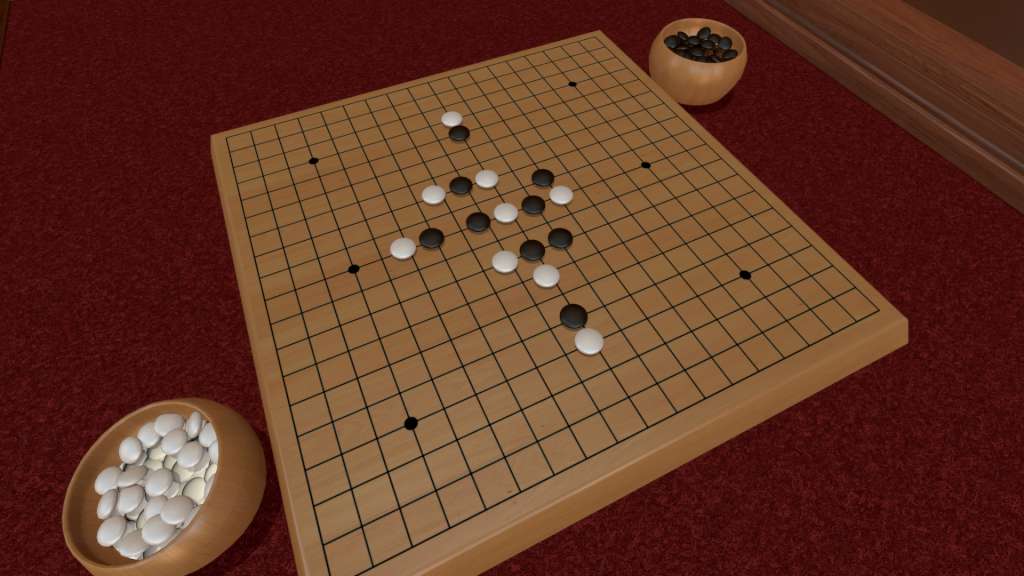
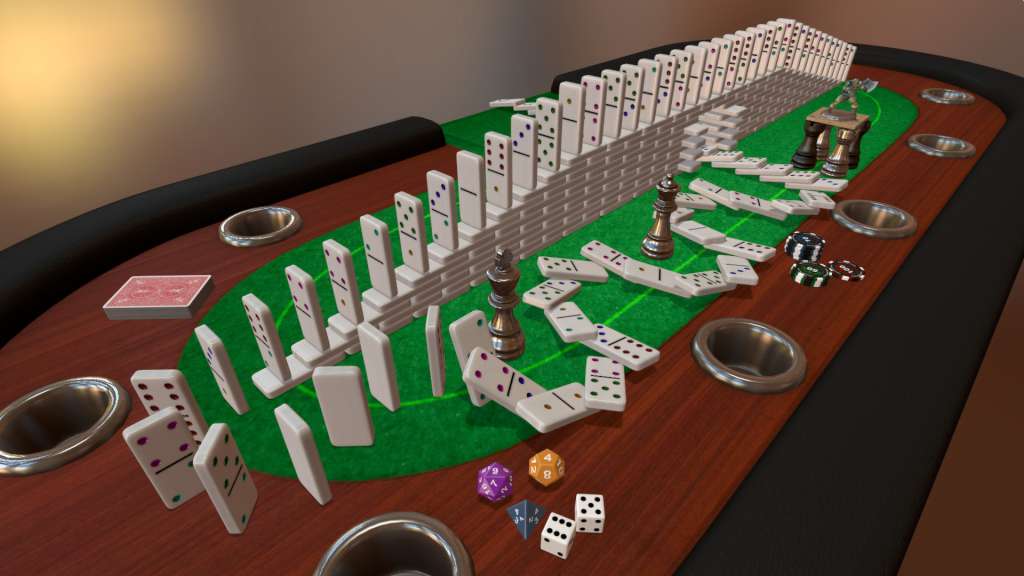
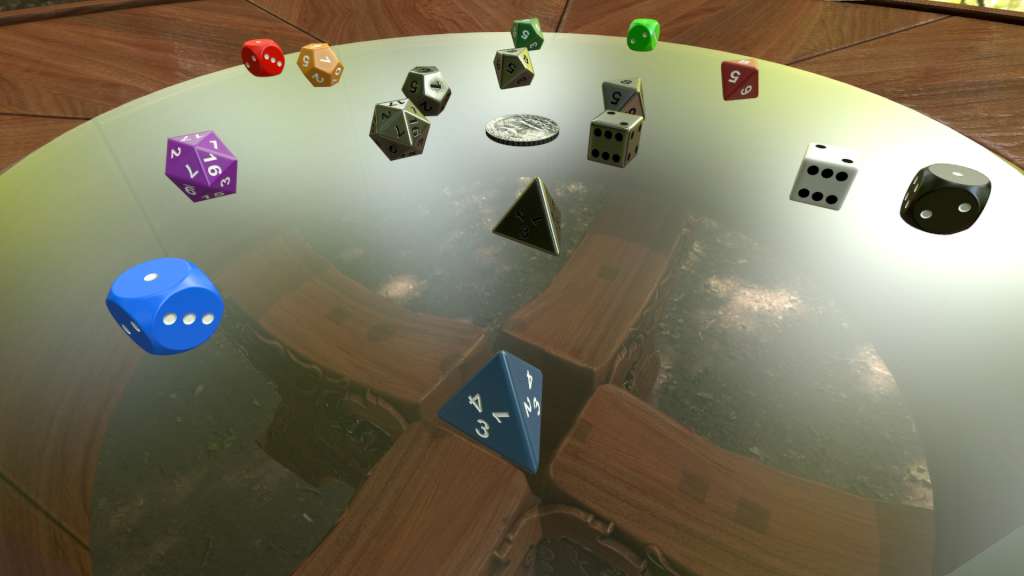
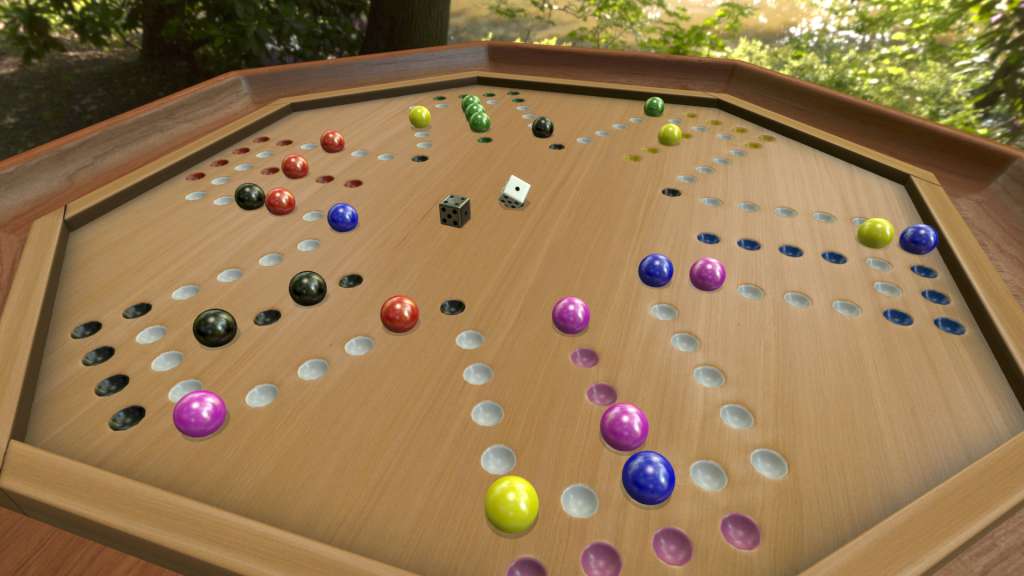
Tabletop Simulator is the only simulator where you can let your aggression out by flipping the table! There are no rules to follow: just you, a physics sandbox, and your friends. Make your own games and play how YOU want! Unlimited gaming possibilities!
Informations complémentaires
| Developers | Berserk Games |
|---|---|
| Publishers | Berserk Games |
| Genres | Casual, Indie, RPG, Simulation, Strategy |
| Platform | Steam |
| Languages | English |
| Date de sortie | 2015-06-05 |
| Steam | Oui |
| Limites régionales | 1 |
Windows
Minimum:
OS: Windows 7 SP1+
Processor: SSE2 instruction set support.
Memory: 4 GB RAM
Graphics: Graphics card with DX10 (shader model 4.0) capabilities.
DirectX: Version 10
Network: Broadband Internet connection
Storage: 3 GB available space
Linux
Minimum:
OS: Ubuntu 16.04+
Processor: SSE2 instruction set support.
Memory: 4 GB RAM
Graphics: Graphics card with shader model 4.0 capabilities.
Network: Broadband Internet connection
Storage: 3 GB available space
Mac
Minimum:
OS: macOS 10.12+
Processor: SSE2 instruction set support.
Memory: 4 GB RAM
Graphics: Graphics card with shader model 4.0 capabilities.
Network: Broadband Internet connection
Storage: 3 GB available space
Go to: http://store.steampowered.com/ and download STEAM client
Click "Install Steam" (from the upper right corner)
Install and start application, login with your Account name and Password (create one if you don't have).
Please follow these instructions to activate a new retail purchase on Steam:
Launch Steam and log into your Steam account.
Click the Games Menu.
Choose Activate a Product on Steam...
Follow the onscreen instructions to complete the process.
After successful code verification go to the "MY GAMES" tab and start downloading.
Click "Install Steam" (from the upper right corner)
Install and start application, login with your Account name and Password (create one if you don't have).
Please follow these instructions to activate a new retail purchase on Steam:
Launch Steam and log into your Steam account.
Click the Games Menu.
Choose Activate a Product on Steam...
Follow the onscreen instructions to complete the process.
After successful code verification go to the "MY GAMES" tab and start downloading.
Jeux similaires





Articles récemment consultés

Avis
Il n'y a pas encore d'avis.