
The Elder Scrolls III Morrowind GOTY RU VPN Required Steam CD Key
د.ت 22,258
Rupture de stock
Rupture de stock
- Livraison instantanée (la clé est instantanément envoyée à votre adresse e-mail)
- Paiement sécurisé (Le paiement est sûr et sécurisé)
- Support (Nous sommes là pour vous aider en cas de besoin)
Description
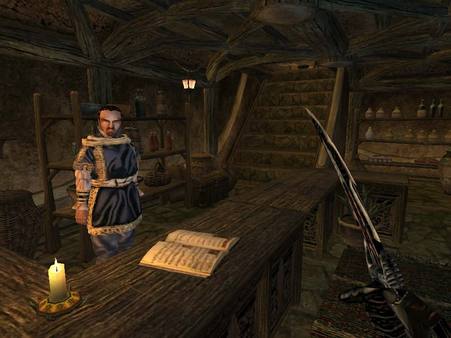
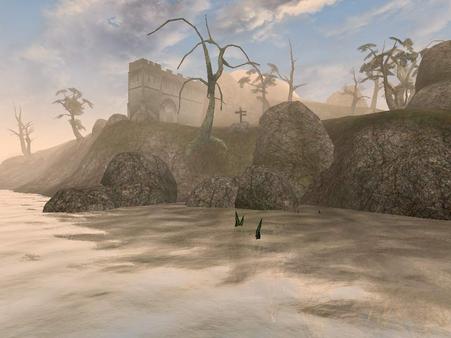
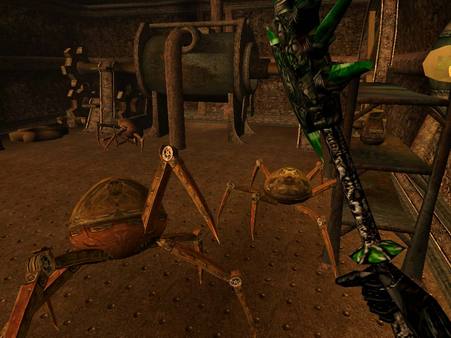
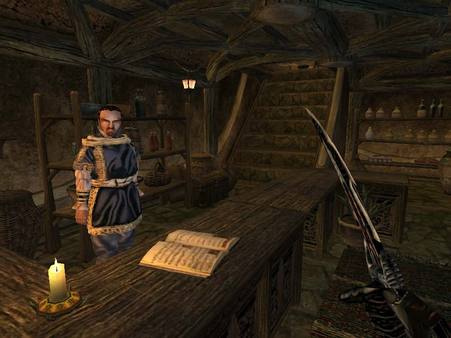
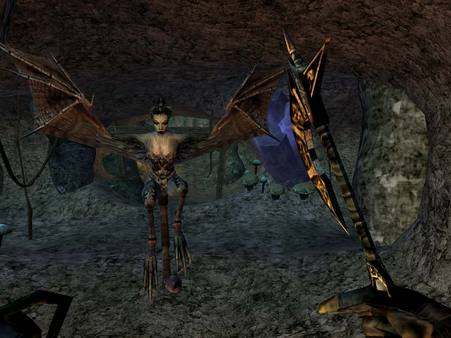
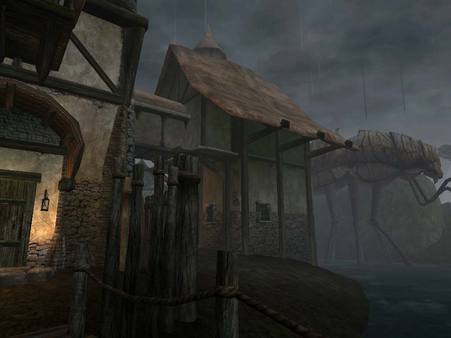
First-person WRPG and third mainline entry in the Elder Scrolls franchise in which the player arrives in the island of Vvardenfell, an exotic land plagued by disease-carrying storms and ruled by a godly Tribunal, in the Morrowind province of Tamriel, and takes part in the prophecy foretelling the second coming of Nerevar, who will supposedly save Morrowind from malicious clans both within and outside Vvardenfell.
Informations complémentaires
| Developers | Bethesda Game Studios |
|---|---|
| Publishers | Bethesda Softworks LLC, Ubisoft Entertainment, ZeniMax Media |
| Genres | Adventure, RPG |
| Platform | Steam |
| Languages | English |
| Date de sortie | 2002-04-29 |
| Steam | Oui |
| Classification par âge | PEGI 12 |
| Note métacritique | 89 |
| Limites régionales | 6 |
Windows
- OS
- Windows ME/98/XP/2000
- Processor
- 500 MHz Intel Pentium III, Celeron, or AMD Athlon
- Memory
- 256 MB
- Graphics
- 32MB Direct3D Compatible video card with 32-bit color support and DirectX 8.1
- DirectX®
- 8.1
- Hard Drive
- 1GB free hard disk space
- Sound
- DirectX 8.1 compatible sound card
This is the Russian version of the game.Buy this product only if you understand the risk and at your own responsibility!
Russian IP address is required to activate the key on Steam!Use a Russian VPN to do so. (Quick & Easy Instructions here)
If you experience any issues redeeming the key, follow these instructions:
Open your Steam client, and log in to your account,
in the Steam settings, choose Account tab, then Manage Steam Guard Account Security and deauthorize all other devices,
close Steam client, and then start your VPN app,
open Steam client and login to your account. In your account details, update your store country to match your VPN location,
redeem the key in Steam.
Russian IP address is required to activate the key on Steam!Use a Russian VPN to do so. (Quick & Easy Instructions here)
If you experience any issues redeeming the key, follow these instructions:
Open your Steam client, and log in to your account,
in the Steam settings, choose Account tab, then Manage Steam Guard Account Security and deauthorize all other devices,
close Steam client, and then start your VPN app,
open Steam client and login to your account. In your account details, update your store country to match your VPN location,
redeem the key in Steam.
Jeux similaires






Articles récemment consultés

Avis
Il n'y a pas encore d'avis.