



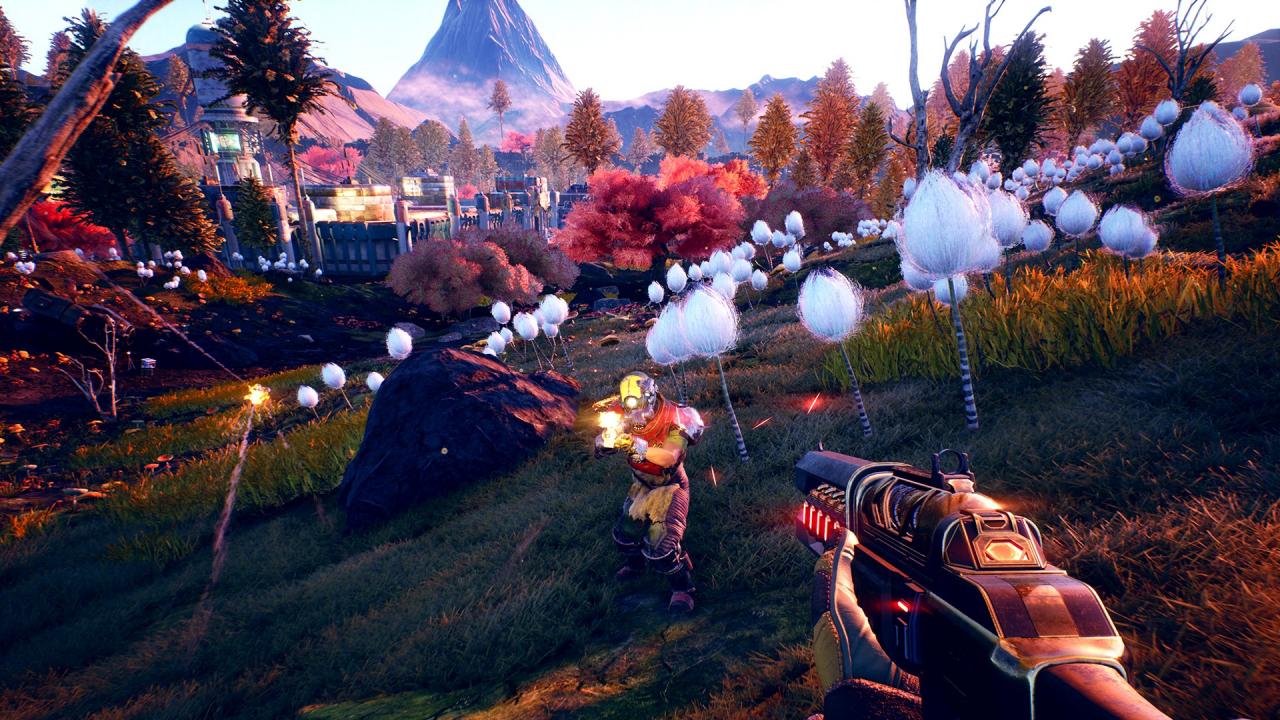
The Outer Worlds EU Windows 10 CD Key
د.ت 89,663
En stock
The Outer Worlds EU Windows 10 CD Key, un produit numérique de qualité.
Livraison instantanée et support client dédié sur TuniGamers !
En stock
- Livraison instantanée (la clé est instantanément envoyée à votre adresse e-mail)
- Paiement sécurisé (Le paiement est sûr et sécurisé)
- Support (Nous sommes là pour vous aider en cas de besoin)
Description
The Outer Worlds EU Windows 10 CD Key est un produit de qualité disponible sur TuniGamers.
Profitez d’une livraison rapide et d’un support client exceptionnel pour tous vos besoins numériques.
Pourquoi choisir TuniGamers ?
- Prix imbattables : Des produits numériques aux meilleurs tarifs en Tunisie.
- Livraison instantanée : Recevez vos clés ou produits immédiatement après achat.
- 100% sécurisé : Profitez de produits authentiques pour toutes les plateformes.
- Support client exceptionnel : Une équipe disponible pour répondre à vos besoins.
Informations complémentaires
| Genres | Action, Adventure, FPS, Open World, RPG, Story rich |
|---|---|
| Platform | Other |
| Languages | English |
| Date de sortie | 2019-10-25 |
| Classification par âge | PEGI 18 |
| Note métacritique | 82 |
| Limites régionales | 1 |
Windows
OS: Windows 7 (SP1) 64bit
CPU: Intel Core i3-3225 or AMD Phenom II X6 1100T
RAM: 4GB
GPU: Nvidia GTX 650 Ti or AMD HD 7850
HDD Space: 40GB
In order to use the key follow the instruction below:
Go to https://www.xbox.com
Login to your account
Hover over your account link (the top right of the screen) a menu will appear, click on the "Redeem Code" button.
On the next page, click "Redeem"
Enter your code
Click "Confirm"
Click "Confirm" again to assign the key to your account.
In order to download and install your game on Windows 10 follow the instructions below:
Using your Microsoft account, sign in to the PC where you want to install your games.
On the Start screen, select the Store icon.
In the Store, select Games from the menu.
Browse and select the game you want to install.
Go to https://www.xbox.com
Login to your account
Hover over your account link (the top right of the screen) a menu will appear, click on the "Redeem Code" button.
On the next page, click "Redeem"
Enter your code
Click "Confirm"
Click "Confirm" again to assign the key to your account.
In order to download and install your game on Windows 10 follow the instructions below:
Using your Microsoft account, sign in to the PC where you want to install your games.
On the Start screen, select the Store icon.
In the Store, select Games from the menu.
Browse and select the game you want to install.
Jeux similaires






Articles récemment consultés

Avis
Il n'y a pas encore d'avis.