



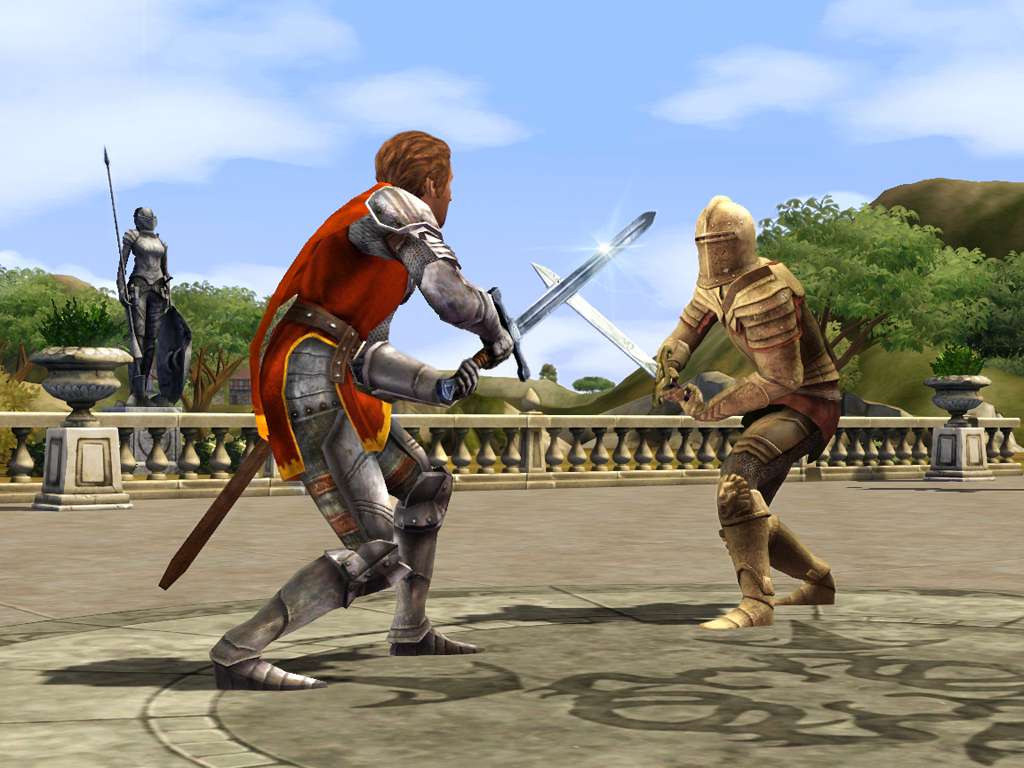



The Sims Medieval EN Language Only EA App CD Key
The Sims Medieval EN Language Only EA App CD Key, un produit numérique de qualité.
Livraison instantanée et support client dédié sur TuniGamers !
- Livraison instantanée (la clé est instantanément envoyée à votre adresse e-mail)
- Paiement sécurisé (Le paiement est sûr et sécurisé)
- Support (Nous sommes là pour vous aider en cas de besoin)
Description
Les Sims retournent dans le temps et deviennent médiévaux ! Les Sims Medieval prend Les Sims au Moyen Âge avec toutes les nouvelles fonctionnalités, de nouveaux graphismes et de nouvelles façons de jouer. Pour la première fois, les joueurs peuvent créer des héros, s’aventurer dans des quêtes et construire un royaume. Dans une ancienne terre d’aventure, de théâtre et de romance, les joueurs pourront obtenir médiéval comme jamais auparavant. Caractéristiques Un monde vivant de Sims à l’ère de l’aventure, du théâtre et de la romance Graphiques améliorés, éclairage, animations, et plus réaliste Sims Créez des héros, développez leurs compétences et envoyez-les dans des quêtes épiques Les quêtes animent votre royaume L’histoire – Bien ou mal, cruel ou gentil, romantique ou guerrière Ambitions du Royaume – Choisissez un objectif ambitieux pour votre royaume et travaillez pour l’atteindre. Votre royaume sera – t – il le plus riche, le plus éclairé, le conquérant ou le pacifiste? Le choix est à vous.
The Sims Medieval EN Language Only EA App CD Key est un produit de qualité disponible sur TuniGamers.
Profitez d’une livraison rapide et d’un support client exceptionnel pour tous vos besoins numériques.
Pourquoi choisir TuniGamers ?
- Prix imbattables : Des produits numériques aux meilleurs tarifs en Tunisie.
- Livraison instantanée : Recevez vos clés ou produits immédiatement après achat.
- 100% sécurisé : Profitez de produits authentiques pour toutes les plateformes.
- Support client exceptionnel : Une équipe disponible pour répondre à vos besoins.
Informations complémentaires
| Genres | Life Simulation |
|---|---|
| Platform | EA App |
| Languages | English |
| Date de sortie | 2013-05-09 |
| Classification par âge | PEGI 12 |
| Note métacritique | 77 |
| Limites régionales | 3 |
Jeux similaires






Avis
Il n'y a pas encore d'avis.