
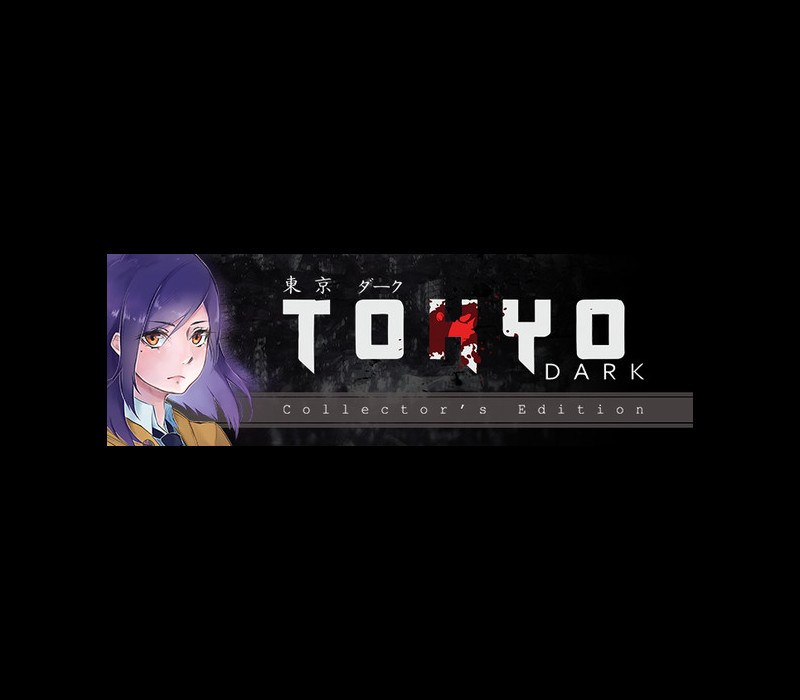


Tokyo Dark Collector’s Edition Steam CD Key
د.ت 28,261
Rupture de stock
Rupture de stock
- Livraison instantanée (la clé est instantanément envoyée à votre adresse e-mail)
- Paiement sécurisé (Le paiement est sûr et sécurisé)
- Support (Nous sommes là pour vous aider en cas de besoin)
Description
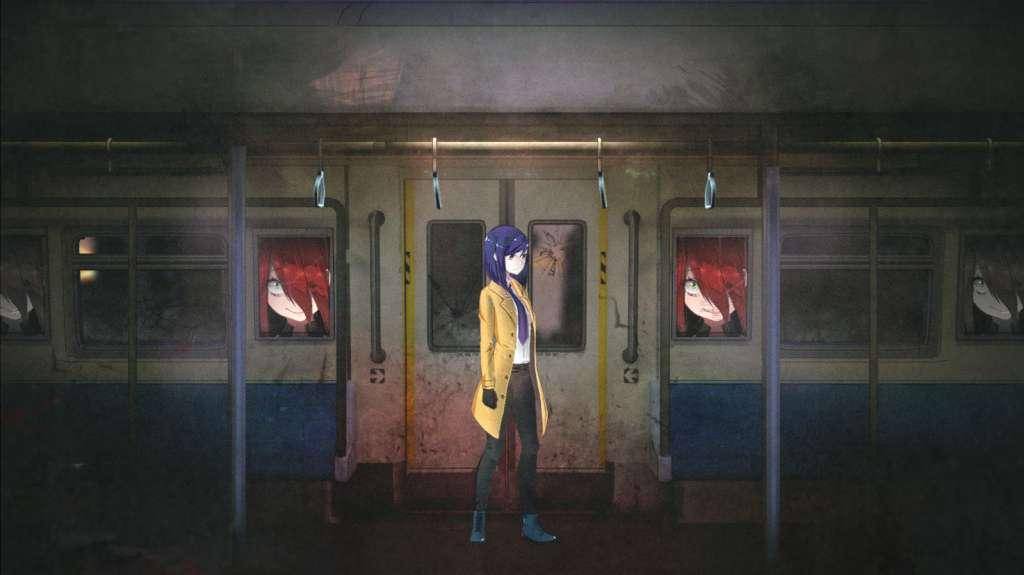
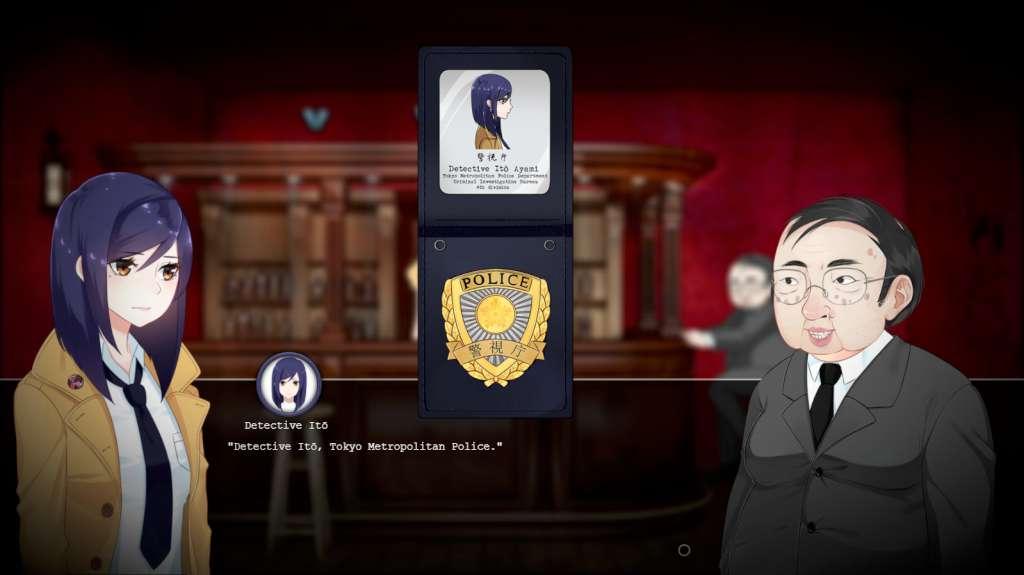
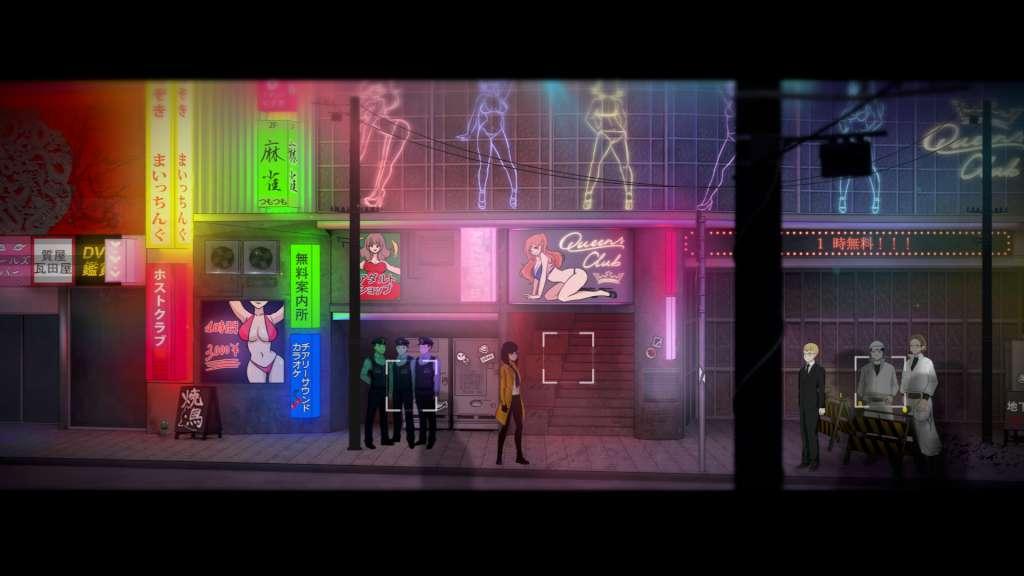
Tokyo Dark is an anime-style horror adventure game combining point and click and visual novel genres. The story follows Detective Itō accross Tokyo, searching for the truth behind her partner's strange disappearance. Featuring puzzles, stat management, and difficult decisions, Tokyo Dark puts the narrative in the hands of the player. Players' decisions change their character, opening or locking options and leading to multiple endings.
Informations complémentaires
| Developers | Cherrymochi |
|---|---|
| Publishers | Square Enix Collective |
| Genres | Adventure |
| Platform | Steam |
| Languages | English, Japanese |
| Date de sortie | 2017-09-07 |
| Steam | Oui |
| Classification par âge | PEGI 18 |
| Note métacritique | 70 |
| Limites régionales | 3 |
Windows
OS: Windows 7 or above (64-bit Operating System Required)
Processor: AMD Phenom II X2 550, 3.1 GHz or Intel Core i3 3220
Memory: 2 GB RAM
Graphics: AMD Radeon HD 3870 (512 MB) or GeForce 8800 GT (512 MB)
DirectX: Version 9.0c
Storage: 3 GB available space
Go to: http://store.steampowered.com/ and download STEAM client
Click "Install Steam" (from the upper right corner)
Install and start application, login with your Account name and Password (create one if you don't have).
Please follow these instructions to activate a new retail purchase on Steam:
Launch Steam and log into your Steam account.
Click the Games Menu.
Choose Activate a Product on Steam...
Follow the onscreen instructions to complete the process.
After successful code verification go to the "MY GAMES" tab and start downloading.
Click "Install Steam" (from the upper right corner)
Install and start application, login with your Account name and Password (create one if you don't have).
Please follow these instructions to activate a new retail purchase on Steam:
Launch Steam and log into your Steam account.
Click the Games Menu.
Choose Activate a Product on Steam...
Follow the onscreen instructions to complete the process.
After successful code verification go to the "MY GAMES" tab and start downloading.
Jeux similaires






Avis
Il n'y a pas encore d'avis.