

Unhack 2 Steam CD Key
د.ت 13,455
En stock
Unhack 2 Steam CD Key, un produit numérique de qualité.
Livraison instantanée et support client dédié sur TuniGamers !
En stock
- Livraison instantanée (la clé est instantanément envoyée à votre adresse e-mail)
- Paiement sécurisé (Le paiement est sûr et sécurisé)
- Support (Nous sommes là pour vous aider en cas de besoin)
Description
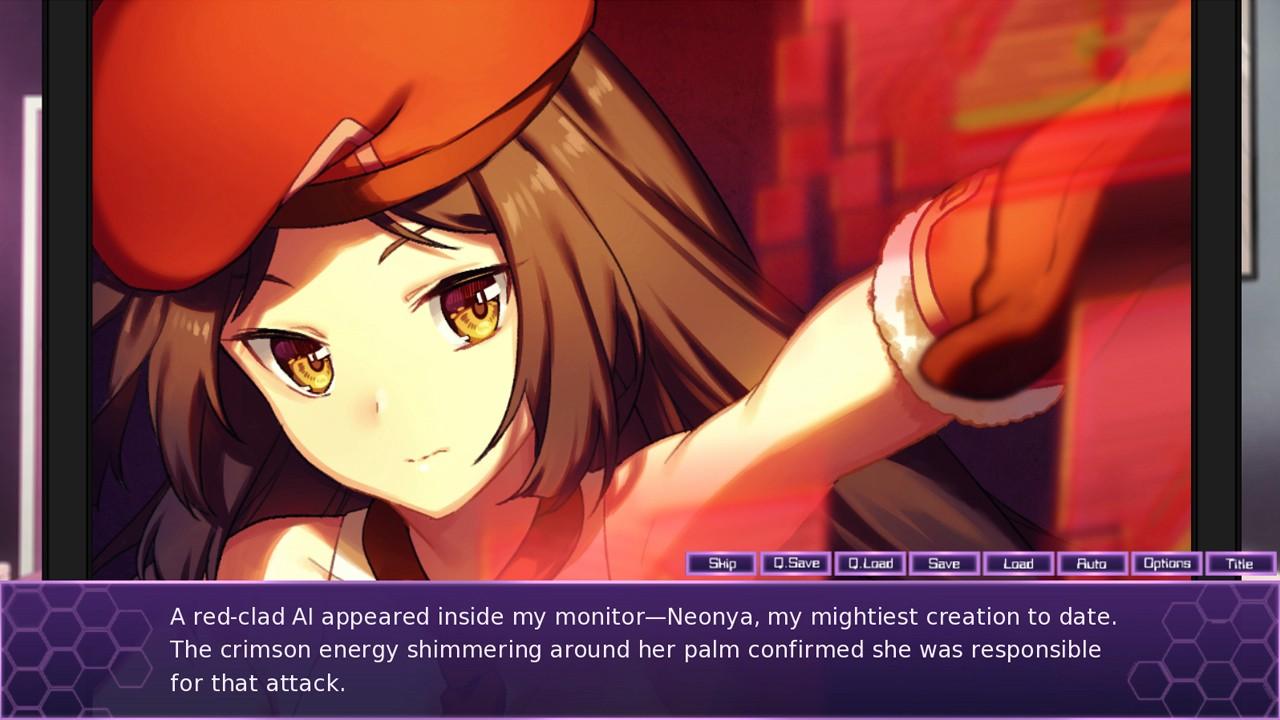
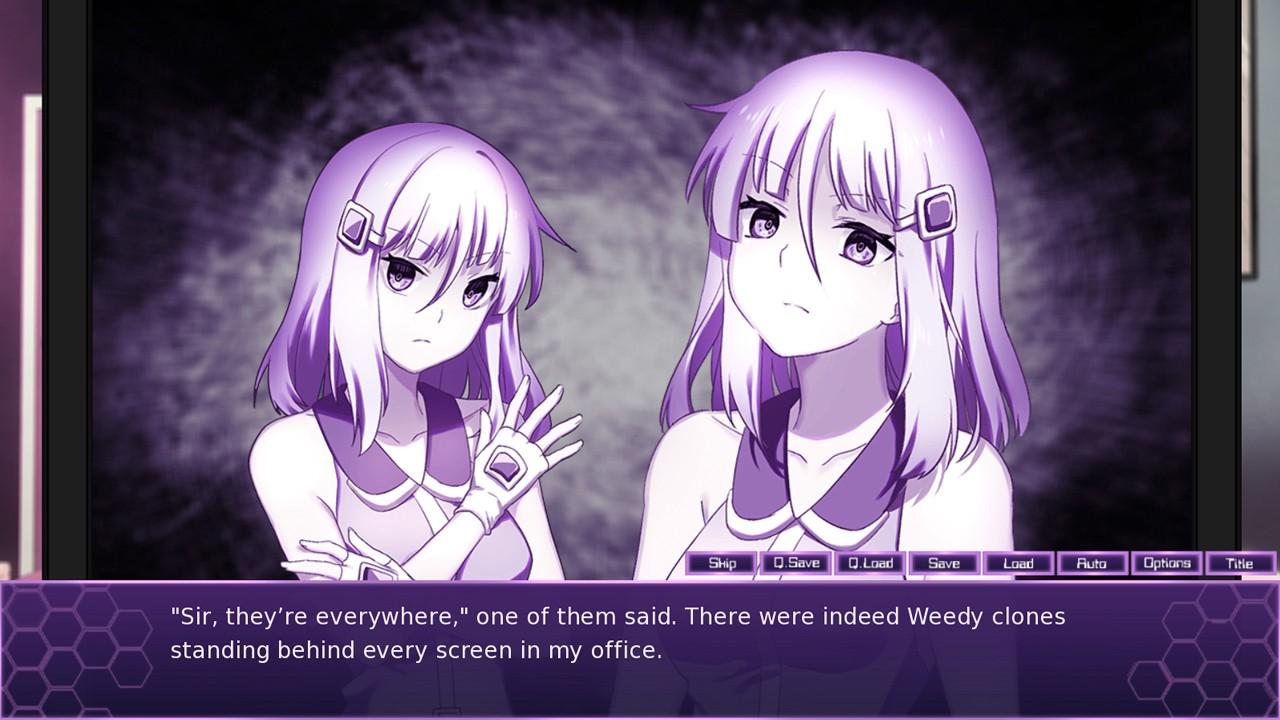
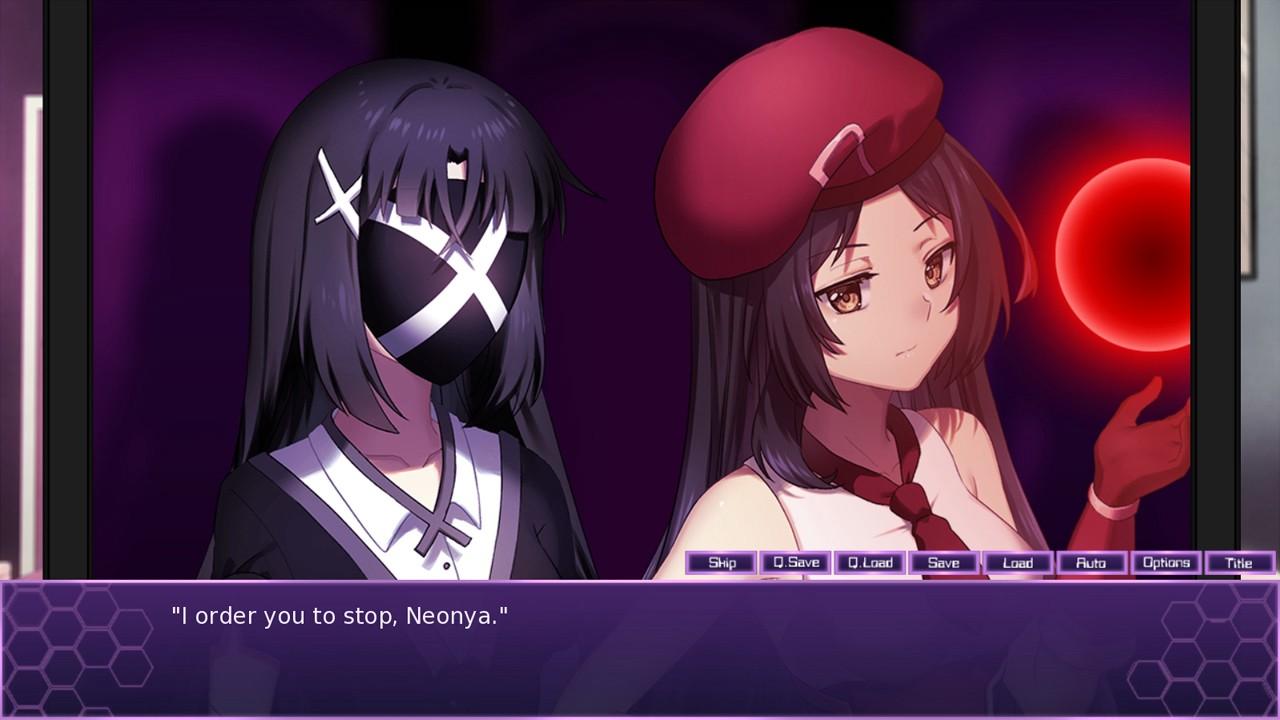
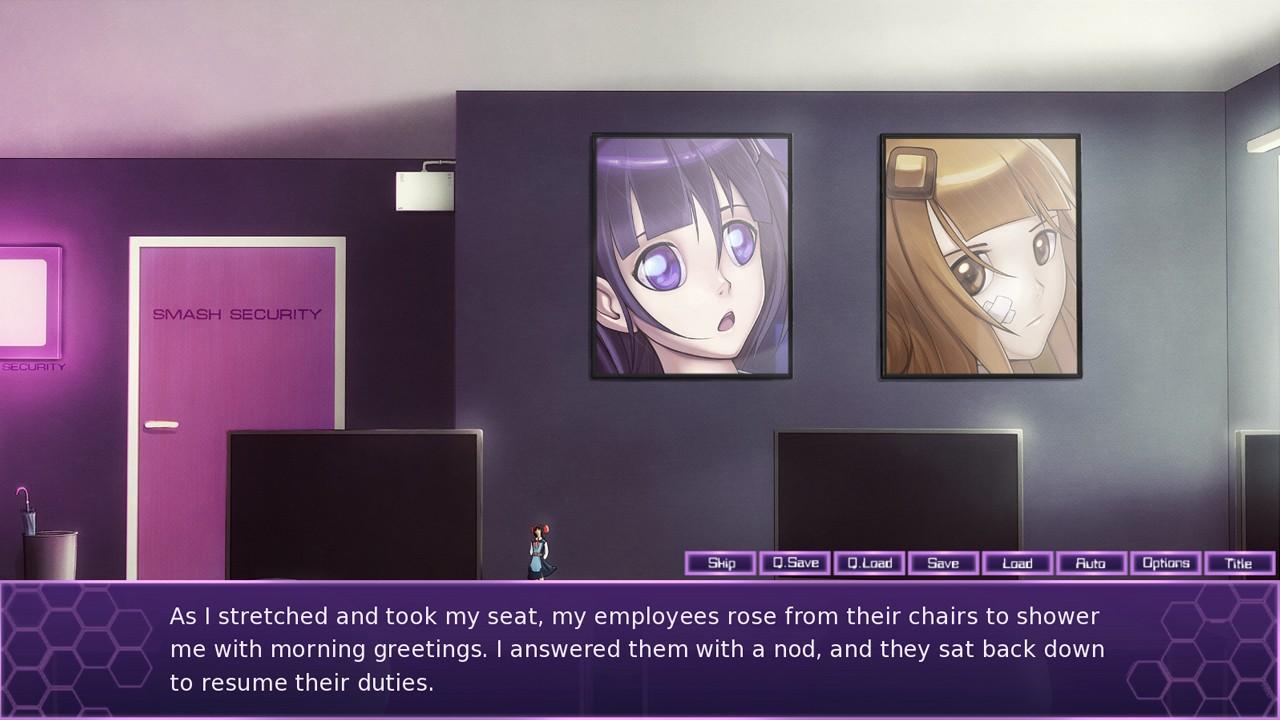
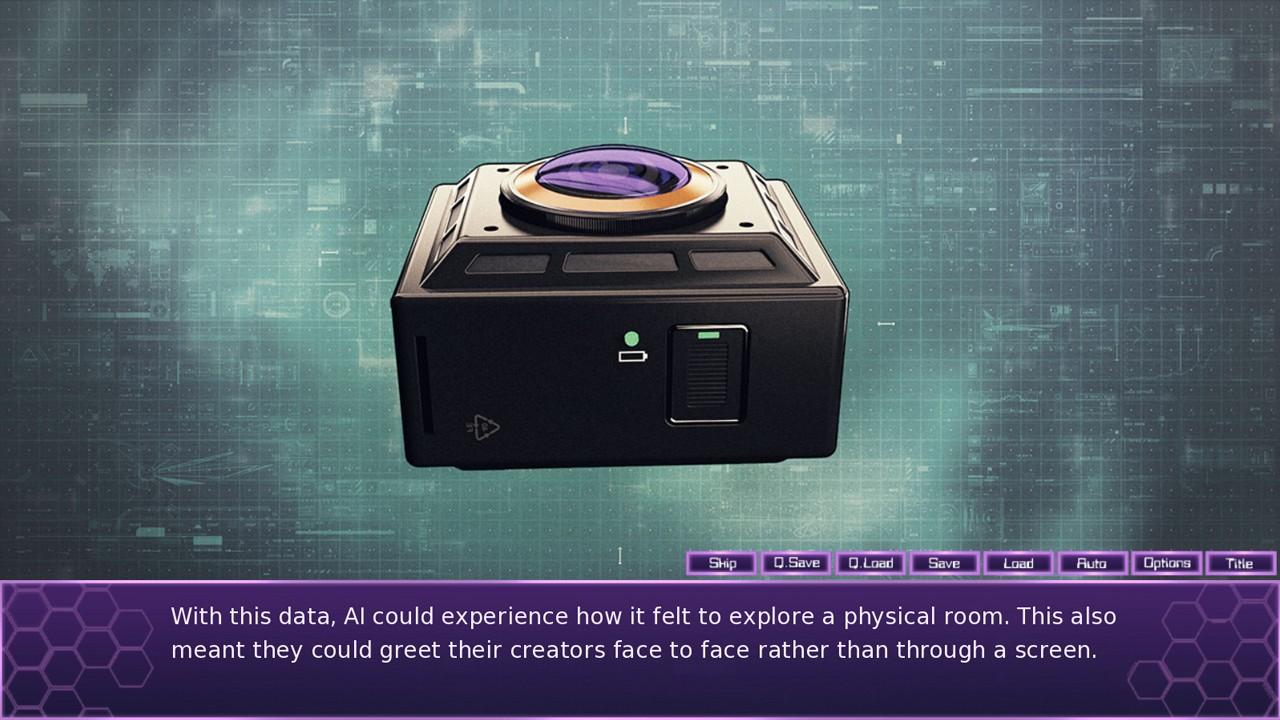
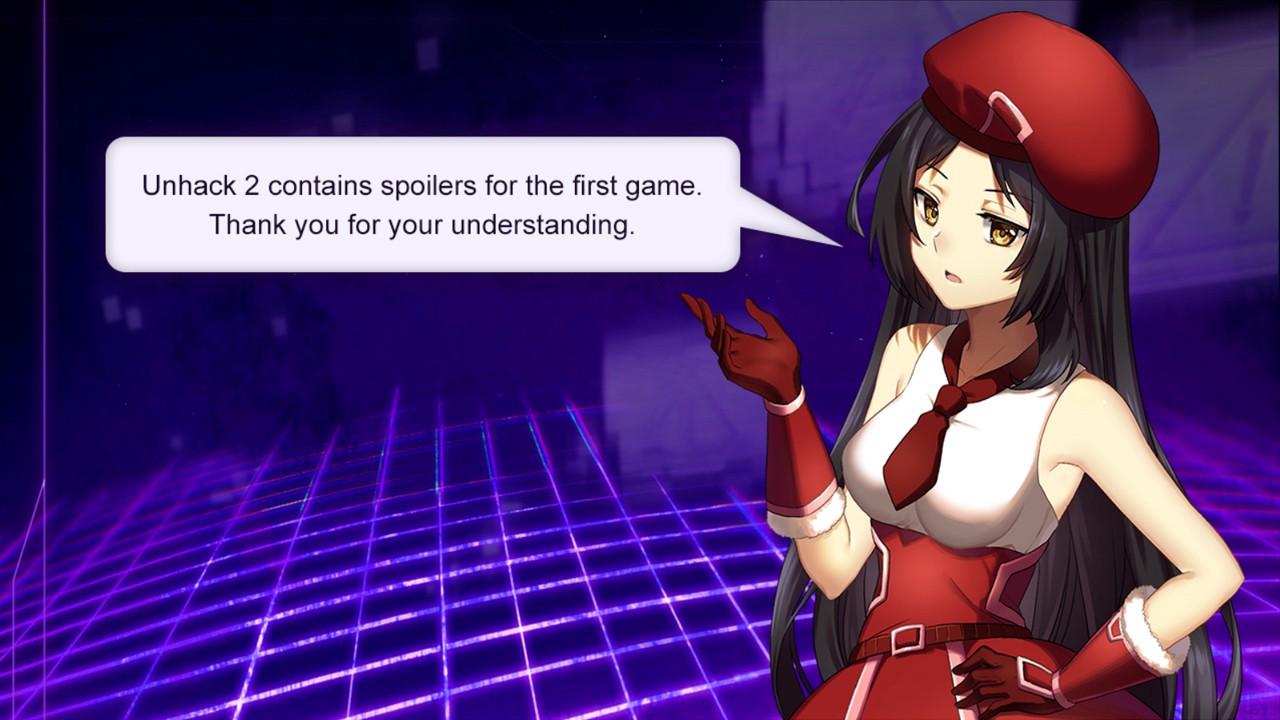
Dans cette suite à Unhack, l’unhacker revient avec son nouveau compagnon AI pour combattre le programme X et ses clones.
Unhack 2 Steam CD Key est un produit de qualité disponible sur TuniGamers.
Profitez d’une livraison rapide et d’un support client exceptionnel pour tous vos besoins numériques.
Pourquoi choisir TuniGamers ?
- Prix imbattables : Des produits numériques aux meilleurs tarifs en Tunisie.
- Livraison instantanée : Recevez vos clés ou produits immédiatement après achat.
- 100% sécurisé : Profitez de produits authentiques pour toutes les plateformes.
- Support client exceptionnel : Une équipe disponible pour répondre à vos besoins.
Informations complémentaires
| Developers | InvertMouse |
|---|---|
| Publishers | InvertMouse |
| Genres | Indie |
| Platform | Steam |
| Languages | English |
| Date de sortie | 2017-01-12 |
| Steam | Oui |
| Limites régionales | 3 |
Windows
- OS
- XP or above
- Processor
- 1.2 GHz Pentium 4
- Memory
- 2 GB RAM
- Graphics
- 1280 x 720
- DirectX
- Version 10
- Storage
- 1 GB available space
Mac
- OS
- OS X 10.6
- Processor
- Any 64 bit processor
- Memory
- 2 GB RAM
- Graphics
- 1280 x 720
- Storage
- 1 GB available space
Linux
- OS
- 1.2 GHz Pentium 4
- Memory
- 2 GB RAM
- Graphics
- 1280 x 720
- Storage
- 1 GB available space
Go to: http://store.steampowered.com/ and download STEAM client
Click "Install Steam" (from the upper right corner)
Install and start application, login with your Account name and Password (create one if you don't have).
Please follow these instructions to activate a new retail purchase on Steam:
Launch Steam and log into your Steam account.
Click the Games Menu.
Choose Activate a Product on Steam...
Follow the onscreen instructions to complete the process.
After successful code verification go to the "MY GAMES" tab and start downloading.
Click "Install Steam" (from the upper right corner)
Install and start application, login with your Account name and Password (create one if you don't have).
Please follow these instructions to activate a new retail purchase on Steam:
Launch Steam and log into your Steam account.
Click the Games Menu.
Choose Activate a Product on Steam...
Follow the onscreen instructions to complete the process.
After successful code verification go to the "MY GAMES" tab and start downloading.
Jeux similaires






Articles récemment consultés


Avis
Il n'y a pas encore d'avis.