

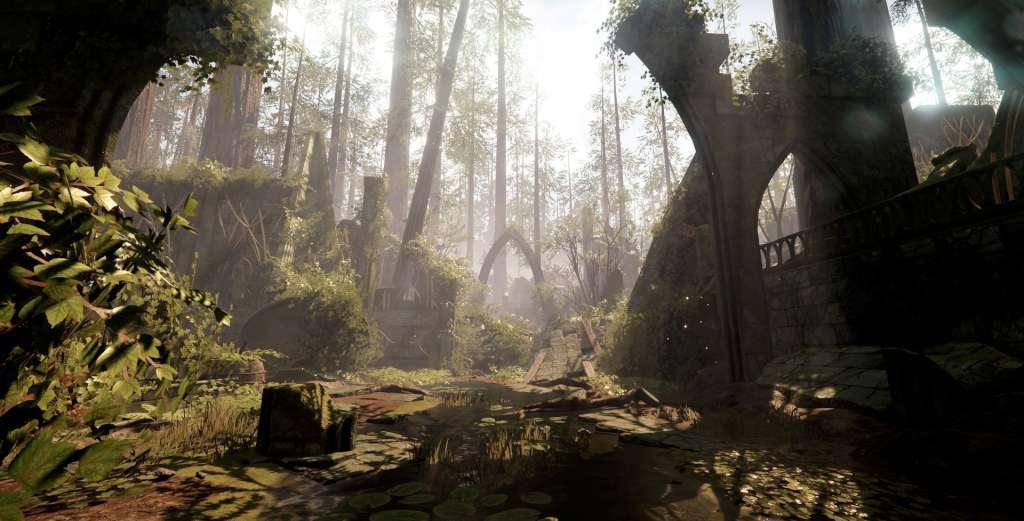
Warhammer: Vermintide 2 BR Steam CD Key
د.ت 15,994
Rupture de stock
Rupture de stock
- Livraison instantanée (la clé est instantanément envoyée à votre adresse e-mail)
- Paiement sécurisé (Le paiement est sûr et sécurisé)
- Support (Nous sommes là pour vous aider en cas de besoin)
Description
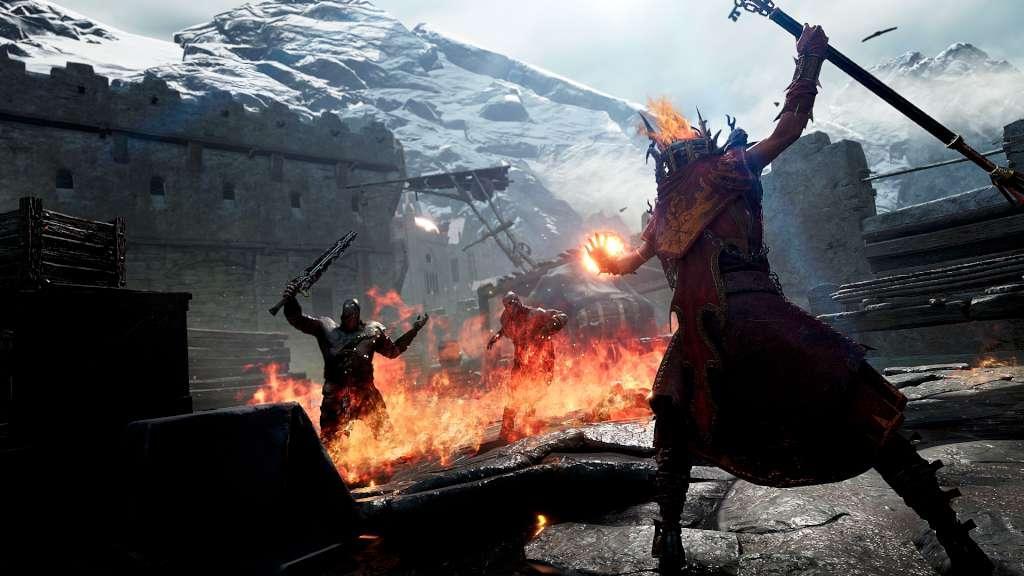
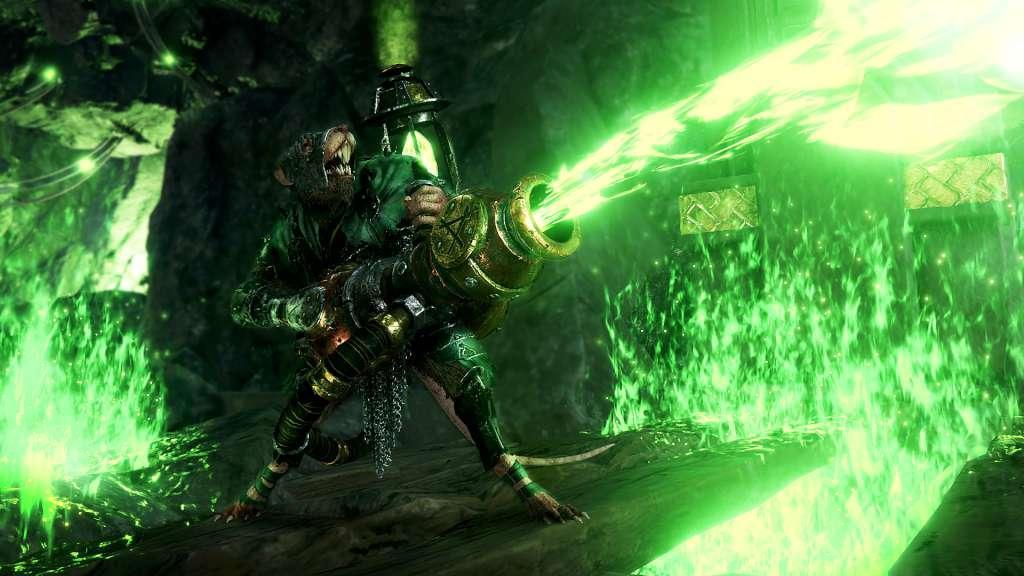
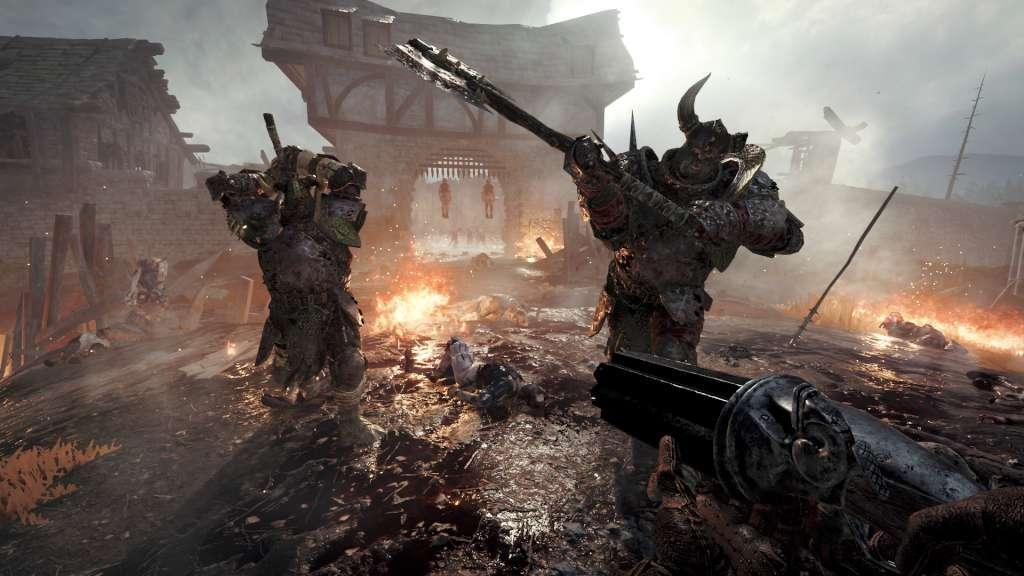
Warhammer: Vermintide 2 is the sequel to the critically acclaimed Vermintide. It’s time for players to return to the memorable first-person co-op experience with intense world class melee action.
Informations complémentaires
| Developers | Fatshark |
|---|---|
| Publishers | Fatshark |
| Genres | Action, Adventure, FPS, RPG |
| Platform | Steam |
| Languages | English, French, German, Italian, Polish, Portuguese – Brazil, Russian, Spanish |
| Date de sortie | 2018-03-08 |
| Steam | Oui |
| Classification par âge | PEGI 18 |
| Note métacritique | 82 |
| Limites régionales | 15 |
Windows
Requires a 64-bit processor and operating system
- OS
- 64-bit Windows 7, 64-bit Windows 8 (8.1) or 64-bit Windows 10
- Processor
- Intel Core i5-2300 @ 2.80 GHz / AMD FX-4350 @ 4.2 GHz
- Memory
- 6 GB RAM
- Graphics
- NVIDIA GeForce GTX 460 or AMD Radeon HD 5870
- DirectX
- Version 11
- Network
- Broadband Internet connection
- Storage
- 45 GB available space
Additional Notes: *WARNING: These requirements are preliminary and might change
Go to: http://store.steampowered.com/ and download STEAM client
Click "Install Steam" (from the upper right corner)
Install and start application, login with your Account name and Password (create one if you don't have).
Please follow these instructions to activate a new retail purchase on Steam:
Launch Steam and log into your Steam account.
Click the Games Menu.
Choose Activate a Product on Steam...
Follow the onscreen instructions to complete the process.
After successful code verification go to the "MY GAMES" tab and start downloading.
Click "Install Steam" (from the upper right corner)
Install and start application, login with your Account name and Password (create one if you don't have).
Please follow these instructions to activate a new retail purchase on Steam:
Launch Steam and log into your Steam account.
Click the Games Menu.
Choose Activate a Product on Steam...
Follow the onscreen instructions to complete the process.
After successful code verification go to the "MY GAMES" tab and start downloading.
Jeux similaires






Avis
Il n'y a pas encore d'avis.