Steam DLC
Buy Steam DLC to add expansions, characters, maps, missions or other content to compatible PC games. Prices appear in Tunisian dinars or your selected currency, and the product page states the region, edition and delivery method.
Before buying: account, region and product guidance
Identify the required base game
DLC is normally not a standalone game. Confirm that the main title is already in your Steam library, that its edition is compatible and that the add-on is the exact content you intend to buy.
Check the Steam region and format
The DLC region must follow the rules of your account and base game. A key, gift or account uses a different process; do not assume that these formats are interchangeable.
Checks before buying
- Confirm the base game and its edition.
- Verify Steam as the required platform.
- Compare the region with your account and game.
- Review the included content and instructions.
Steam DLC and PC game expansions
Steam DLC adds content to a specific version of a required base game; it does not replace that game. Before buying an expansion in Tunisia, compare platform, edition, region and listed prerequisites. A season pass, virtual currency pack and story expansion do not necessarily contain the same items.
Frequently asked questions about Steam DLC
Does the DLC include the main game?
No, unless a bundle is stated explicitly. DLC by itself normally requires ownership of the compatible game.
Does Steam DLC work with a game from another platform?
No. The content usually requires the same platform and a compatible edition of the base game.
Can I activate DLC from another region?
Only when the product page, account and main game conditions all support that region.
-
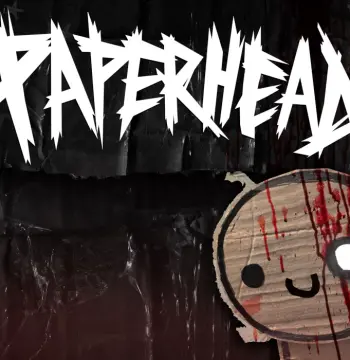 PAPERHEAD - Supporter Pack DLC PC Steam CD Key
د.ت 20.190
Available -
 Crusader Kings III - Chapter IV DLC PC Steam CD Key
د.ت 211.470
Available -
 Puzzle - Soundtrack PC Steam CD Key
د.ت 7.050
Available -
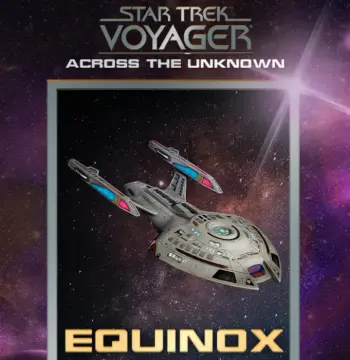 Star Trek: Voyager - Across the Unknown - Equinox DLC EU PC Steam CD Key
د.ت 36.750
Available -
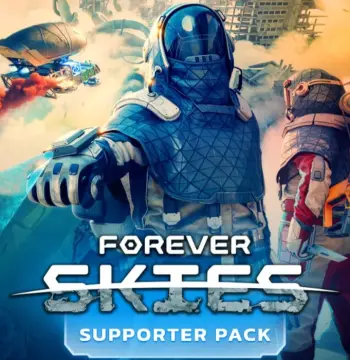 Forever Skies - Supporter Pack DLC PC Steam CD Key
د.ت 28.200
Available -
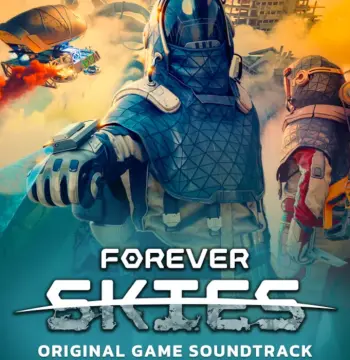 Forever Skies - Original Soundtrack DLC PC Steam CD Key
د.ت 28.200
Available -
 Hunt: Showdown 1896 - Zhong Kui DLC EU PC Steam CD Key
د.ت 23.470
Available -
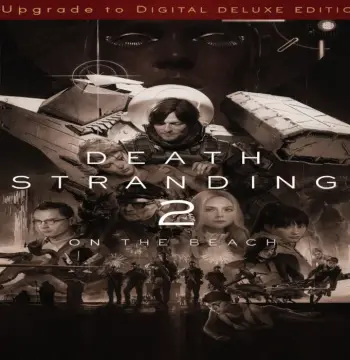 Death Stranding 2: On the Beach Upgrade to Digital Deluxe Edition Edition DLC PC Steam CD Key
د.ت 29.840
Available -
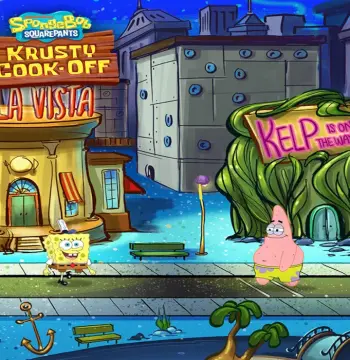 SpongeBob: World 3 - New Kelp City! DLC PC Steam CD Key
د.ت 16.920
Available -
 Hacker Evolution - Hardcore Package Part 2 DLC PC Steam CD Key
د.ت 5.510
Available -
 Dead Cells - The Bad Seed DLC NA PC Steam CD Key
د.ت 11.180
Available -
 Dead by Daylight - Darkness Among Us DLC PC Steam CD Key
د.ت 16.980
Available
Related categories
Compare Steam product formats
Choose between games and DLC, Steam Wallet credit, or account-delivery offers before ordering.