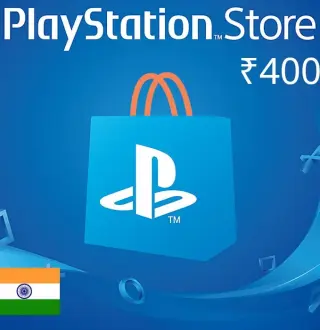
- Digital delivery Orders are processed after payment confirmation and any required checks. Delivery time depends on the offer and supplier processing. Method: Digital code.
- Clear offer details Type, platform, and region shown before purchase.
- Secure payment Your data is protected during checkout.
Prepaid or gift card
Digital code
PlayStation Network INR 2000 Gift Card IN
Check activation compatibility
Region shown: Asia. Check the eligible countries and any currency conditions for your PlayStation Network account.
Check the exact country and currency specified for this card. A broad label such as Europe or Global is not proof that it works with your account. If the country is missing or the details conflict, contact support before paying.
Your price
د.ت 115.170
Available
- Platform
- PlayStation 4
- Activation service
- PlayStation Network
- Edition
- Edition not specified
- Region
- Asia
Digital prepaid card or credit. The code is delivered digitally. View the product details on TuniGamers.
Before you order
Check before buying
- Confirm the service and the amount and currency of the credit. The displayed selling price is not the card’s face value.
- Check the card’s country restrictions and the country and currency of the account that will redeem it. Some services also require you to be in the issuing country.
- Check the stated delivery format and the service’s redemption rules before paying; do not assume it is a game or a transferable balance.
Incompatible digital products are not refundable after delivery.
Check the region of the platform account that will use this product; your IP alone is not enough. Wrong-region purchases are not refundable. Region changes or VPN use may violate platform rules and are entirely at your risk.
- Secure payment
- Digital fulfilment
- 24/7 support