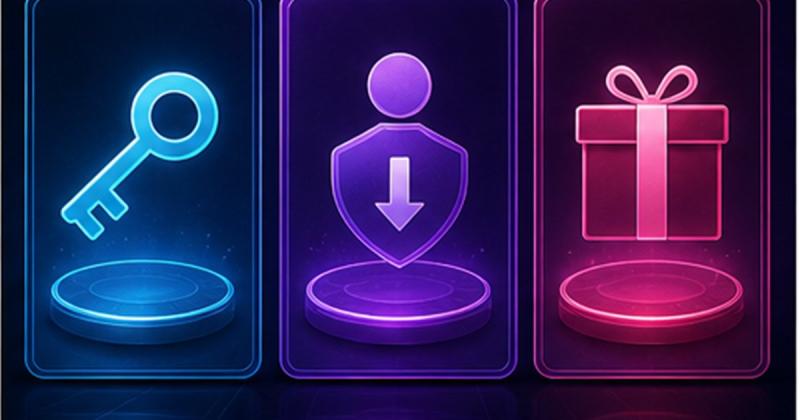
When buying Steam credit from Tunisia, start with the receiving account rather than the cheapest card. Then compare offers whose conditions clearly fit that account. The price paid in Tunisian dinars is not the amount added to the wallet: a card worth ten units and an offer priced at ten TND describe different things.
Three purchases with different purposes
A game key grants the stated product, a wallet code adds credit, and an account offer is a different delivery format. A game name alone is not enough to identify what you are buying. Read the full title, product type and delivery instructions before comparing prices. Wallet credit may not help if the game is unavailable to your account.
Check an offer in four steps
- Open your own Steam Account Details and note the store country and displayed currency.
- Compare the TuniGamers offer’s credit value, currency, explicitly supported countries and delivery format.
- Check the game’s current price in your own Steam store and how much credit you actually need.
- If restrictions are vague or contradictory, ask for confirmation before paying or revealing a code.
Why USD, EUR or “Global” is not enough
A currency does not uniquely identify a country. We do not treat USD, EUR or Global as a guarantee for every Tunisian account. The exact offer restrictions still matter. Compare like-for-like values and uses; a tiny foreign-currency denomination is not necessarily better value simply because its TND price is lower.
After delivery
- Redeem a wallet code on Steam’s official gift-card and wallet-code page, not the game-key activation screen.
- Check which account is signed in before confirming, then inspect its wallet balance.
- If redemption fails, retain the order reference and an error screenshot with the code hidden; ask support instead of repeatedly trying.
Keep your account private
Do not share a password or Steam Guard code. Artificially changing country is not a compatibility check. If no offer clearly fits, wait for clarification instead of testing a purchase. When buying a gift, ask the recipient for the relevant non-sensitive account information before ordering.
Compare available Steam offers and use the activation guides. Current availability and the payable price come from the product page and cart, not a static article.
Frequently asked questions
Is the TND price the Steam credit amount?
No. The selling price in dinars and the credit value in its currency are different amounts.
Will any USD card work with my account?
Currency alone does not prove compatibility. Check your account and the exact offer conditions.
Should I buy a key or wallet credit?
A key activates the stated product. Credit funds purchases in your account’s store; compare the intended use first.
Updated 07 Sep 2026
Sources
Related Posts

The Blood of Dawnwalker Armor Proficiency Guide 2026: How to Fix Heavy Armor Penalties
The Blood of Dawnwalker armor proficiency determines when Medium Armor and Heavy Armor stop draining stamina and slowing you down. Here’s how the Swordmastery skill tree works, what to unlock first, and how to avoid costly mistakes.

A game leaves Game Pass: what happens to DLC and saves?
Separate catalogue departure from subscription expiry before deciding what to buy or keep.

Reinstall Windows 11: protect files, activation and BitLocker keys
Prepare recovery without confusing repair, wiping a drive and buying another Windows licence.

Steam Cloud conflicts and Xbox saves: protect your progress
Identify the correct save and verify synchronisation before playing on another device.

Fortnite: identify your Epic account before linking a console
Find the account holding your progress and items before changing a console connection.